
HomeKit
ESP8266 HomeKit Garden Light EX
The extended garden light: an outdoor fixture with a mains lamp on a relay, a NeoPixel strip for coloured light, and a 3D-printed housing for a motion sensor, on a board left over from the fountain project.
- ESP8266
- HomeKit
- Safety notes
- 3 min read
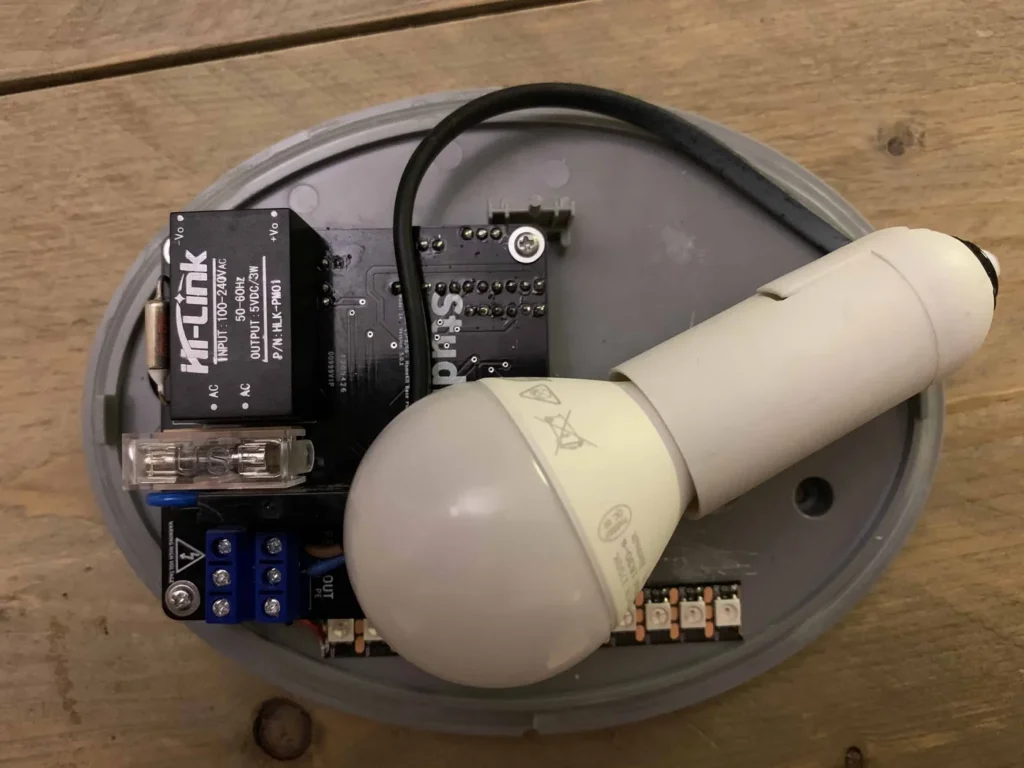
An outdoor light fitting turned into a HomeKit accessory with two kinds of light: the normal E14 lamp, switched by a relay, and a NeoPixel strip for coloured ambience light, controlled on its own from the Home app.
This is the extended version, which comes with a housing for a motion sensor. The plain version is ESP8266 HomeKit Garden Light.
The idea came after the successful fountain light project. A few of its printed circuit boards were left over, so the same board went into a garden light, to build out the atmosphere in the garden further.
High voltage
The board is connected to 230 V and switches a mains-powered lamp. It is built into an outdoor fixture. Only build this if you know how to work safely on mains wiring, and disconnect the power before you open the fixture.
What it does
| Feature | Details |
|---|---|
| Lamp, “NeoPixel Strip” | A 12-LED strip for coloured light: on and off, brightness, hue and saturation. It is separate from the standard light |
| Switch | Switches the E14 lamp on mains voltage through a relay, the standard light of the fixture |
| Button | A single press toggles the relay. A double or triple press does nothing |
| Long press | 4 seconds. Nothing happens |
| Identify | The strip flashes pink in three groups of three, together with the on-board LED |
| Updates | Over the air, through Life Cycle Manager 2 |
| No cloud | Control stays on your own network |
Hardware
| Component | Notes |
|---|---|
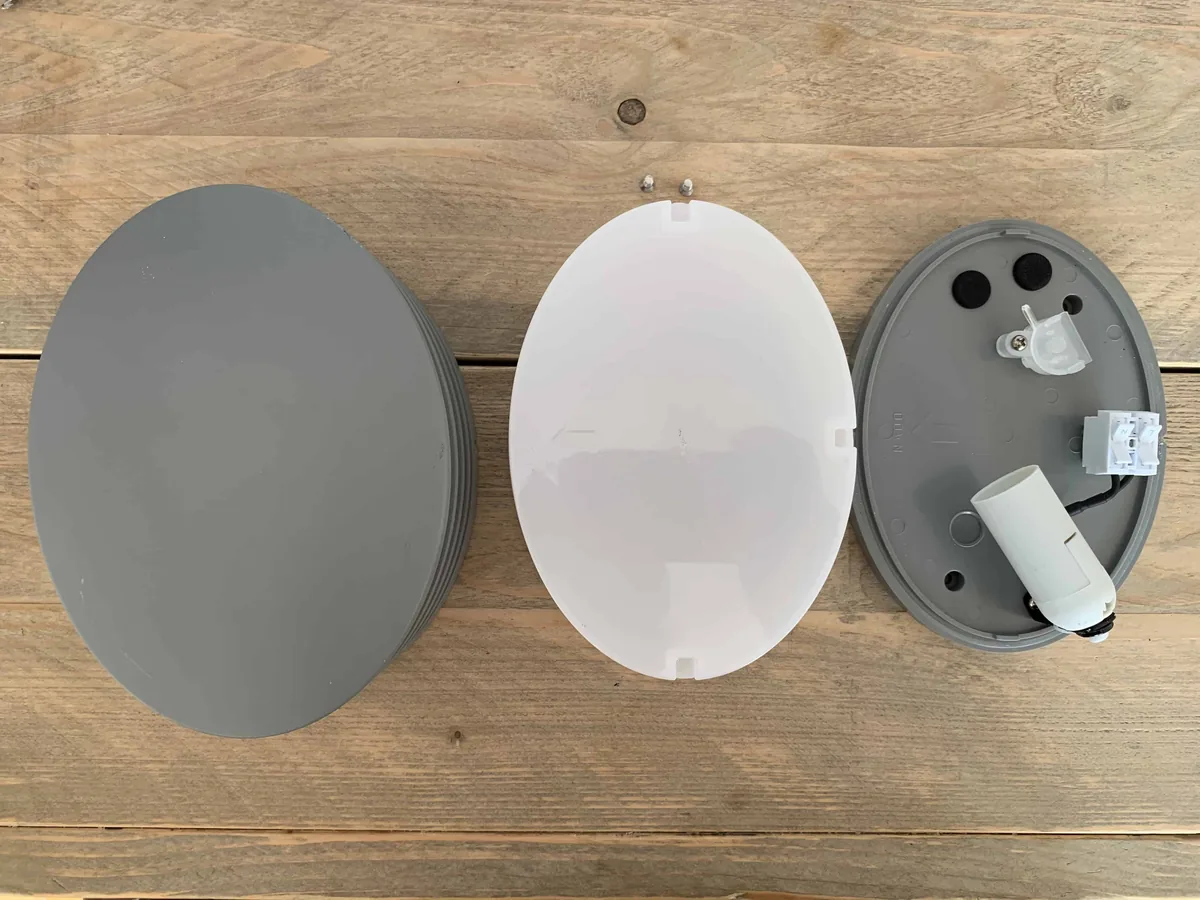
| Outdoor fixture | A grey oval fitting, with a front cover, a white diffuser and a base with an E14 lamp holder |
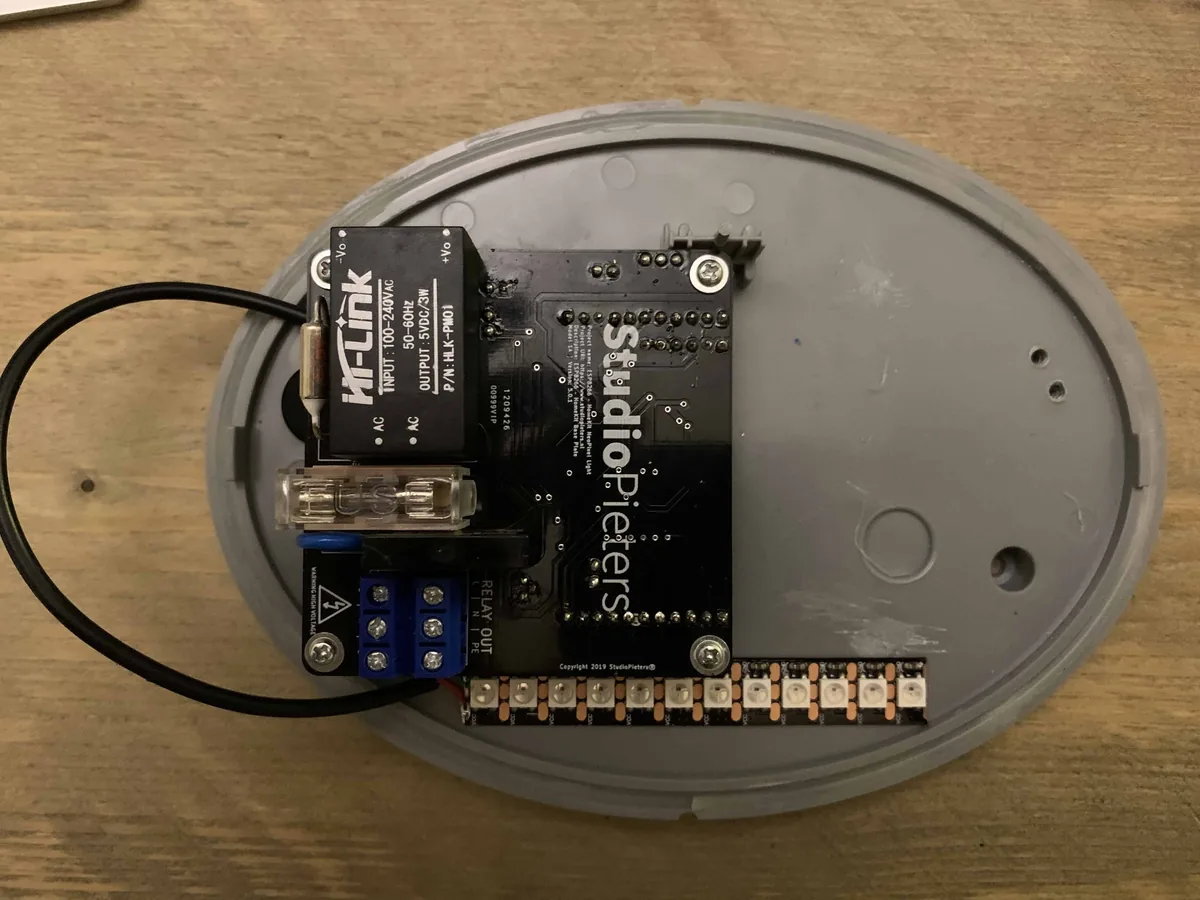
| Controller board | The StudioPieters board from the fountain project, with an ESP-12 type module, a Hi-Link HLK-PM01 power module, a fuse holder and blue screw terminals |
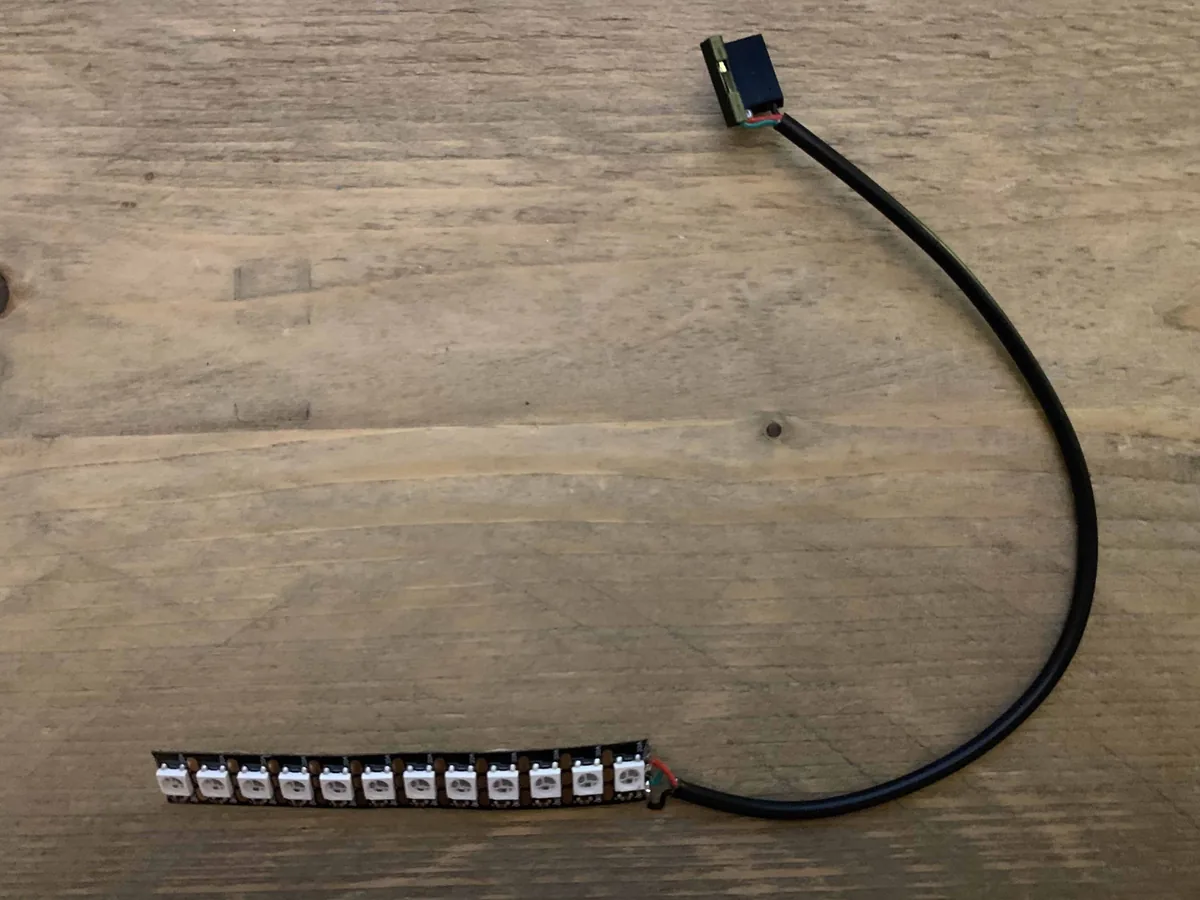
| NeoPixel strip | 12 WS2812B LEDs on a strip with a cable. See the NeoPixels WS2812B guide |
| E14 lamp | The standard light, switched by the relay |
Pins
| Function | ESP8266 pin |
|---|---|
| Relay (E14 lamp) | GPIO12 |
| Button | GPIO0, active high |
| On-board LED | GPIO2 |
| NeoPixel strip | The I²S output, through the ws2812_i2s driver |
These come from the firmware source in the src folder of the repository. The relay is switched active-high. See the ESP8266 pinout for the module.
The motion sensor housing
The extended version comes with a housing for a motion sensor. It is a square housing in two parts, modelled as HC501 motion sensor v6, with an opening on top for the sensor. The sensor itself goes inside the housing. It is a separate HomeKit motion sensor, like the ESP8266 HomeKit Motion Sensor, that you link to the light with a HomeKit automation.
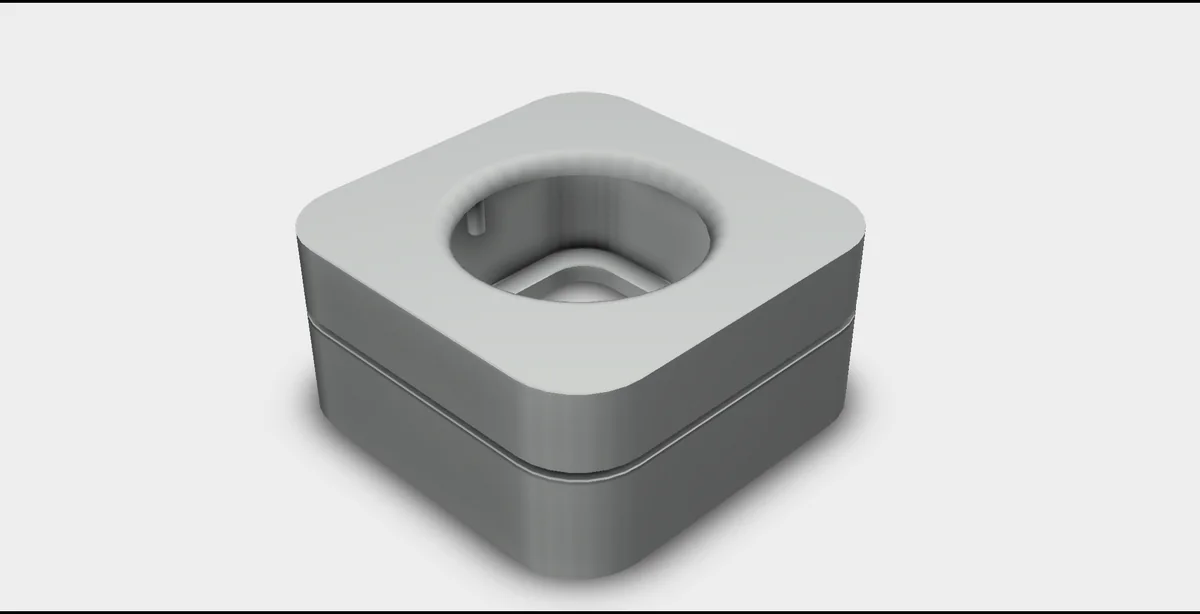
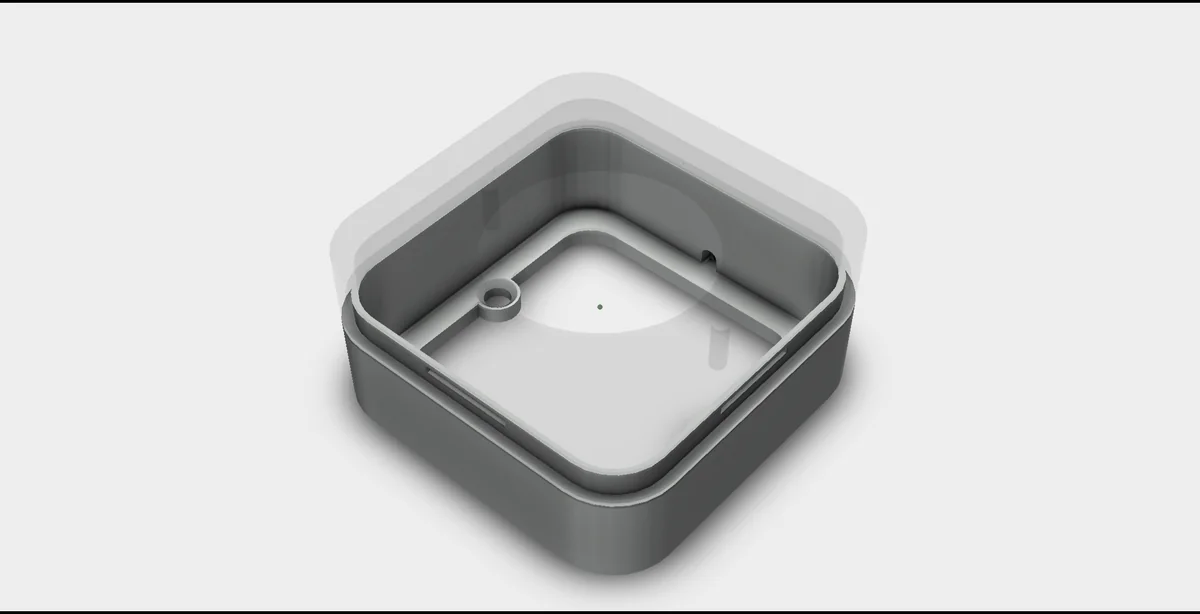
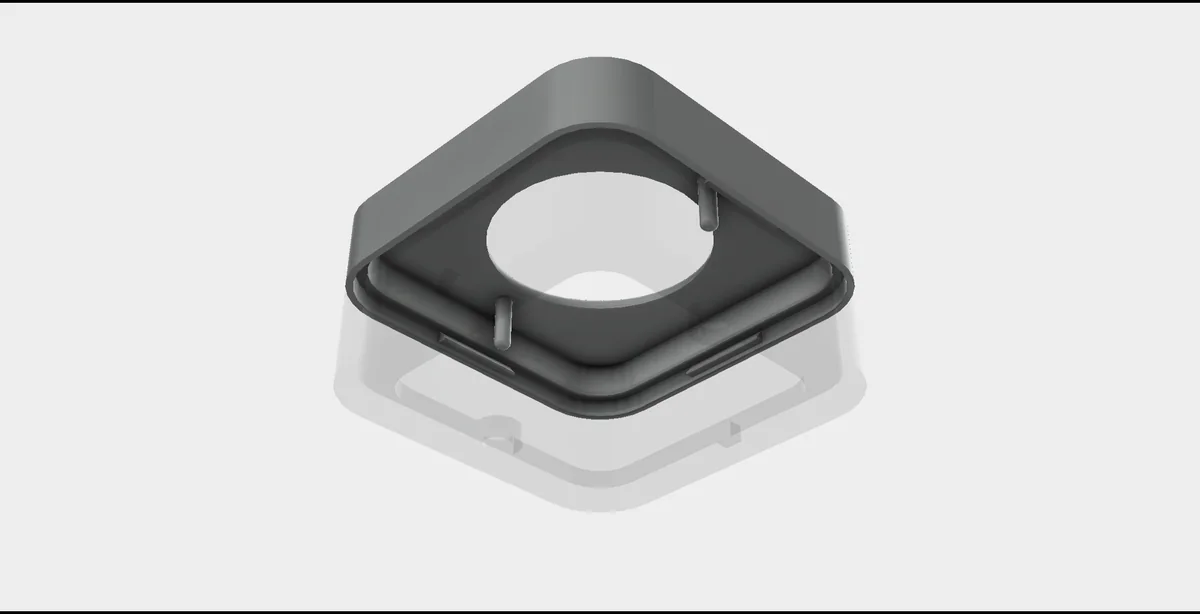
The repository contains images of the housing, not the model file.
Flash and install
The installation is the same as for the other ESP8266 HomeKit accessories on this site. The firmware runs on ESP-Open-RTOS with Life Cycle Manager 2, which sets up the WiFi and installs updates over the air. The full steps, from installing esptool to flashing, joining the LCM- WiFi network and pairing, are in ESP8266 HomeKit Blinds.
In the portal, use these values:
| Field | Value |
|---|---|
| OTA repository | AchimPieters/ESP8266-HomeKit-Garden-Light-EX |
| OTA binary file | main.bin |
When the installation is done, scan the QR code the device generates in the Home app to add it.
Firmware releases
| Version | Date | Notes |
|---|---|---|
| 0.0.2 | 12 April 2020 | Minor fixes |
| 0.0.1 | 11 April 2020 | First release |
Each release has a main.bin and a signature file, main.bin.sig.
Good to know
- The HomeKit Accessory Protocol specification the firmware follows is the non-commercial version, for accessories you build yourself and do not distribute or sell.
- The repository is under the MIT licence. The HomeKit setup code is set in the firmware source, so change it to your own.
Everything is in the ESP8266-HomeKit-Garden-Light-EX repository on GitHub.
Related
 HomeKit
ESP8266 HomeKit Fountain Light
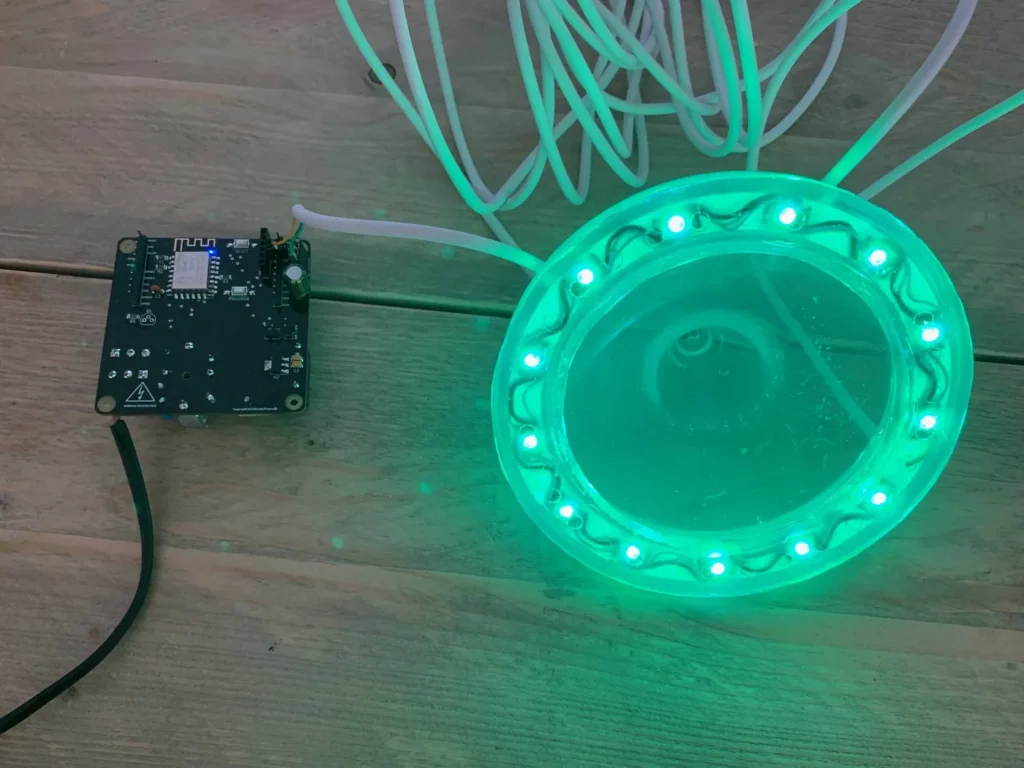
A HomeKit controller for a stone water feature: a ring of 16 colour LEDs cast in resin and a 230 V pond pump switch, on a custom KiCad board that was designed, produced and tested from scratch.
Read more
HomeKit
ESP8266 HomeKit Fountain Light
A HomeKit controller for a stone water feature: a ring of 16 colour LEDs cast in resin and a 230 V pond pump switch, on a custom KiCad board that was designed, produced and tested from scratch.
Read more
 HomeKit
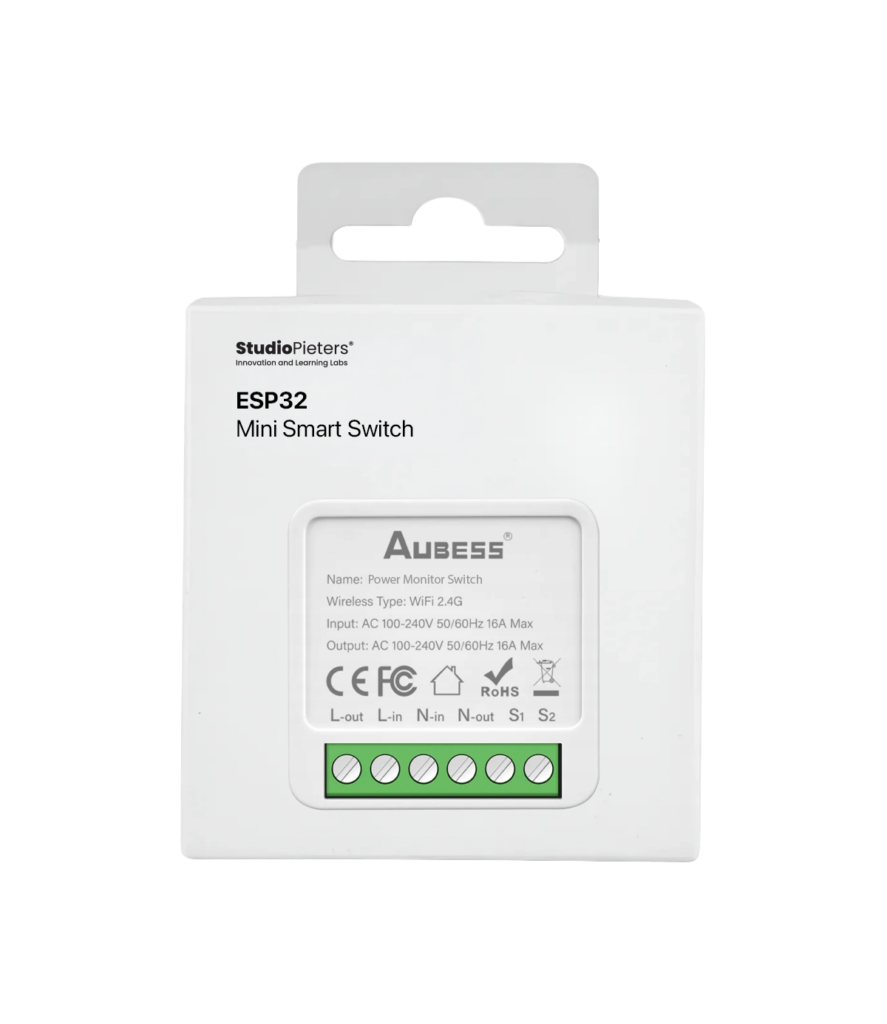
ESP32 Mini Smart Switch with Monitor
For the hobby developer who wants full control over their smart hardware, the Aubess Power Monitor Switch is an excellent starting point.
Read more
HomeKit
ESP32 Mini Smart Switch with Monitor
For the hobby developer who wants full control over their smart hardware, the Aubess Power Monitor Switch is an excellent starting point.
Read more
 HomeKit
 LED Strip Using 3 Standard Modules
* This project is featured on Instructables
Read more
HomeKit
HomeKit LED Strip Using 3 Standard Modules
* This project is featured on Instructables
Read more
More HomeKit
Keep building.
Switches, sensors, plugs and blinds: more accessories that you build yourself and add to the Home app.
All HomeKit