
HomeKit
ESP8266 HomeKit NeoPixel Light Strip EX with Effects
The extended NeoPixel strip for the Home app: an EX light and an FX light with more effects, with firmware for a strip of 72 or 144 LEDs.
- ESP8266
- HomeKit
- 2 min read
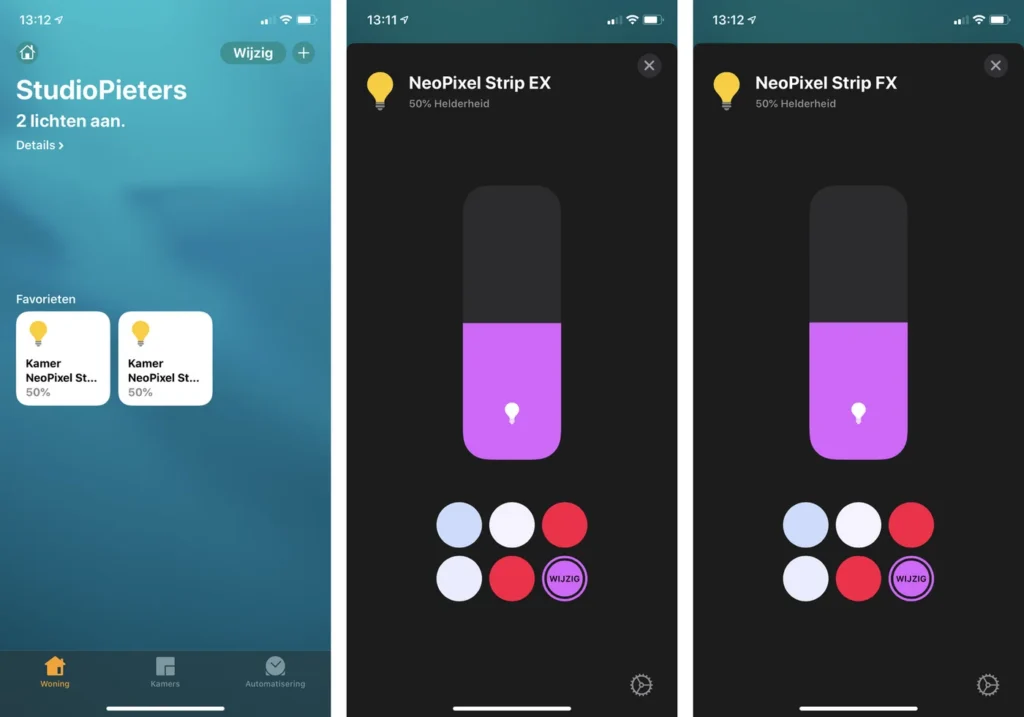
The extended version of the NeoPixel light strip. It gives the strip two lights in the Home app: NeoPixel Strip EX, and NeoPixel Strip FX, which comes with more effects. Both have the usual brightness slider and colour choices.
The plain version is ESP8266 HomeKit NeoPixel Light Strip.
Pick the firmware for your strip
The strip comes in two lengths, and each has its own firmware build:
| File | For a strip of |
|---|---|
| main72.bin | 72 LEDs |
| main144.bin | 144 LEDs |
Every file comes with a signature file, for example main72.bin.sig.
Hardware
The repository has no wiring diagram and no source code. For a WS2812 strip on an ESP8266, with the power supply, buttons and capacitors, see the wiring diagram in ESP8266 HomeKit NeoPixel Light Strip. The NeoPixels WS2812B guide explains how the addressable LEDs work, and the ESP8266 pinout describes the module. A long strip draws a lot of current, so size the power supply for the strip length you choose.
Flash and install
The installation is the same as for the other ESP8266 HomeKit accessories on this site. The firmware runs on ESP-Open-RTOS with Life Cycle Manager 2, which sets up the WiFi and installs updates over the air. The full steps, from installing esptool to flashing, joining the LCM- WiFi network and pairing, are in ESP8266 HomeKit Blinds.
In the portal, use these values:
| Field | Value |
|---|---|
| OTA repository | AchimPieters/ESP8266-HomeKit-NeoPixel-Light-Strip-EX |
| OTA binary file | main72.bin or main144.bin, matching your strip |
When the installation is done, scan the QR code the device generates in the Home app to add it.
Firmware releases
| Version | Date | Notes |
|---|---|---|
| 0.0.2 | 12 December 2020 | Minor bug fixes |
| 0.01 (as tagged) | 18 November 2019 | Initial release |
Both releases contain main72.bin and main144.bin, each with a signature file.
Good to know
- The HomeKit Accessory Protocol specification the firmware follows is the non-commercial version, for accessories you build yourself and do not distribute or sell.
- The screenshots show the Home app with a Dutch interface.
- The repository is under the MIT licence.
Everything is in the ESP8266-HomeKit-NeoPixel-Light-Strip-EX repository on GitHub.
Related
 HomeKit
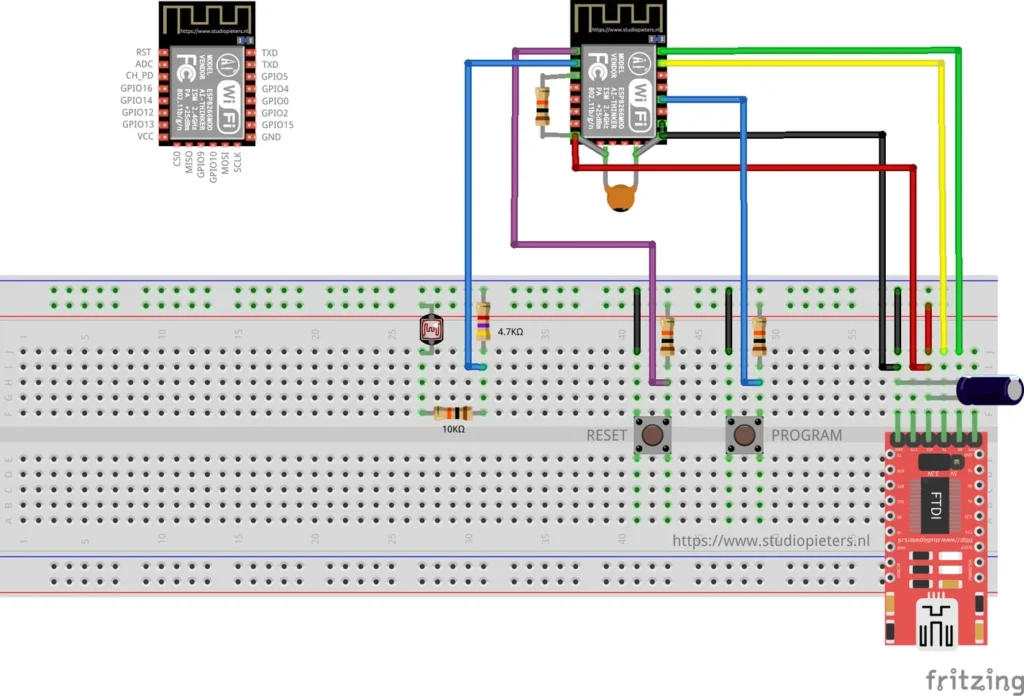
ESP8266 HomeKit Light Sensor Test with an LDR
A very simple test of an LDR on the analog input of an ESP8266 as a HomeKit light sensor, and why it does not give useful measurements.
Read more
HomeKit
ESP8266 HomeKit Light Sensor Test with an LDR
A very simple test of an LDR on the analog input of an ESP8266 as a HomeKit light sensor, and why it does not give useful measurements.
Read more
 HomeKit
LSC Smart Plug Versions 1 and 2 with an ESP8266
The LSC Smart Connect power plug as a HomeKit outlet: version 1 runs the firmware as it is, version 2 needs its module replaced with an ESP-02S.
Read more
HomeKit
LSC Smart Plug Versions 1 and 2 with an ESP8266
The LSC Smart Connect power plug as a HomeKit outlet: version 1 runs the firmware as it is, version 2 needs its module replaced with an ESP-02S.
Read more
 HomeKit
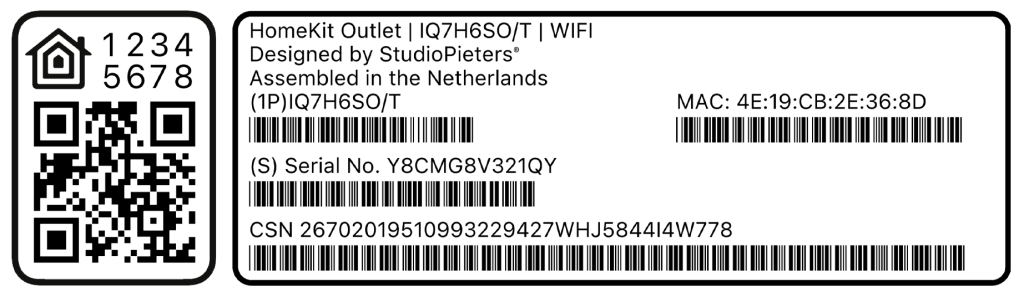
Guide to ESP32 HomeKit QR Codes
An elegant tool to generate a full HomeKit pairing label, complete with a scannable QR code, setup code, MAC address and barcoded serials, so provisioning an ESP32 HomeKit accessory looks as polished as a real Apple-certified product.
Read more
HomeKit
Guide to ESP32 HomeKit QR Codes
An elegant tool to generate a full HomeKit pairing label, complete with a scannable QR code, setup code, MAC address and barcoded serials, so provisioning an ESP32 HomeKit accessory looks as polished as a real Apple-certified product.
Read more
More HomeKit
Keep building.
Switches, sensors, plugs and blinds: more accessories that you build yourself and add to the Home app.
All HomeKit