
3D printing
Creality Ender-3 V2: Setup, Settings and Upgrades
Everything I would tell someone with a new Ender-3 V2: what you get, how to build it, the PLA settings to start with, the upgrades that are worth it and the problems you will meet first.
- 3D printing
- Safety notes
- 7 min read
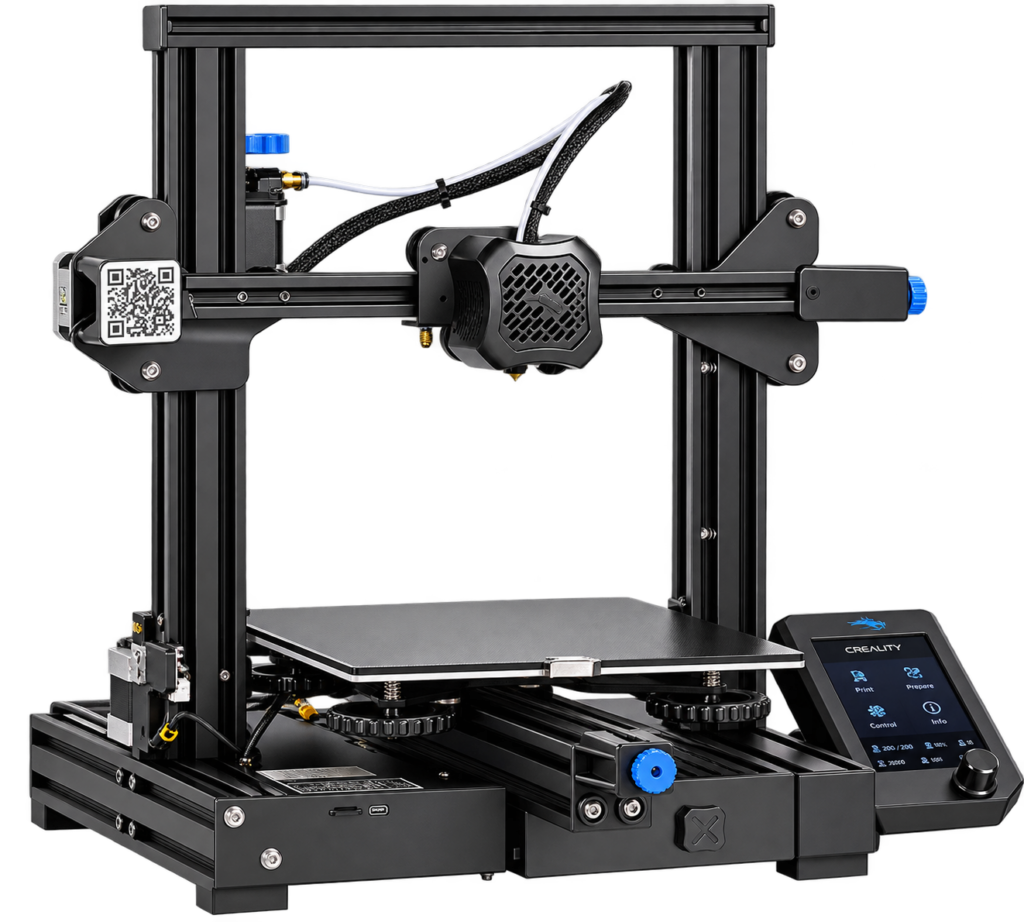
The Creality Ender-3 V2 is one of the most common hobby 3D printers there is. It is cheap, it prints well once it is set up, and almost every part can be replaced or upgraded. It is the printer I used for several projects on this site, like the OctoPrint enclosure and the Apple TV wall mount.
This guide is for anyone who has one, or is thinking about buying one. It covers what you get, how to build it, the settings I would start with, the upgrades that are worth it, and the problems you will meet first.
At a glance
| Type | FDM printer with a Bowden extruder (the motor sits on the frame and pushes the filament through a tube) |
| Build volume | 220 x 220 x 250 mm |
| Size of the printer | About 475 x 470 x 620 mm |
| Nozzle | 0.4 mm, up to 255 °C according to the spec sheets |
| Bed | Heated glass bed with a carborundum coating |
| Mainboard | 32-bit silent mainboard |
| Screen | 4.3 inch colour display with a rotary knob |
| Leveling | Manual, with four knobs and springs under the bed |
| Good to know | Resume after a power cut is built in. There is no filament sensor in the standard version |
The specifications come from Creality’s listings at several shops. A few details differ between listings and production batches, such as the exact stepper drivers, so check what is printed on your own board.
Is it still worth buying?
The Ender-3 V2 is an older model, and Creality has newer printers with automatic bed leveling and faster motion. The V2 is still a good choice if you want to learn 3D printing: it has a huge community, every problem has been solved by someone, and spare parts cost little. If you only want to press print and never touch the machine, a newer printer is less work.
| Good | Not so good |
|---|---|
| Cheap and easy to repair or upgrade | Manual bed leveling, the bed drifts and needs a check now and then |
| Large community, many guides and upgrades | No filament runout sensor in the standard version |
| Quiet enough for a desk, with a clear screen | Bowden extruder, which makes flexible filament harder |
| Prints PLA well straight out of the box | Glass bed is heavy, so very fast printing will ring |
Building it
The Ender-3 V2 comes partly assembled. Putting the rest together takes an evening, mostly the frame, the gantry, the screen and the cables. Take your time with these steps:
- Check the voltage switch on the power supply. It must be set to 230 V in the Netherlands. A wrong setting can damage the printer.
- Square the frame. Fit the upright and the top bar so the frame is at a right angle on a flat table. A twisted frame prints crooked parts.
- Tighten the eccentric nuts. The wheels that run on the aluminium profiles should roll without wobble, but not so tight that the bed or gantry binds. Push the bed gently by hand: no play, no stiffness.
- Tension the belts. They should sound like a low guitar string when you pluck them, not loose and not tight. The knobs on the belt tensioners do this.
- Route the cables so nothing can catch on the moving parts, and push every connector fully in.
- Check the screw terminals of the power supply and the heater cables. Loose terminals heat up, so tighten them once after the first hours of use.
Before the first print
Level the bed
- Heat the bed to the temperature of your filament and home the printer.
- Move the nozzle to each corner and slide a sheet of normal paper between the nozzle and the bed. Turn the knob until the paper drags with a little resistance.
- Go round all four corners twice, then check the middle. Each turn changes the others a little.
- Print a first layer test. The lines should touch each other and be flat, not round and not squashed into the bed.
Slicer settings to start with
I slice in Cura, which has a ready-made Ender-3 V2 profile. These are starting values for PLA, not final numbers. Tune them with a temperature tower and a retraction test for your own filament.
| Setting | Start with |
|---|---|
| Layer height | 0.2 mm |
| Nozzle temperature | 200 to 210 °C |
| Bed temperature | 60 °C |
| Print speed | 50 mm/s |
| Retraction (Bowden) | About 5 mm at 40 mm/s |
| Walls | 2 to 3 (0.8 to 1.2 mm) |
| Infill | 15 to 20 percent for most parts |
For big prints see the printing settings in Part 3 of the Pit Droid series: wall thickness in millimetres, a larger nozzle and bed adhesive spray.
Upgrades that are worth it
You don’t need any upgrade to print. These are the ones that solve a real problem, in the order I would do them:
| Upgrade | What it solves |
|---|---|
| Stiffer bed springs (the yellow ones) | The bed holds its level longer, so you level less often |
| Spring steel sheet with a PEI surface | Parts stick well while hot and come off when the sheet cools or is bent. Replaces the glass bed |
| All-metal hotend or a better PTFE tube | Stops the tube from wearing and lets you print hotter filament such as PETG |
| Filament runout sensor | Stops the print when the filament runs out, so a long print is not wasted |
| Auto bed leveling probe (BLTouch or similar) | Measures the bed for you. Needs firmware that supports it |
| Direct drive extruder | Better with flexible filament and retraction. A bigger job with firmware changes |
| OctoPrint | Start, watch and stop prints from a browser. See my OctoPrint enclosure |
Do one upgrade at a time and print a test after each one. If you change five things and the print gets worse, you won’t know which one it was.
The first problems and how to fix them
| Problem | Likely cause | Fix |
|---|---|---|
| First layer doesn’t stick | Bed too far from the nozzle, dirty bed, bed too cold | Level again, wash the glass with soap and water, use a bed adhesive spray. A thin layer of 3DLac or hair spray works well |
| Thin or gappy layers | Under-extrusion: partly clogged nozzle, tube not pushed against the nozzle, filament too cold | Push the Bowden tube hard against the nozzle, raise the temperature by 5 °C, clean the nozzle |
| Strings between parts | Wet filament, too hot, retraction too low | Dry the filament, lower the temperature, raise retraction a little |
| Layers shift sideways | Loose belt, loose pulley screw, moving too fast | Tighten the belt and the grub screws on the pulleys, lower the speed |
| Wavy walls on the Z axis | Bent lead screw, binding wheels | Check that the Z rod moves smoothly and the eccentric nuts are not too tight |
| Bed temperature jumps | Loose connector or wire | Switch off, unplug the printer and check the wiring |
Fire safety
A 3D printer heats up for hours. Don’t leave it running while you sleep or are out of the house, put it on a non-flammable surface, and keep a smoke detector in the room. Never disable the thermal runaway protection in the firmware.
What I print on it
Several of my projects are printed in PLA on the Ender-3 V2, sliced in Cura: the OctoPrint enclosure and the Apple TV wall mount are two of them. The build volume of 220 x 220 x 250 mm is enough for most of these. For something bigger, like the life-size droid in the Pit Droid series, the designer offers split versions of the parts for smaller beds.
Words explained
- Bowden extruder: the extruder motor sits on the frame and pushes the filament through a PTFE tube to the hotend.
- Retraction: the extruder pulls the filament back a little when the nozzle moves, to stop strings.
- Z offset: the small distance between the nozzle and the bed for the first layer.
- PEI: a surface on a spring steel sheet that filament sticks to when hot.
- Thermal runaway protection: a safety feature that stops heating if the temperature does not behave as expected.
Conclusion
The Ender-3 V2 is a great machine for learning 3D printing: cheap, repairable and well supported. Build it carefully, level the bed, start with the PLA settings above and change one thing at a time. Add upgrades only when a real problem shows you the need for them. If you know how to keep the first layer flat and the belts tight, it will print for years.
Related
 Software
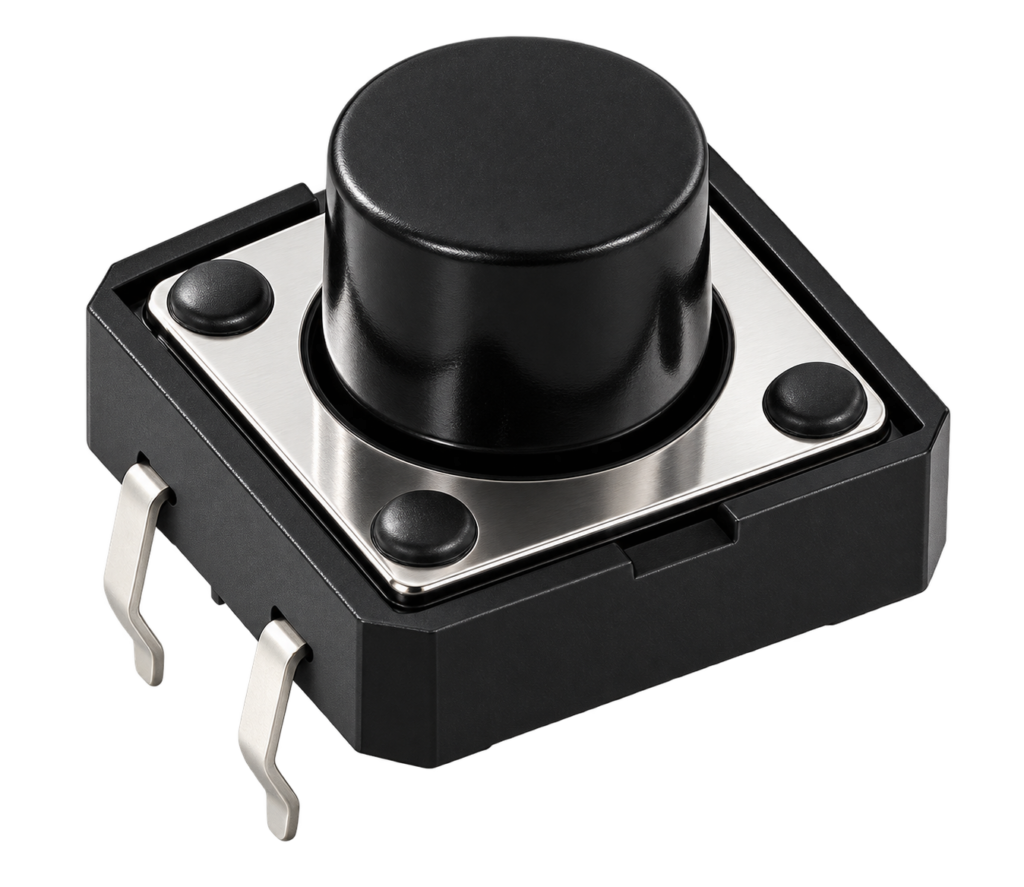
ESP32 Button Library for ESP-IDF
A button library for the ESP32 that reports single, double, triple and long presses through a callback, packaged as an ESP-IDF component.
Read more
Software
ESP32 Button Library for ESP-IDF
A button library for the ESP32 that reports single, double, triple and long presses through a callback, packaged as an ESP-IDF component.
Read more
 3D printing
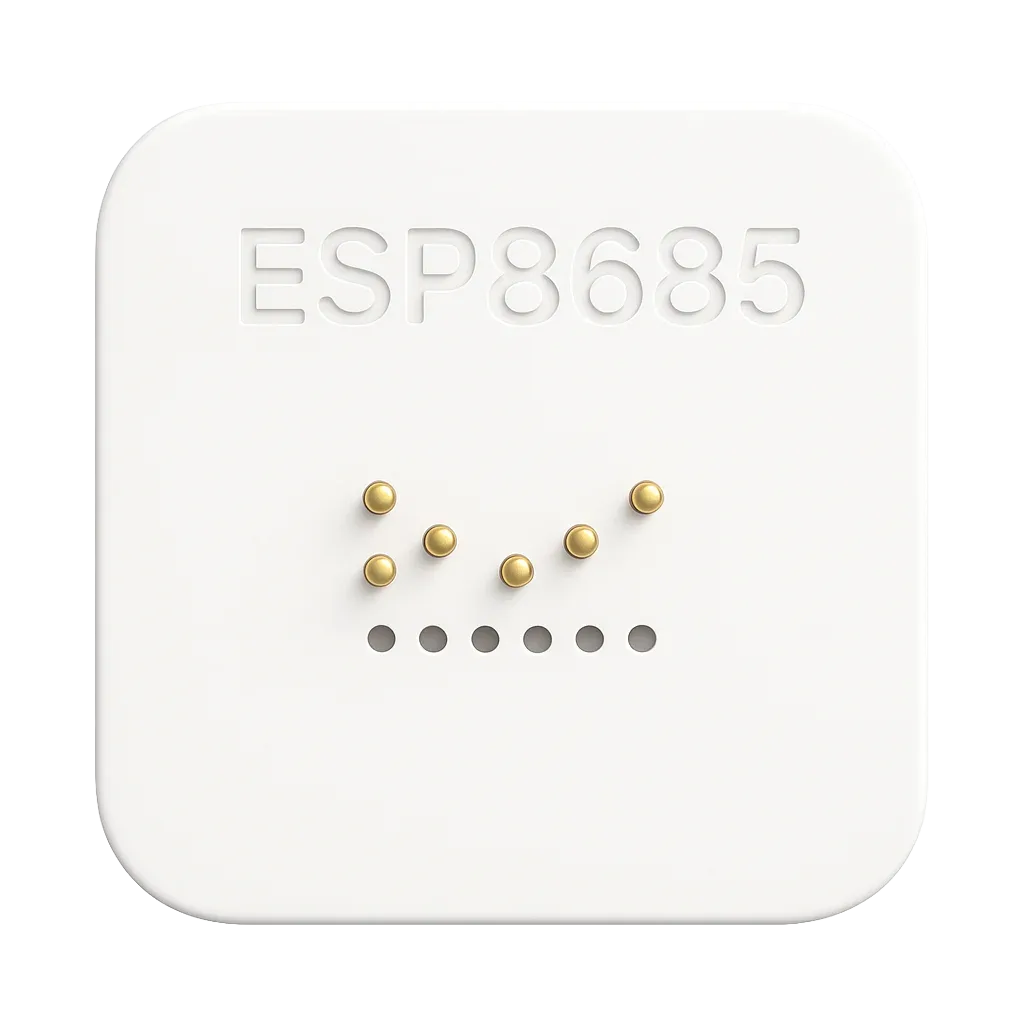
ESP8685-WROOM-03 Programmer
For one of my new projects, I wanted to program an ESP8685-WROOM-03 module without soldering. Because let’s be honest... sometimes you just don’t want to mess around with flux, heat, and tiny pads.
Read more
Electronics
MQTT Button with an ESP-01
An ESP-01 with a push button that publishes its state over MQTT, for use with Homebridge.
Read more
3D printing
ESP8685-WROOM-03 Programmer
For one of my new projects, I wanted to program an ESP8685-WROOM-03 module without soldering. Because let’s be honest... sometimes you just don’t want to mess around with flux, heat, and tiny pads.
Read more
Electronics
MQTT Button with an ESP-01
An ESP-01 with a push button that publishes its state over MQTT, for use with Homebridge.
Read more
More projects
Keep building.
Electronics, 3D printing and CNC builds, documented from the first idea to the last screw.
All projects