
HomeKit
Your own accessories.
Every project on this site that brings ESP32 hardware into Apple Home, no hub required, no subscriptions.
HomeKit
ESP8266 HomeKit Door Contact Sensor
A door contact sensor for Apple HomeKit: put the magnet on the door and the sensor on the frame, and the Home app shows whether the door is open or closed.
Read the build
 HomeKit
Guide to ESP32 HomeKit QR Codes
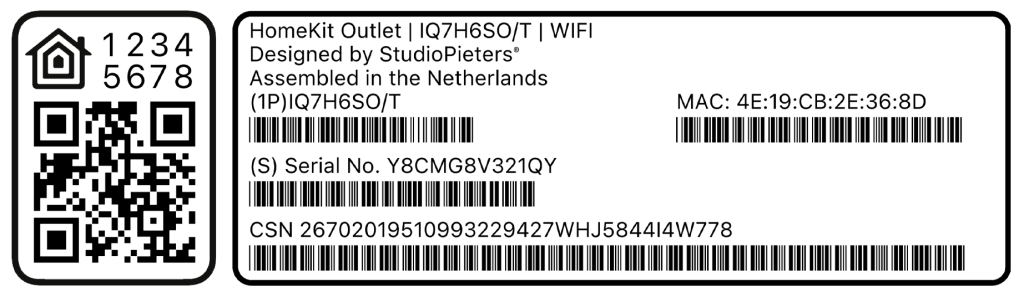
An elegant tool to generate a full HomeKit pairing label, complete with a scannable QR code, setup code, MAC address and barcoded serials, so provisioning an ESP32 HomeKit accessory looks as polished as a real Apple-certified product.
Read the build
HomeKit
Guide to ESP32 HomeKit QR Codes
An elegant tool to generate a full HomeKit pairing label, complete with a scannable QR code, setup code, MAC address and barcoded serials, so provisioning an ESP32 HomeKit accessory looks as polished as a real Apple-certified product.
Read the build
 HomeKit
ESP8266 HomeKit Thermostat with OLED Display
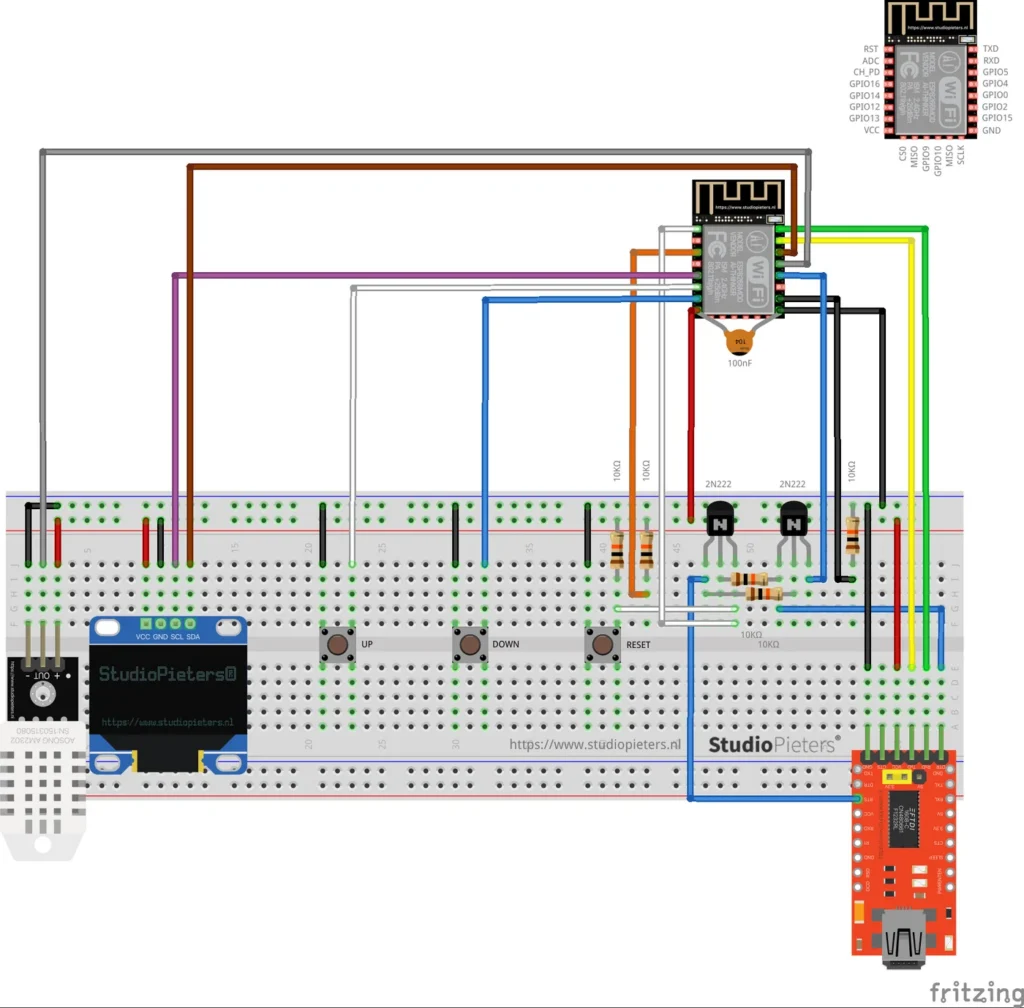
A HomeKit thermostat on an ESP8266 that heats and cools, with a DHT22 sensor, a small OLED display and UP and DOWN buttons that change the set temperature by 0.5 degrees.
Read the build
HomeKit
ESP8266 HomeKit Thermostat with OLED Display
A HomeKit thermostat on an ESP8266 that heats and cools, with a DHT22 sensor, a small OLED display and UP and DOWN buttons that change the set temperature by 0.5 degrees.
Read the build
 HomeKit
ESP8266 HomeKit Dual Lamps
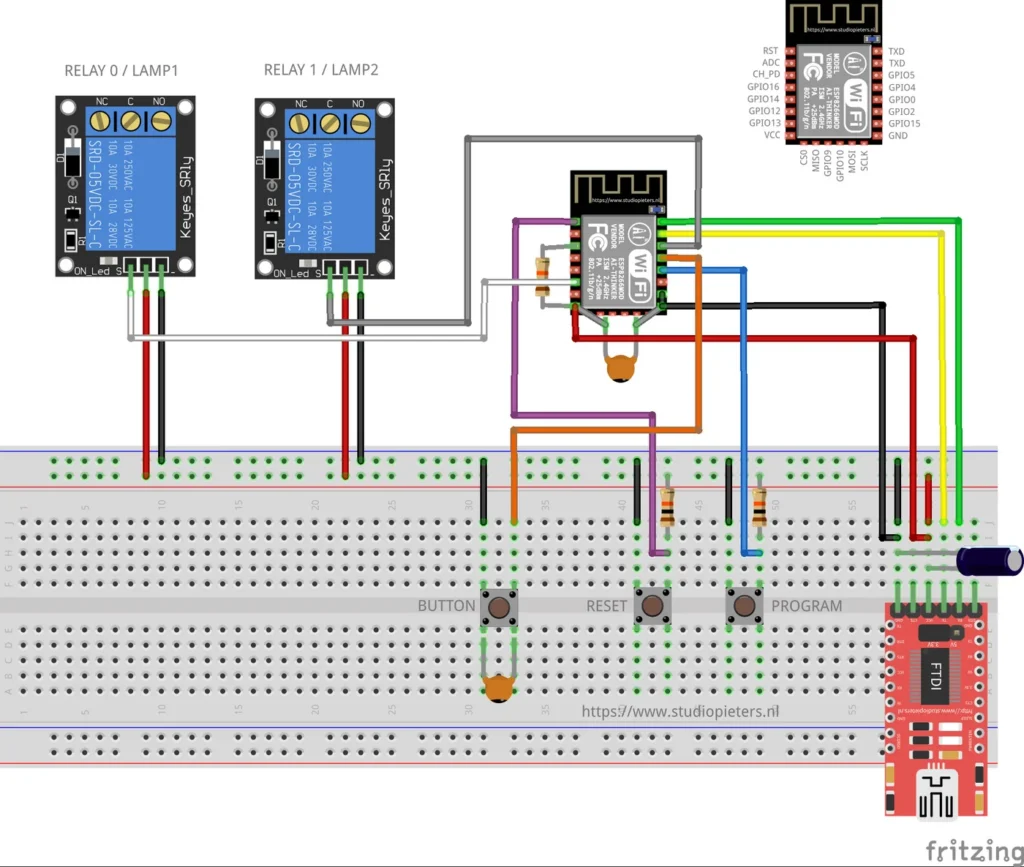
Two lamps in one light fitting as one HomeKit accessory: a top light and a bottom light, two relays and a button that steps through the combinations. A test setup on an ESP8266.
Read the build
HomeKit
ESP8266 HomeKit Dual Lamps
Two lamps in one light fitting as one HomeKit accessory: a top light and a bottom light, two relays and a button that steps through the combinations. A test setup on an ESP8266.
Read the build
 HomeKit
LSC Smart Plug with an ESP8285 as a HomeKit Outlet
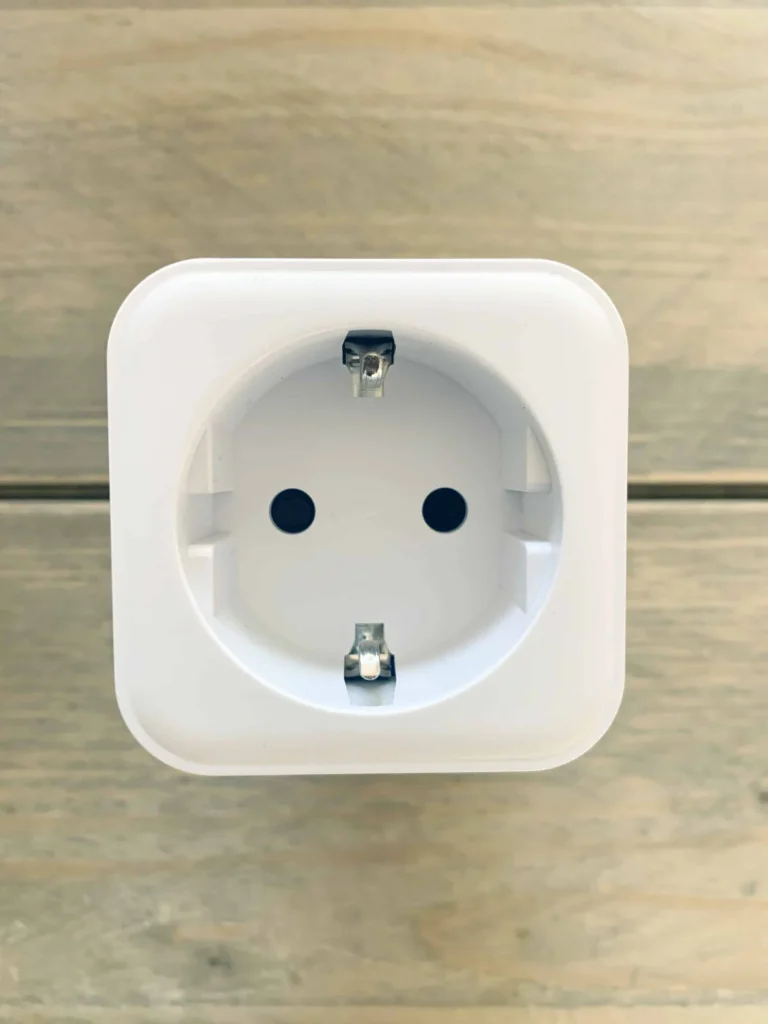
The LSC Smart Connect plug from Action, flashed through its TYWE2S module with an FTDI adapter, as an Apple HomeKit outlet with over-the-air updates.
Read the build
HomeKit
LSC Smart Plug with an ESP8285 as a HomeKit Outlet
The LSC Smart Connect plug from Action, flashed through its TYWE2S module with an FTDI adapter, as an Apple HomeKit outlet with over-the-air updates.
Read the build
 HomeKit
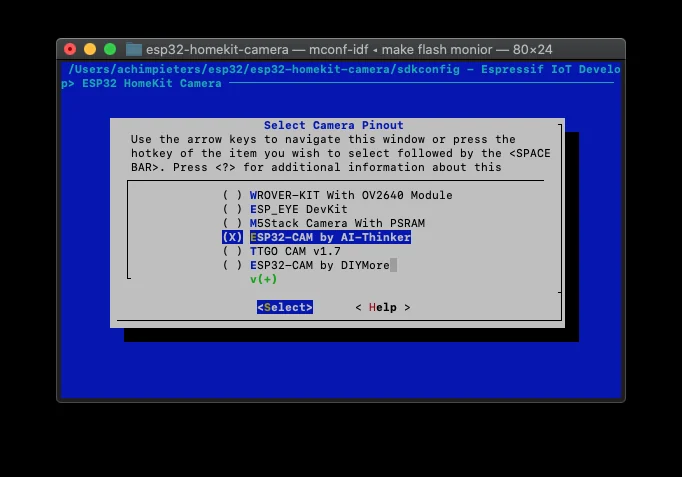
ESP32-CAM as a HomeKit Camera
A proof of concept: the AI-Thinker ESP32-CAM as a camera accessory in the Apple Home app, with a still image and a stream that is not smooth.
Read the build
HomeKit
A HomeKit Thermostat Built on esp32-homekit
A community project: a HomeKit thermostat with a touch screen on an ESP32-C6, built by jozefcipa on the esp32-homekit library, and an invitation to build with it yourself.
Read the build
HomeKit
ESP32-CAM as a HomeKit Camera
A proof of concept: the AI-Thinker ESP32-CAM as a camera accessory in the Apple Home app, with a still image and a stream that is not smooth.
Read the build
HomeKit
A HomeKit Thermostat Built on esp32-homekit
A community project: a HomeKit thermostat with a touch screen on an ESP32-C6, built by jozefcipa on the esp32-homekit library, and an invitation to build with it yourself.
Read the build
 HomeKit
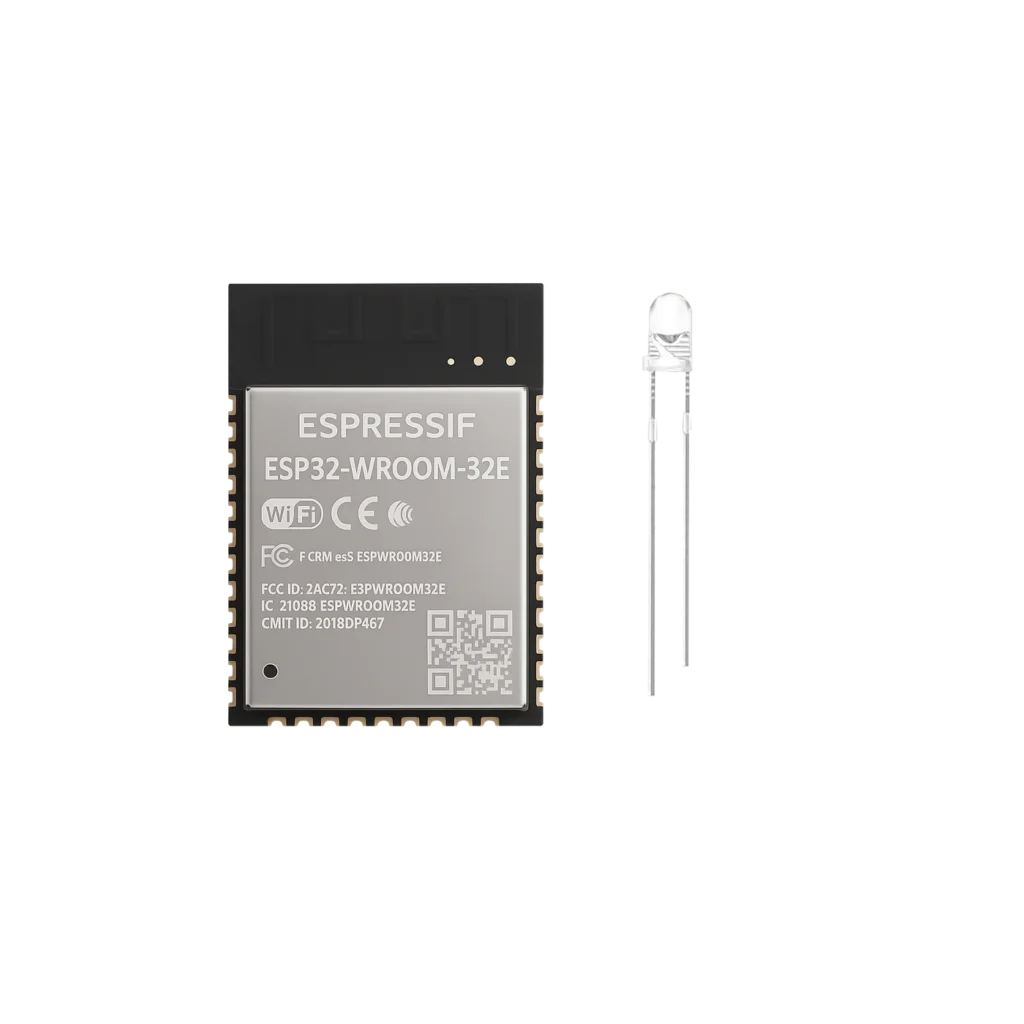
 LED with an ESP32-WROOM-32E
The ESP32 WROOM 32E is a versatile, powerful microcontroller ideal for smart LED projects. Want to control an LED using Apple’s Home app or Siri? No additional hub required! Just a compact board, a simple LED, and a USB cable.
Read the build
HomeKit
HomeKit LED with an ESP32-WROOM-32E
The ESP32 WROOM 32E is a versatile, powerful microcontroller ideal for smart LED projects. Want to control an LED using Apple’s Home app or Siri? No additional hub required! Just a compact board, a simple LED, and a USB cable.
Read the build
HomeKit
Guide to ESP32 HomeKit QR Codes
An elegant tool to generate a full HomeKit pairing label, complete with a scannable QR code, setup code, MAC address and barcoded serials, so provisioning an ESP32 HomeKit accessory looks as polished as a real Apple-certified product.
Read the build
HomeKit
ESP8266 HomeKit Thermostat with OLED Display
A HomeKit thermostat on an ESP8266 that heats and cools, with a DHT22 sensor, a small OLED display and UP and DOWN buttons that change the set temperature by 0.5 degrees.
Read the build
HomeKit
ESP8266 HomeKit Dual Lamps
Two lamps in one light fitting as one HomeKit accessory: a top light and a bottom light, two relays and a button that steps through the combinations. A test setup on an ESP8266.
Read the build
HomeKit
LSC Smart Plug with an ESP8285 as a HomeKit Outlet
The LSC Smart Connect plug from Action, flashed through its TYWE2S module with an FTDI adapter, as an Apple HomeKit outlet with over-the-air updates.
Read the build
HomeKit
ESP32-CAM as a HomeKit Camera
A proof of concept: the AI-Thinker ESP32-CAM as a camera accessory in the Apple Home app, with a still image and a stream that is not smooth.
Read the build
HomeKit
A HomeKit Thermostat Built on esp32-homekit
A community project: a HomeKit thermostat with a touch screen on an ESP32-C6, built by jozefcipa on the esp32-homekit library, and an invitation to build with it yourself.
Read the build
HomeKit
HomeKit LED with an ESP32-WROOM-32E
The ESP32 WROOM 32E is a versatile, powerful microcontroller ideal for smart LED projects. Want to control an LED using Apple’s Home app or Siri? No additional hub required! Just a compact board, a simple LED, and a USB cable.
Read the build