
HomeKit
ESP8266 HomeKit NeoPixel RGBW Light Strip
A warm white RGBW LED strip in the Home app: pick any colour and a real white LED joins in as the colour gets softer. A test setup with an SK6812 strip and an ESP8266.
- ESP8266
- HomeKit
- 3 min read
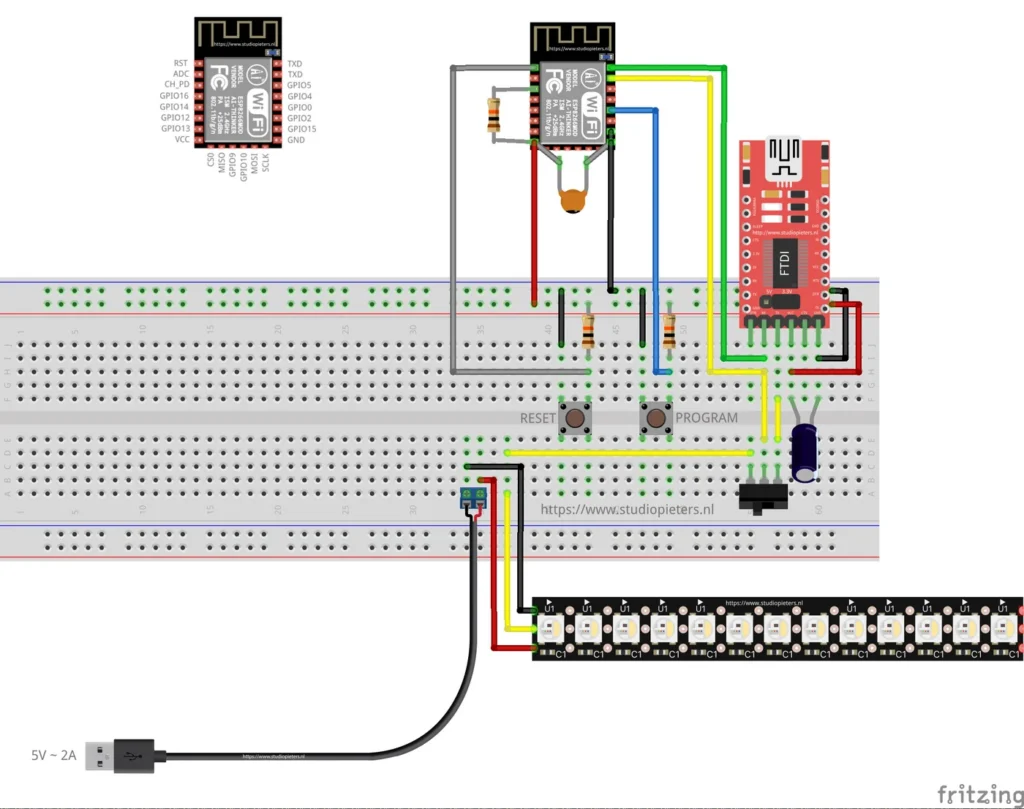
Most colour LED strips make white light by turning red, green and blue on together. An RGBW strip adds a fourth LED to every pixel, a real white one, so white is no longer a mix. This project puts a strip like that in the Home app: pick any colour, and the white LED joins in when the colour gets softer.
The strip is an SK6812 RGBW with warm white, driven by an ESP8266. It is a test setup, made to see how the colours and the white behave, and how the whole thing behaves as a HomeKit light.
What it does
| Feature | Details |
|---|---|
| HomeKit light, “RGBW Strip” | On and off, brightness, hue and saturation, from the Home app |
| 15 pixels | Each with a red, green, blue and warm white LED |
| White channel | The lower the saturation, the more the white LED is used. At full saturation it stays off |
| Long press | Hold the button for 4 seconds to reset the WiFi and HomeKit settings |
| Identify | The strip flashes pink, together with the on-board LED |
| Updates | Over the air, through Life Cycle Manager 2 |
| No cloud | Control stays on your own network |
Colour in HomeKit is hue, saturation and brightness. The firmware converts those to red, green, blue and white values for every pixel, using the well-known HSI to RGBW method, with the intensity shaped so that the dim end has finer steps.
Hardware
| Component | Notes |
|---|---|
| ESP8266 module | An Ai-Thinker ESP8266 module of the ESP-12 type. See the ESP8266 pinout |
| SK6812 RGBW LED strip | Warm white, 15 LEDs used. See the NeoPixels guide for how these addressable LEDs work |
| 5 V, 2 A USB power supply | Powers the strip, through a screw terminal |
| USB-serial (FTDI) adapter | For flashing. Set it to 3.3 V logic |
| Slide switch | Chooses between programming and the LED strip |
| 2 push buttons | RESET and PROGRAM |
| Large electrolytic capacitor | Needed for stable operation |
| Resistors and a small ceramic capacitor | As drawn |
Wiring and pins
The Fritzing diagram at the top of this page shows the whole build on a breadboard, with the pinout of the module in the corner. The strip is powered separately from the 5 V, 2 A supply, and the slide switch decides whether the board is in programming mode or driving the strip. Use an FTDI adapter set to 3.3 V, because a 5 V adapter can damage the module.
| Function | ESP8266 pin |
|---|---|
| Button | GPIO0, active low |
| On-board LED | GPIO2 |
| LED strip | The I²S output, through the ws2812_i2s driver |
The button of the firmware is on GPIO0, which is also the pin the PROGRAM button pulls low, so that button doubles as the reset button once the strip is running. A short press has no function in this firmware, and there is an empty place in the code where you can add your own.
Flash and install
The installation is the same as for the other ESP8266 HomeKit accessories on this site. The firmware runs on ESP-Open-RTOS with Life Cycle Manager 2, which sets up the WiFi and installs updates over the air. The full steps, from installing esptool to flashing, joining the LCM- WiFi network and pairing, are in ESP8266 HomeKit Blinds.
In the portal, use these values:
| Field | Value |
|---|---|
| OTA repository | AchimPieters/ESP8266-HomeKit-NeoPixel-RGBW-Light-Strip |
| OTA binary file | main.bin |
When the installation is done, scan the QR code the device generates in the Home app to add it.
Firmware releases
| Version | Date |
|---|---|
| 0.0.3 | 17 January 2020 |
| 0.04 (as tagged) | 17 January 2020 |
| 0.0.2 | 16 January 2020 |
| 0.0.1 | 15 January 2020 |
All four came out within three days. Each release has a main.bin and a signature file, main.bin.sig.
Good to know
- This is a test setup and not a finished product.
- The HomeKit Accessory Protocol specification the firmware follows is the non-commercial version, for accessories you build yourself and do not distribute or sell.
- The repository is under the MIT licence. The HomeKit setup code is set in the firmware source, so change it to your own.
Looking for the next step? The HomeKit NeoPixel controller does the same kind of thing on a small ESP32-C3 board.
Everything is in the ESP8266-HomeKit-NeoPixel-RGBW-Light-Strip repository on GitHub.
Related
 HomeKit
ESP8266 HomeKit Thermostat with OLED Display
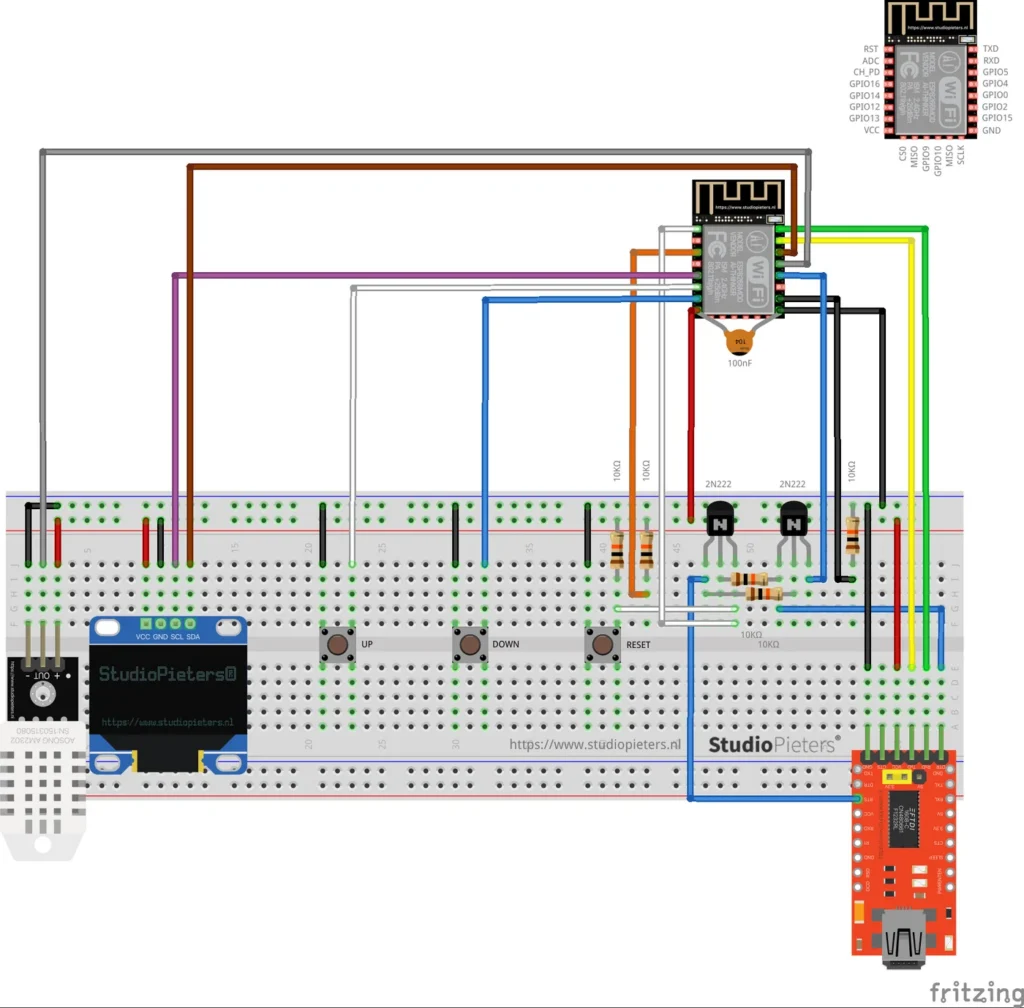
A HomeKit thermostat on an ESP8266 that heats and cools, with a DHT22 sensor, a small OLED display and UP and DOWN buttons that change the set temperature by 0.5 degrees.
Read more
HomeKit
ESP8266 HomeKit Thermostat with OLED Display
A HomeKit thermostat on an ESP8266 that heats and cools, with a DHT22 sensor, a small OLED display and UP and DOWN buttons that change the set temperature by 0.5 degrees.
Read more
 HomeKit
Two-Motor Window Covering Study for HomeKit
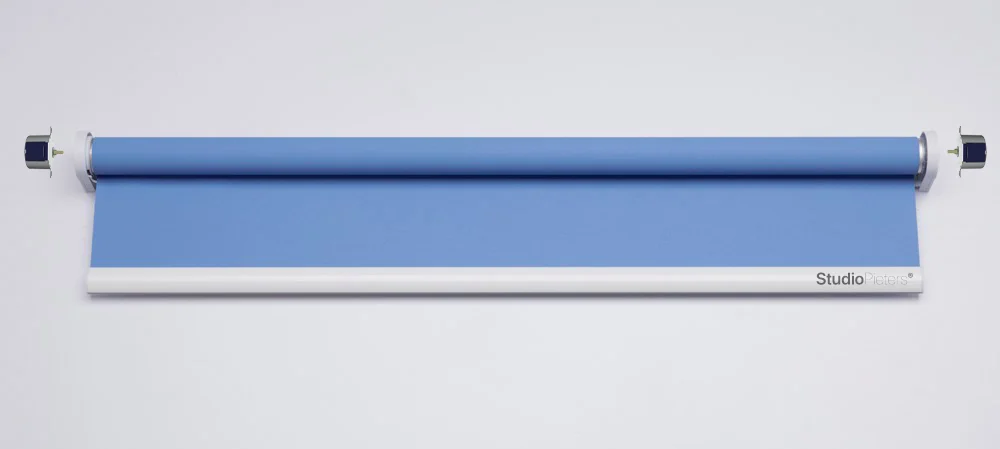
A study of a two-motor system for heavy roller blinds with 28BYJ-48 motors and DRV8825 drivers, which was tested and not used in practice.
Read more
HomeKit
Two-Motor Window Covering Study for HomeKit
A study of a two-motor system for heavy roller blinds with 28BYJ-48 motors and DRV8825 drivers, which was tested and not used in practice.
Read more
 HomeKit
 NeoPixel Controller
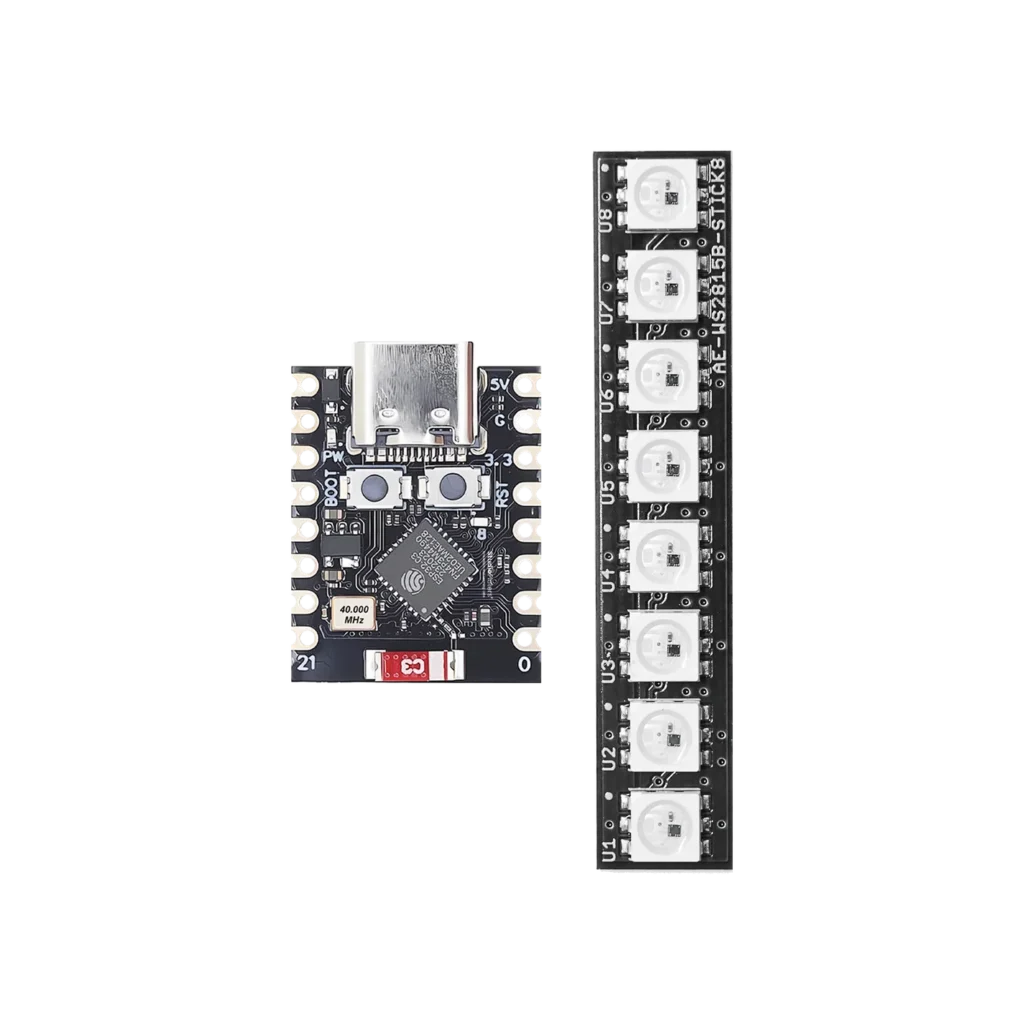
The ESP32-C3 Super Mini is a tiny, powerful microcontroller that’s perfect for smart LED projects. Want to control a colorful LED strip using Apple’s Home app or Siri? You can do it, no extra bridge or hub needed.
Read more
HomeKit
HomeKit NeoPixel Controller
The ESP32-C3 Super Mini is a tiny, powerful microcontroller that’s perfect for smart LED projects. Want to control a colorful LED strip using Apple’s Home app or Siri? You can do it, no extra bridge or hub needed.
Read more
More HomeKit
Keep building.
Switches, sensors, plugs and blinds: more accessories that you build yourself and add to the Home app.
All HomeKit