
Reference
ESP32-S3 Zero / Super Mini Pinout
The Waveshare ESP32-S3-Zero pin reference: the chip, the pins and strapping pins, the quad versus octal PSRAM setting, power, code and the traps.
- ESP32-S3
- 240 MHz
- USB-C
- native USB
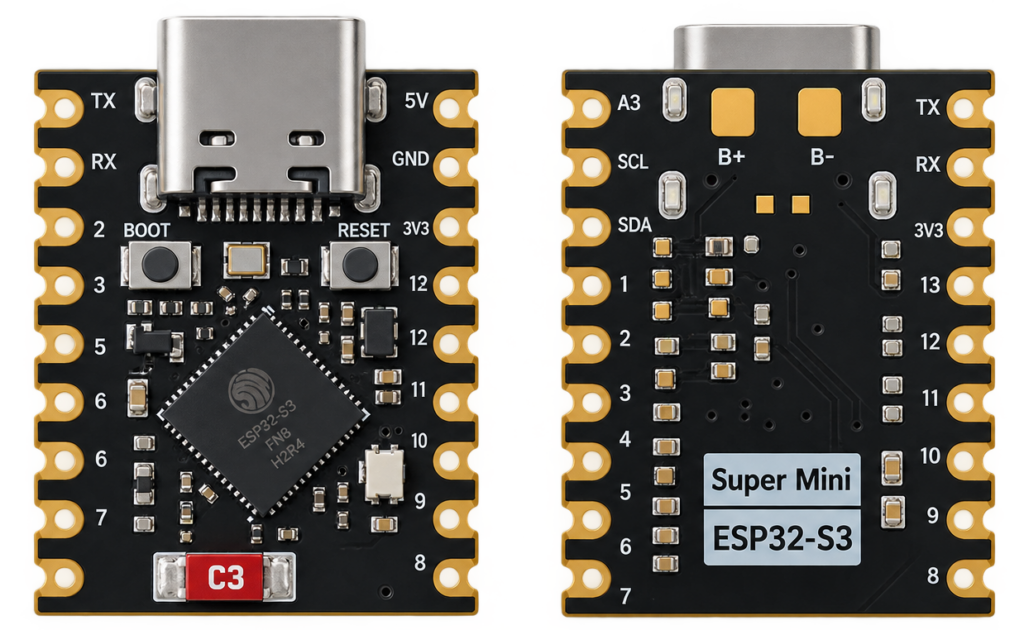
The Waveshare ESP32-S3-Zero is a very small ESP32-S3 board with a USB-C port, a WS2812 RGB LED, BOOT and RESET buttons and a ceramic antenna, with 24 GPIOs on its edges. It is the S3 counterpart of the small C3 boards, with two cores, native USB and more pins. Several makers sell look-alike boards under the names “ESP32-S3 Zero” and “Super Mini”, so check the silkscreen of your own board.
This guide covers the chip, the pins with their jobs, the strapping pins, power, programming settings, code and the traps. The board data comes from the Waveshare documentation, and the chip data from the Espressif ESP32-S3 datasheet. The Waveshare page contradicts itself on the exact chip, and this guide says where.
System-on-chip and board
Waveshare names the chip ESP32-S3FH4R2 in its resource list: a dual-core Xtensa LX7 at up to 240 MHz with 4 MB of stacked quad flash and 2 MB of stacked quad PSRAM. The intro of the same page prints “ESP32-FH4R2”, and a variant with 8 MB flash and 8 MB PSRAM (N8R8) is also sold, so check which one you have.
| Item | Value |
|---|---|
| Chip | ESP32-S3FH4R2 per the resource list (4 MB flash, 2 MB quad PSRAM). N8R8 variants exist |
| Core | Dual-core Xtensa LX7, up to 240 MHz, 512 KB SRAM and 384 KB ROM |
| Wireless | Wi-Fi 802.11 b/g/n 2.4 GHz and Bluetooth 5 LE, ceramic antenna on board |
| USB | USB-C, with the chip’s own USB serial controller, no USB-to-UART chip |
| LED | WS2812 RGB on GPIO21 |
| Buttons | BOOT (GPIO0) and RESET |
| Regulator | ME6217C33M5G LDO, 800 mA maximum |
| Peripherals | 4 SPI, 2 I2C, 3 UART, 2 I2S, 2 ADC |
| GPIO | 24 pins on the edges |
| Size | About 23.5 × 18 mm. The Waveshare page shows a drawing and no number |
Source: Waveshare ESP32-S3-Zero documentation and the Espressif ESP32-S3 datasheet.
Getting started
Specifications
| Supply | 3.7 to 6 V on the pad marked 5V (and USB), regulated to 3.3 V by an 800 mA LDO |
| 3V3 current | Limited by the 800 mA LDO |
| Antenna | 2.4 GHz ceramic antenna. Keep it clear of PCB, metal or plastic |
| Operating temperature | The FH4R2 chip is rated −40 to 85 °C |
| Chip supply | 3.0 to 3.6 V on the chip pins, absolute maximum 3.6 V |
| Cumulative output current | 1500 mA (chip) |
| Storage temperature | −40 to 150 °C (chip) |
Source: Waveshare documentation for the board, Espressif ESP32-S3 datasheet for the chip limits.
Dimensions
Waveshare shows a drawing of the board and does not give a size in the text. Other sources quote about 23.5 × 18 mm. The board has a USB-C port on one short edge and pads on the long edges, so check the drawing of your own board before you design a socket or case. Clones from other makers can be a little different in size and pin order.
Source: Waveshare ESP32-S3-Zero documentation (drawing only).
Pin reference by job
| GPIO | Function | Notes |
|---|---|---|
| GPIO0 | BOOT button, strapping pin | Hold low at reset for download mode |
| GPIO3 | Strapping pin | Selects the JTAG signal source. Avoid it |
| GPIO19, GPIO20 | USB D− and D+ | Native USB, do not use for other things while USB is used |
| GPIO21 | WS2812 RGB LED | On-board addressable LED |
| GPIO26 to GPIO32 | Flash and PSRAM | Used inside the package, not available |
| GPIO39 to GPIO42 | JTAG (MTCK, MTDO, MTDI, MTMS) | Usable as plain GPIO if you do not debug |
| GPIO43, GPIO44 | UART0 TX and RX | Console and download |
| GPIO45, GPIO46 | Strapping pins | GPIO45 sets the flash voltage, avoid driving them at power-on |
| GPIO1 to GPIO10 | ADC1 capable | Safe first choices |
| GPIO11 to GPIO20 | ADC2 capable | ADC2 is shared with the Wi-Fi radio |
Waveshare says GPIO33 to GPIO37 are not exposed (reserved for octal PSRAM). They are only needed by chips with octal PSRAM (the R8 types), and the FH4R2 does not use them, so check your board before you plan to use or avoid them. The Waveshare page does not list the GPIO of each header pin in text, only in a picture, so match the silkscreen of your board with this list.
Source: Espressif ESP32-S3 datasheet for the GPIO functions and strapping pins, Waveshare documentation for the board. The pin table in the older version of this guide wrongly called GPIO9 to GPIO14 strapping pins.
Programming
| Setting | Value |
|---|---|
| Board | ESP32S3 Dev Module |
| USB CDC On Boot | Enabled |
| Flash size | 4 MB (or 8 MB on the N8R8) |
| PSRAM | FH4R2: QSPI PSRAM (2 MB quad). N8R8: OPI PSRAM (8 MB octal) |
| Download | Hold BOOT before you connect the cable, every time |
Example code
#include <Adafruit_NeoPixel.h>
Adafruit_NeoPixel led(1, 21, NEO_GRB + NEO_KHZ800);

void setup() {
  led.begin();
  led.setBrightness(30);
}

void loop() {
  led.setPixelColor(0, led.Color(255, 0, 0)); led.show(); delay(500);
  led.setPixelColor(0, led.Color(0, 255, 0)); led.show(); delay(500);
  led.setPixelColor(0, led.Color(0, 0, 255)); led.show(); delay(500);
}
I did not run this sketch on a board. The WS2812 uses the colour order GRB.
Real gotchas
- PSRAM mode depends on the chip. The FH4R2 has quad PSRAM and needs QSPI PSRAM in the Arduino settings. Choosing OPI PSRAM on that chip stops it from booting. An N8R8 board needs OPI. The older version of this guide said OPI for all boards.
- Strapping pins are GPIO0, GPIO3, GPIO45 and GPIO46. The older guide wrongly listed GPIO9 to GPIO14.
- Download mode needs BOOT. Waveshare asks you to hold BOOT before you connect the cable, every time you download.
- The antenna must be free. Do not cover the ceramic antenna with a PCB, metal or plastic.
- The documentation disagrees with itself. The chip is called ESP32-FH4R2 in one place and ESP32-S3FH4R2 in another, and N8R8 variants are mentioned without details.
- Clone boards differ. Look-alikes sold as ESP32-S3 Zero or Super Mini can have another pin order or another LED GPIO.
- Native USB means no serial chip. If the sketch crashes the USB port can vanish. Use BOOT and RESET to recover.
- The input range is 3.7 to 6 V. Do not feed 3.3 V into the 5V pad.
- GPIO19 and GPIO20 are USB. They are not free GPIOs while you use USB.
Compared with other small S3 boards
| Board | Chip | Memory | Pins | Notes |
|---|---|---|---|---|
| ESP32-S3-Zero | ESP32-S3FH4R2 or N8R8 | 4 MB flash, 2 MB PSRAM (FH4R2) | 24 pins | USB-C, ceramic antenna, RGB LED |
| XIAO ESP32S3 | ESP32-S3R8 | 8 MB flash, 8 MB PSRAM | 11 pins | U.FL antenna, battery charger |
The XIAO numbers come from its own guide and are not checked again here.
What to build with it
- A tiny Wi-Fi sensor or a BLE device with native USB.
- A USB keyboard or gamepad, using the native USB.
- A small LED controller using the on-board WS2812 as a status light.
- A HomeKit accessory, see ESP32 HomeKit development.
Safety notes
Before you wire anything up
- Keep every GPIO at 3.3 V. The chip supply limit is 3.6 V.
- Feed the 5V pad with 3.7 to 6 V only.
- Never connect the board to mains voltage. Keep it on a low-voltage supply.
- Disconnect the power before you change the wiring.
Conclusion
This is the smallest, cheapest way to get a full ESP32-S3 with native USB and PSRAM onto a breadboard. For a larger board with dual USB-C and a built-in USB-serial adapter dedicated purely to flashing, see the AI-S3.
Chip data is from the Espressif ESP32-S3 datasheet and board data from the Waveshare documentation.
Related
 Reference
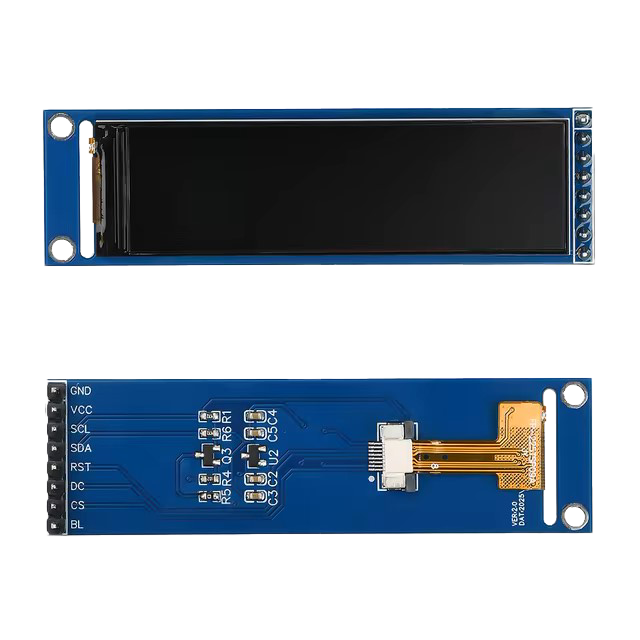
2.25 inch TFT LCD ST7789 SPI Display
A compact 128 x 400 IPS display driven by the ST7789 controller over a 4-wire SPI bus. This guide covers the pinout, ESP32 wiring, and Arduino code using the Adafruit ST7789 library.
Read more
Reference
2.25 inch TFT LCD ST7789 SPI Display
A compact 128 x 400 IPS display driven by the ST7789 controller over a 4-wire SPI bus. This guide covers the pinout, ESP32 wiring, and Arduino code using the Adafruit ST7789 library.
Read more
 Reference
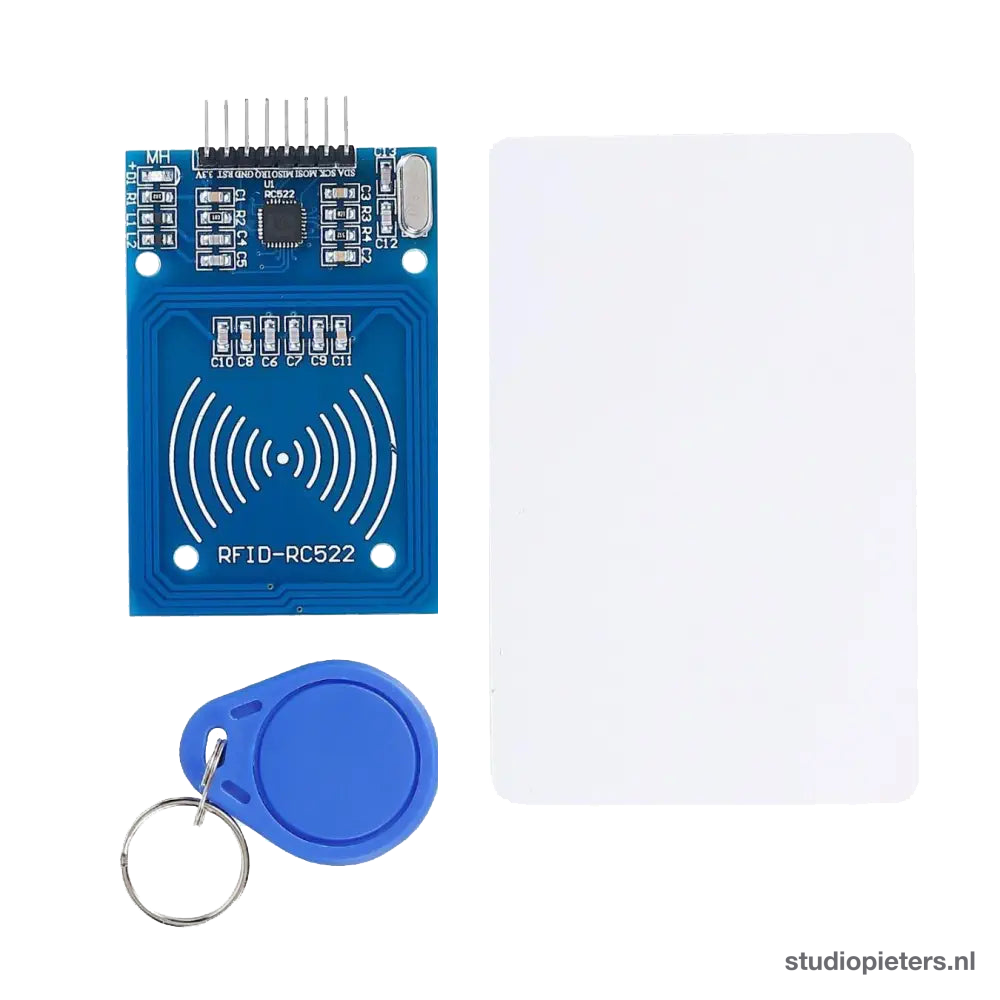
The Complete Guide to the RC522 RFID Module
A low-cost 13.56 MHz RFID reader/writer that talks SPI and reads MIFARE cards and key fobs out of the box. This guide covers the pinout, ESP32 wiring, the MFRC522 Arduino library, and where its short read range and UID-cloning risk matter.
Read more
Reference
The Complete Guide to the RC522 RFID Module
A low-cost 13.56 MHz RFID reader/writer that talks SPI and reads MIFARE cards and key fobs out of the box. This guide covers the pinout, ESP32 wiring, the MFRC522 Arduino library, and where its short read range and UID-cloning risk matter.
Read more
 Reference
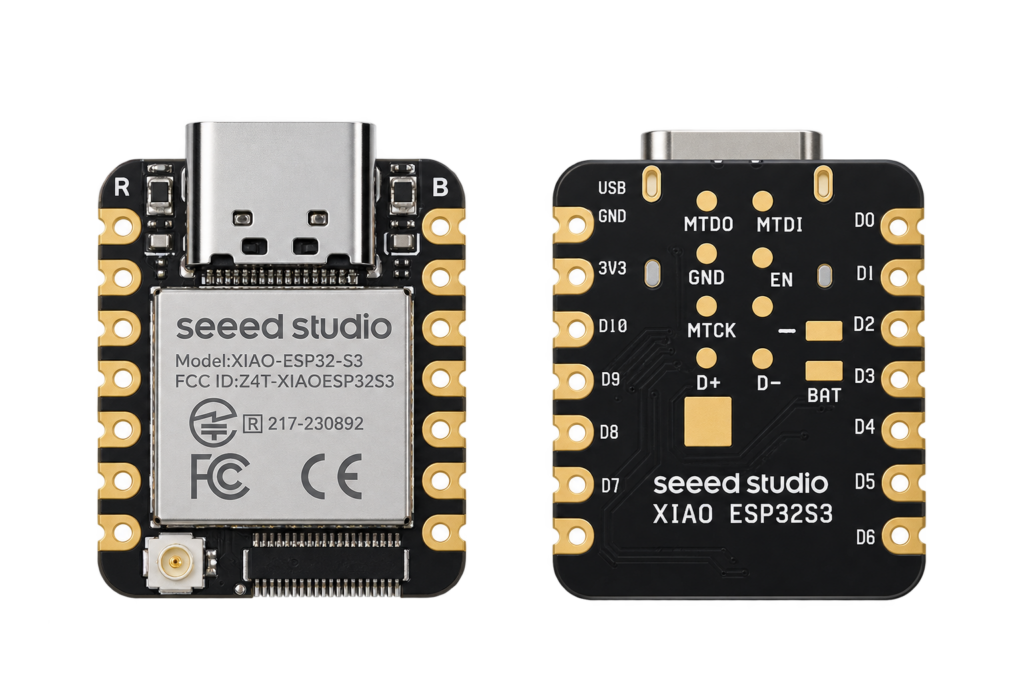
Seeed Studio XIAO ESP32S3 Pinout
The Seeed Studio XIAO ESP32S3 and Sense pin reference: every pin with its GPIO, camera, microphone and SD pins, power and battery, and the traps and pin conflicts in the documentation.
Read more
Reference
Seeed Studio XIAO ESP32S3 Pinout
The Seeed Studio XIAO ESP32S3 and Sense pin reference: every pin with its GPIO, camera, microphone and SD pins, power and battery, and the traps and pin conflicts in the documentation.
Read more
More guides
Keep building.
From ESP32 HomeKit accessories to Arduino and ATtiny reference guides, there’s more where this came from.
All guides