
Reference
HomeKit or Matter for Your ESP32? How to Choose
HomeKit and Matter both give you local control from an ESP32. Which one fits depends on where the device should work, which chip you have and whether you plan to sell it.
- ESP32
- HomeKit
- Safety notes
- 5 min read
On an ESP32 you can build a smart-home device in two ways that matter here: as a HomeKit accessory, or as a Matter device. Both keep control on your local network. They differ in where the device works, how it is certified, and which chips can do what.
This page compares them using what Apple and Espressif document, and what the projects on this site actually do.
The short answer
- Only Apple Home, and you want the route this site’s projects take: HomeKit. Start with the beginner guide.
- One device for Apple Home, Google Home, Alexa and Home Assistant: Matter, with esp32-matter.
- You use Home Assistant: Matter works fully local today.
- You want your own Matter firmware in Apple Home: read the catch below first, it needs a certified identity.
HomeKit and Matter side by side
| HomeKit (HAP) | Matter | |
|---|---|---|
| Defined by | Apple | The Connectivity Standards Alliance, backed by Apple, Google, Amazon, Samsung and others |
| Works with | Apple Home | Apple Home, Google Home, Amazon Alexa, Samsung SmartThings and other Matter controllers, and one device can be added to several at once |
| Runs over | Wi-Fi in the ESP32 projects on this site | Wi-Fi, Thread or Ethernet |
| Setup | Scan the HomeKit QR code or type the setup code in the Home app | Scan the Matter setup code. Pairing happens over Bluetooth LE, then the device joins your Wi-Fi or Thread network |
| Control | Local network, no cloud | Local network, no manufacturer cloud |
| To sell a device | Enrol in Apple’s MFi Program | Certification through the Connectivity Standards Alliance |
| Starting point on ESP32 | The HomeKit guides and repositories on this site, see the ESP32 HomeKit Development with ESP-IDF guide | Espressif’s open-source esp-matter SDK, and the esp32-matter toolkit built on it |
Nothing on this list makes one protocol a replacement for the other. Apple’s own developer page presents both as supported options, with Matter described as the new smart-home connectivity standard.
What Apple Home needs for Matter
Apple added Matter support in iOS 16.1 and the matching releases of its other systems. What you need at home depends on the transport your device uses:
- Wi-Fi devices: iOS 18 or later can add a Matter accessory without a home hub, although Apple recommends setting one up for the best experience.
- Thread devices: Apple says Thread-enabled Matter accessories need a Thread-enabled home hub, such as a HomePod mini or an Apple TV 4K (3rd generation) Wi-Fi + Ethernet, or a supported third-party border router. An iPhone 15 Pro or later can control Thread accessories without a hub, but a border router is preferred.
HomeKit accessories built on the ESP32 here use Wi-Fi, so they do not involve Thread at all.
Which ESP32 for which protocol
Thread needs an 802.15.4 radio, and not every ESP32 has one. This is what the pinout guides on this site, checked against Espressif’s datasheets, say about each chip:
| Chip | Thread (802.15.4) | Matter runs over |
|---|---|---|
| ESP32-WROOM-32D | No | Wi-Fi |
| ESP32-C3-MINI-1 | No | Wi-Fi |
| ESP32-C2 (ESPC2-02) | No | Wi-Fi |
| ESP32-C61 | No | Wi-Fi |
| ESP32-C6-WROOM-1 | Yes, Thread 1.3 | Thread or Wi-Fi |
| ESP32-C5 | Yes, Thread 1.4 | Thread or Wi-Fi |
So Thread only matters if you build a Matter device, and then only on the C6 or C5. For a Wi-Fi Matter device, or any of the HomeKit projects here, the radio is not the deciding factor.
The catch: your own Matter firmware in Apple Home
Read this before you pick Matter for Apple Home
The esp32-matter toolkit generates a self-signed test attestation certificate. Home Assistant and the chip-tool CLI accept it, so a fully local setup with Home Assistant works today.
Apple Home and Google Home, in their normal consumer pairing flow, check the device’s attestation chain against their own list of trusted roots, and a locally generated certificate is never on it. Pairing there needs a real Vendor ID from the Connectivity Standards Alliance and a matching attestation chain. The toolkit’s own write-up says this is a certification process it cannot shortcut.
That is the main reason the HomeKit projects on this site remain the direct route into Apple Home with your own firmware.
If you plan to sell a device
Apple states the two requirements plainly. A HomeKit accessory that will be distributed or sold requires your company to be enrolled in the MFi Program. A Matter accessory that will be distributed or sold has to go through the Connectivity Standards Alliance certification process.
The projects on this site are written for building devices for your own home, not for selling them.
How to choose
- Apple Home only, your own firmware: HomeKit. Follow the beginner guide, then the ESP32 HomeKit Development with ESP-IDF setup.
- Home Assistant as your hub: Matter. Try esp32-matter, which works fully local with Home Assistant.
- The same device in several ecosystems, and you are willing to go through certification: Matter.
- You want Thread: pick an ESP32-C6 or C5, and make sure you have a Thread border router.
- Not sure yet: build a small HomeKit accessory first, such as an LED. It proves your toolchain works before you commit to either path.
Keep in mind that esp32-matter is under active development. Over-the-air updates are not fully wired up yet, so for now updating a device means rebuilding and flashing it by hand.
New to HomeKit pairing labels? The QR code guide shows how to generate one.
Sources
- Apple Developer: Apple Home, Matter support since iOS 16.1, MFi and Connectivity Standards Alliance requirements.
- Apple Support: Pair and manage your Matter accessories, iOS 18 without a hub, multiple ecosystems, Thread control on iPhone 15 Pro and later.
- Apple Support: Set up a HomePod or Apple TV as a home hub, Thread-enabled hubs.
- Espressif: ESP Matter programming guide, Matter over Wi-Fi, Thread and Ethernet.
- esp32-matter on GitHub, the attestation caveat and OTA status.
Checked against these pages on 25 September 2026. Apple and Espressif update their requirements, so verify anything you depend on.
Related
 Reference
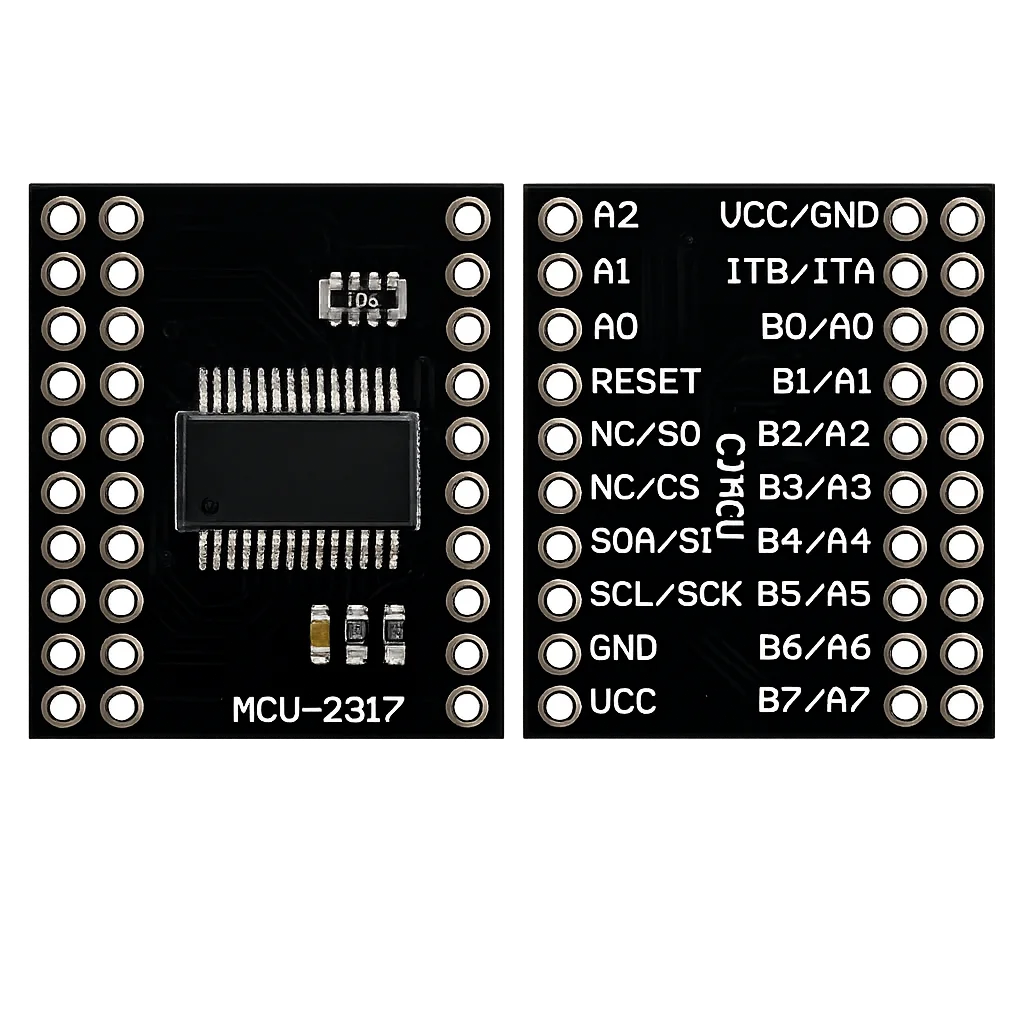
MCP23017 16-Bit I/O Expander – Complete Guide
Add 16 fully-configurable GPIO pins to a pin-limited board over a two-wire I²C bus, with per-pin pull-ups and interrupt-on-change built in. This guide covers the pinout, I²C address selection, register map, ESP-IDF/Arduino code, and how it compares to the simpler PCF8574.
Read more
Reference
MCP23017 16-Bit I/O Expander – Complete Guide
Add 16 fully-configurable GPIO pins to a pin-limited board over a two-wire I²C bus, with per-pin pull-ups and interrupt-on-change built in. This guide covers the pinout, I²C address selection, register map, ESP-IDF/Arduino code, and how it compares to the simpler PCF8574.
Read more
 Reference
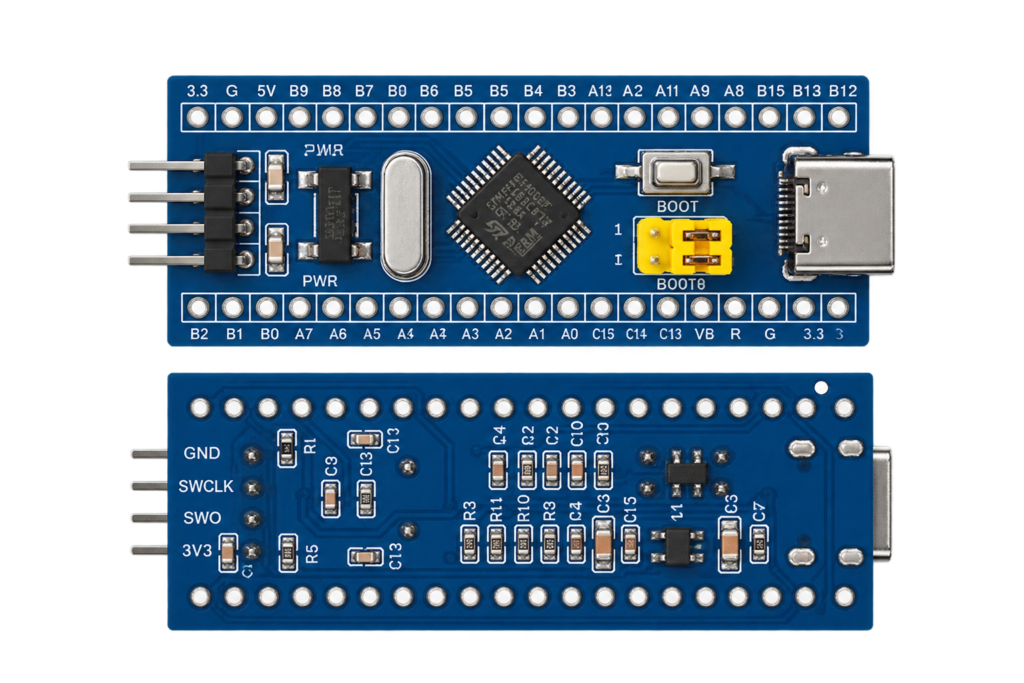
STM32F103C8T6 “Blue Pill” Pinout
This site's first STMicroelectronics board and first chip with no wireless radio at all: an Arm Cortex-M3 on a breadboard-friendly board with a decade-long tutorial and library ecosystem, and two well-known clone-batch quirks worth knowing before you plug one in.
Read more
Reference
STM32F103C8T6 “Blue Pill” Pinout
This site's first STMicroelectronics board and first chip with no wireless radio at all: an Arm Cortex-M3 on a breadboard-friendly board with a decade-long tutorial and library ecosystem, and two well-known clone-batch quirks worth knowing before you plug one in.
Read more
 Reference
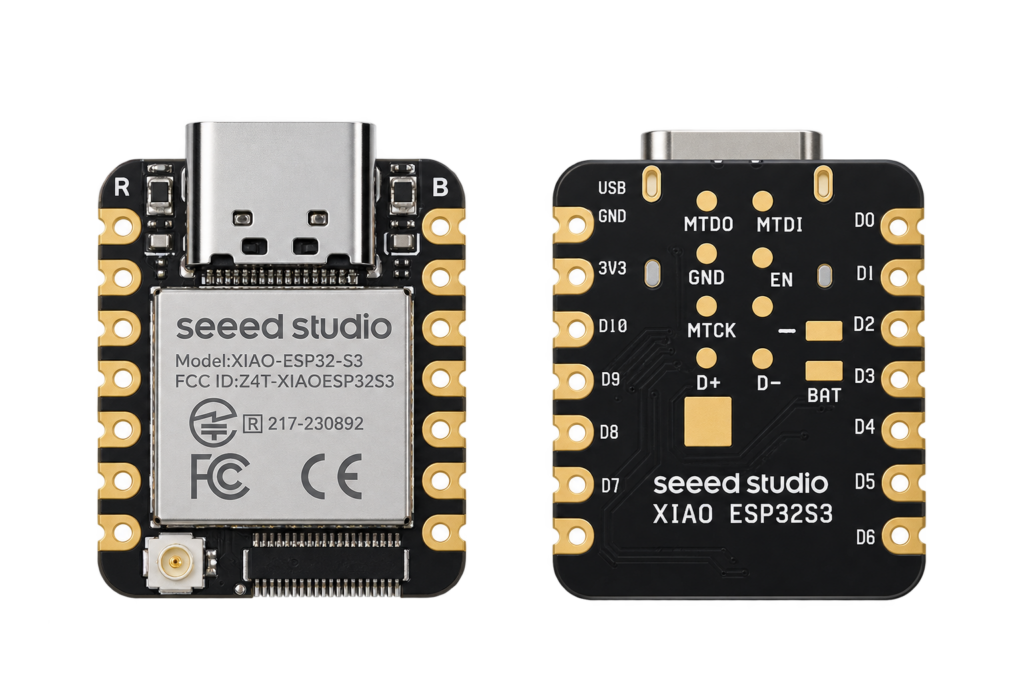
Seeed Studio XIAO ESP32S3 Pinout
The real pin reference for Seeed Studio's XIAO ESP32S3: thumbnail-sized, native USB, with a camera/display connector on the Sense variant.
Read more
Reference
Seeed Studio XIAO ESP32S3 Pinout
The real pin reference for Seeed Studio's XIAO ESP32S3: thumbnail-sized, native USB, with a camera/display connector on the Sense variant.
Read more
More guides
Keep building.
From ESP32 HomeKit accessories to Arduino and ATtiny reference guides, there’s more where this came from.
All guides