
Guide
ATtiny85 Pinout
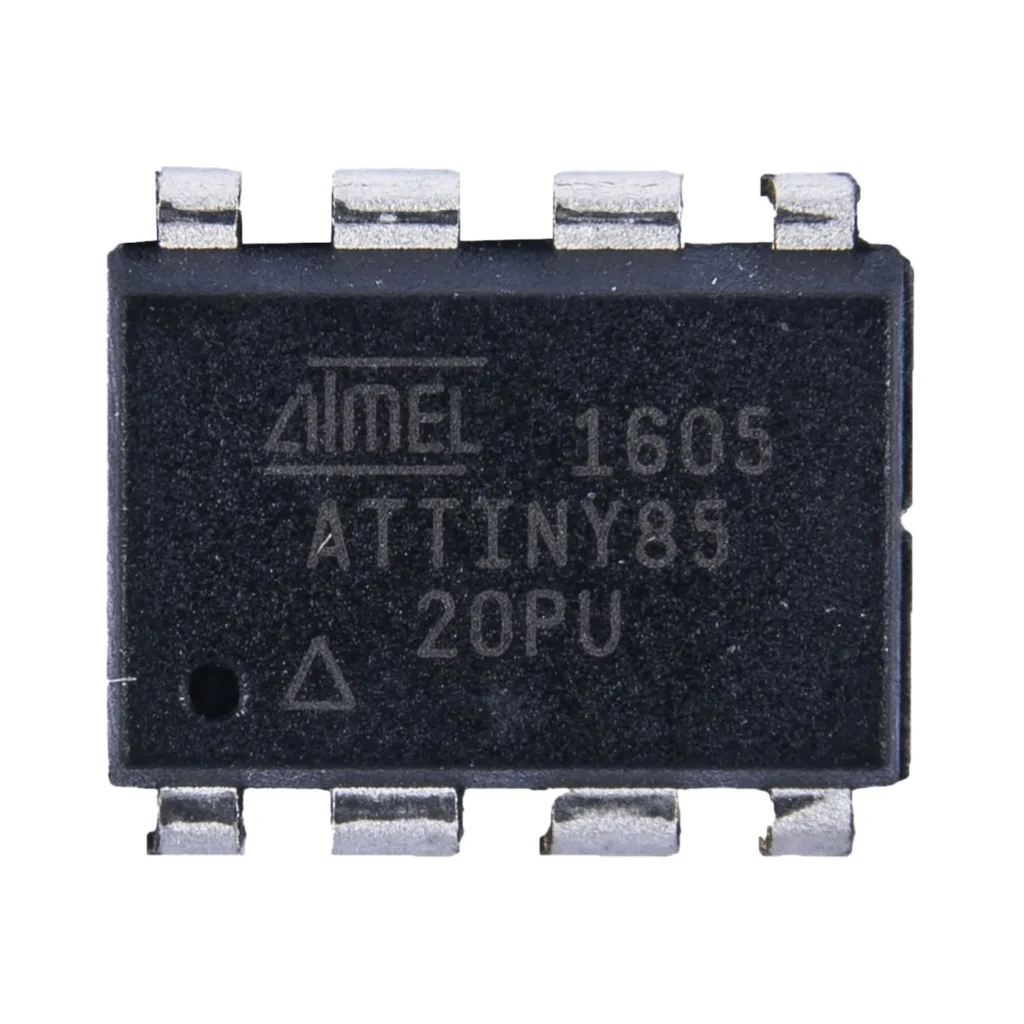
The complete pin reference for the ATtiny85: an 8-pin AVR chip with 6 GPIOs, 3 ADC channels, and no onboard USB, so it’s programmed over ISP rather than plugged straight into a computer.
- ATtiny
- Safety notes
- 3 min read
Overview
The ATtiny85 is a tiny 8-bit AVR chip from Microchip (formerly Atmel), designed for minimalistic projects where size, power efficiency and simplicity matter most. It has no onboard USB or voltage regulator, just the bare chip, so it’s programmed with an external ISP programmer rather than a USB cable.
Getting started
You’ll need an ISP programmer, either a dedicated USBasp/USBtinyISP, or another Arduino board running the “ArduinoISP” example sketch.
Hello World: blink an LED
The microcontroller equivalent of “Hello World”: PB0 toggles once a second. Wire an LED (with a resistor) to physical pin 5 (PB0), Arduino pin 0 in ATTinyCore’s standard numbering.
#include <avr/io.h>
#include <util/delay.h>

int main(void)
{
    DDRB |= (1 << PB0);   // PB0 as output
    while (1) {
        PORTB |= (1 << PB0);   // on        _delay_ms(1000);
        PORTB &= ~(1 << PB0); // off        _delay_ms(1000);
    }
}
#define LED_PIN 0 // PB0, physical pin 5
void setup() {
pinMode(LED_PIN, OUTPUT);
}
void loop() {
digitalWrite(LED_PIN, HIGH);
delay(1000);
digitalWrite(LED_PIN, LOW);
delay(1000);
}AVR-GCC: build with avr-gcc and flash with avrdude over ISP. Arduino IDE: select “Upload Using Programmer”, see “Getting started” above.
Specifications
Official specifications for the ATtiny85.
Compute
| CPU | 8-bit RISC AVR, up to 20 MHz |
| Flash | 8 KB |
| SRAM | 512 B |
| EEPROM | 512 B |
Peripherals
| ADC | 3 channels, 10-bit |
| Timers | 1× 8-bit, 1× 16-bit, PWM output |
| I2C / SPI | Via USI (no dedicated hardware) |
Physical
| Operating voltage | 2.7V – 5.5V |
| Package | DIP-8, SOIC, QFN |
| Internal clock | 1, 8 or 16 MHz |

Pinout diagram
The DIP-8 pinout with every alternate function per pin.

Pin reference
| Pin | Name | Functions |
|---|---|---|
| 1 | PB5 | RESET, ADC0, dW (debugWire), digital I/O |
| 2 | PB3 | ADC3, CLKI, digital I/O |
| 3 | PB4 | ADC2, digital I/O |
| 4 | GND | Ground |
| 5 | PB0 | MOSI, PWM (OC0A), digital I/O |
| 6 | PB1 | MISO, PWM (OC0B), ADC1, digital I/O |
| 7 | PB2 | SCK, ADC1, INT0, digital I/O |
| 8 | Vcc | Power supply (2.7V – 5.5V) |
Programming (ISP)
The 6-pin ISP header maps to these ATtiny85 pins.
| Function | Pin | Description |
|---|---|---|
| MOSI | PB0 | Programmer → chip |
| MISO | PB1 | Chip → programmer |
| SCK | PB2 | Clock signal |
| RESET | PB5 | Controls flash programming mode |
Safety notes
Before you wire anything up
- PB5 is RESET by default, using it as a plain GPIO requires disabling reset via a fuse, which then means you need a high-voltage programmer to ever reprogram the chip again.
- PB0–PB2 are shared with the ISP header, avoid connecting anything to them that would interfere with programming (like a always-on pull-down).
- This chip runs from 2.7V to 5.5V, check your programmer’s logic level matches what you intend to run the chip at.
Related
 Reference
HX711 + Load Cell Weight Sensor Complete Guide
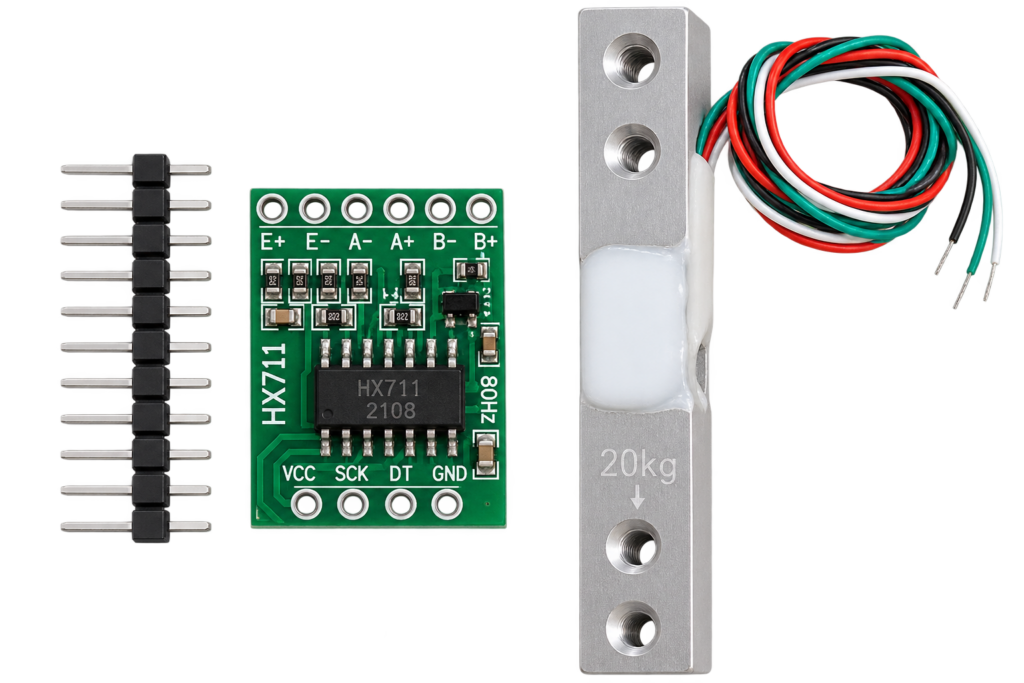
The HX711 is a 24-bit ADC purpose-built to amplify the tiny signal from a 4-wire load cell into something a microcontroller can read reliably. This guide covers the real wiring convention, which varies by manufacturer, and the calibration process every load cell genuinely needs, regardless of which specific one you bought.
Read more
Reference
HX711 + Load Cell Weight Sensor Complete Guide
The HX711 is a 24-bit ADC purpose-built to amplify the tiny signal from a 4-wire load cell into something a microcontroller can read reliably. This guide covers the real wiring convention, which varies by manufacturer, and the calibration process every load cell genuinely needs, regardless of which specific one you bought.
Read more
 Reference
SG90 Servo
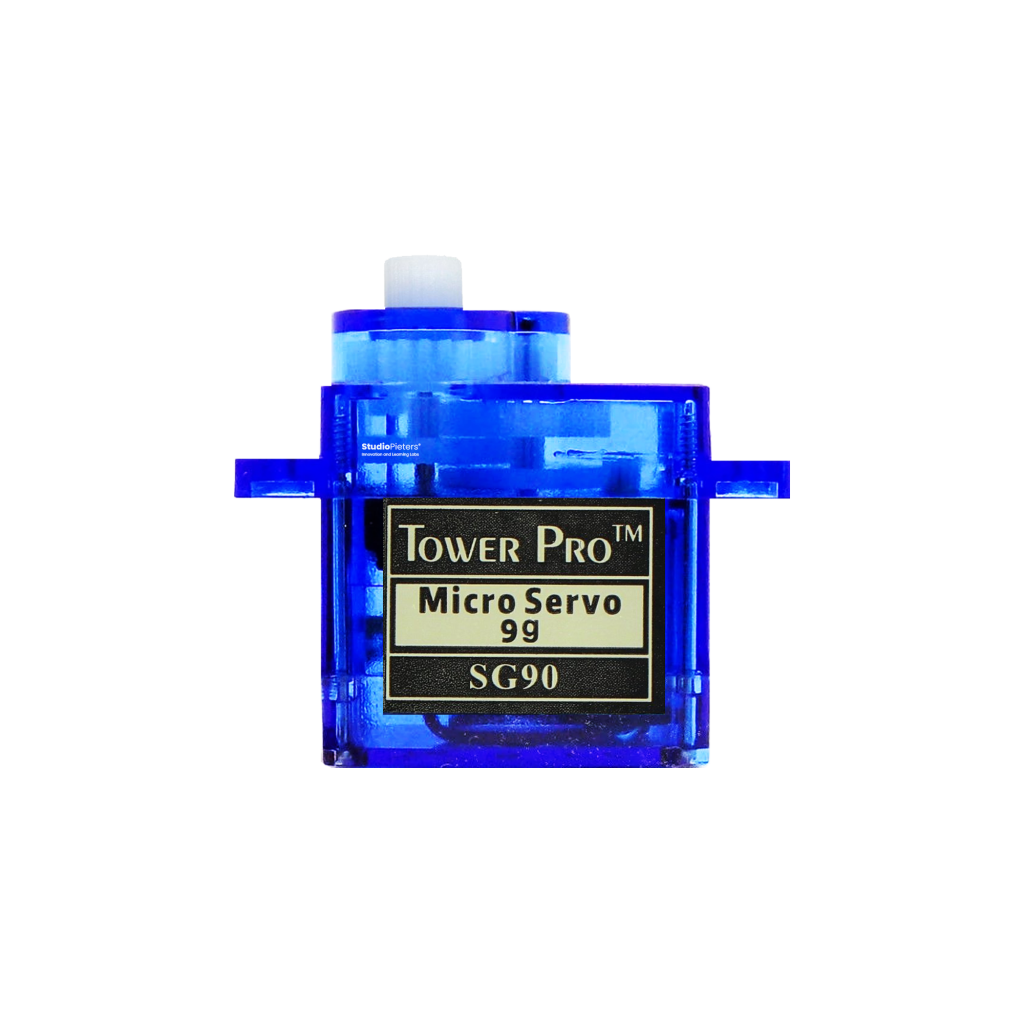
The classic 9-gram micro servo: a 3-wire PWM interface, ~180° of travel, and enough torque for pan-tilt mounts and small robotic arms. This guide covers the pinout, PWM pulse-width timing, wiring, and how it compares to the metal-gear MG90S.
Read more
Reference
SG90 Servo
The classic 9-gram micro servo: a 3-wire PWM interface, ~180° of travel, and enough torque for pan-tilt mounts and small robotic arms. This guide covers the pinout, PWM pulse-width timing, wiring, and how it compares to the metal-gear MG90S.
Read more
 Reference
INA219 / INA226 Voltage, Current and Power Sensor Complete Guide
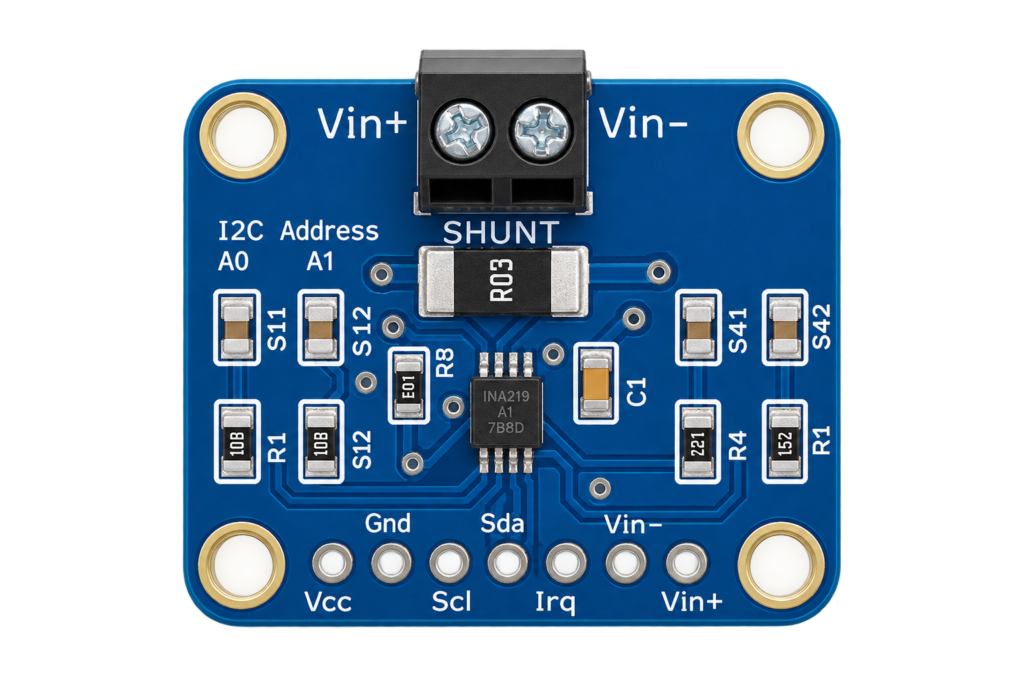
The INA219 and INA226 measure voltage, current and power on a low-voltage DC bus over I2C, using a shunt resistor and Ohm's law, not the mains-AC energy-meter ICs this site already covers. This guide covers both chips' real specs, wiring one to an ESP32, and which to pick for a battery or power-budget project.
Read more
Reference
INA219 / INA226 Voltage, Current and Power Sensor Complete Guide
The INA219 and INA226 measure voltage, current and power on a low-voltage DC bus over I2C, using a shunt resistor and Ohm's law, not the mains-AC energy-meter ICs this site already covers. This guide covers both chips' real specs, wiring one to an ESP32, and which to pick for a battery or power-budget project.
Read more
More guides
Keep building.
From ESP32 HomeKit accessories to Arduino and ATtiny reference guides, there’s more where this came from.
All guides