
Electronics
Building a MicroDuck, Part 2: The Hardware
Every part you need for the OpenELAB MicroDuck, what it does, and what to check before you order. A shopping list without prices, with a checklist for when the boxes arrive.
- Safety notes
- 7 min read
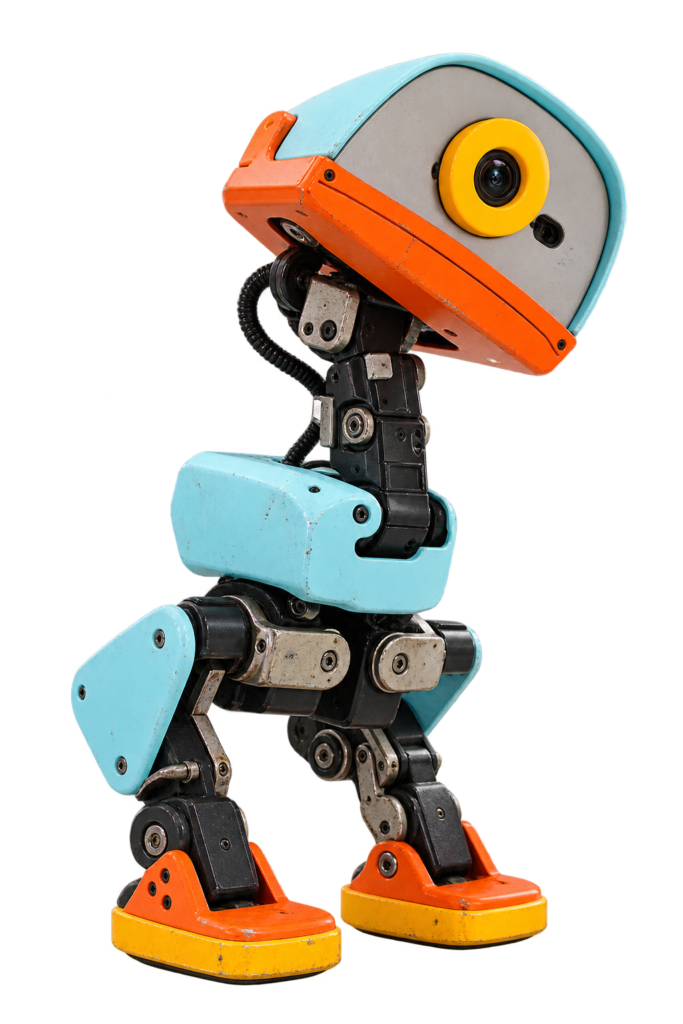
Without parts there is nothing to build. In this part we work out what to order. You get one complete list, a short explanation of what every part does, and a checklist for when the boxes arrive.
No electronics experience? No problem. For every part I tell you what it does, so you know why you’re buying it.
Plan, not receipts
I haven’t ordered anything yet. The list comes from the AI-FanGe tutorial (the bill of materials and the wiring chapters) and the OpenELAB guide. Neither gives prices or shop links, so I don’t either.
What You’ll Do in This Part
- Make a few decisions before you order.
- Go through the parts list.
- Gather the tools you need besides the parts.
- Check your order when it arrives.
Before You Order
Batteries and ordering
If you’re young, order together with an adult. Rechargeable batteries can be dangerous if you short-circuit, pierce or charge them wrongly. Check polarity with a multimeter before you power anything on.
Decision 1: spare servos? The robot needs 14 Dynamixel servos. One spare is a cheap insurance against a broken motor. That’s my suggestion, not part of either guide.
Decision 2: the mouth servo. The design has room for a 15th servo for a mouth, but the walking model does not use it. I’ll skip it for now.
Decision 3: the print files. The tutorial says to print from a cad folder, but I can’t find one in the repository. I won’t order anything for the body until I know where the files come from. OpenELAB shows a matched set of printed parts.
Decision 4: the battery. The tutorial calls for a ready-made 6 V rechargeable pack with enough peak current, and says you don’t need a custom two-cell pack, a protection board or a special charger. It doesn’t name a product, so I’ll choose one and check its rating and connector before I buy.
The Parts List
The list is grouped by what the part is for. The quantities come from the tutorial’s bill of materials.
Brain and control
| Part | How many | What it does |
|---|---|---|
| Raspberry Pi Zero 2 W | 1 | The robot’s brain: a tiny computer. It runs the control program, Bluetooth gamepad, Wi-Fi and SSH. |
| ROBOTIS OpenRB-150 | 1 | The servo controller. It connects to the Pi over USB and talks to the servo bus. |
| BNO080, BNO085 or BNO086 module | 1 | The motion sensor (IMU). Tells the robot which way is up. Connected over I2C. The code detects the common addresses on its own. |
| microSD card, 16 GB or larger | 1 | The Pi’s storage. The ready-made software image goes here. The video suggests about 32 GB. Buy a reliable new card. |
Motors
| Part | How many | What it does |
|---|---|---|
| Dynamixel XL330-M288-T servo | 14 (plus a spare, my suggestion) | The motors in the joints. 10 are in the legs and 4 in the head and neck. Each turns to an exact angle and holds it. |
| Optional mouth servo | 0 or 1 | Uses ID 15. Not needed for walking. |
Power
| Part | How many | What it does |
|---|---|---|
| Ready-made 6 V rechargeable battery | 1 | Powers the servos and, through a regulator, the Pi. It must be able to give enough peak current. |
| Power switch | 1 | Turns the robot on and off. |
| 5 V regulator or USB power module | 1 | The Pi needs a steady 5 V, so it gets its own supply from the battery. |
Cables and connectors
| Part | How many | What it does |
|---|---|---|
| Dynamixel 3-pin cables | Several | Chain the servos together. |
| Splitter for the servo bus | 1 | Splits the OpenRB-150 output into the right leg, left leg and head and neck. |
| JST wires and power connectors | Several | For the power wiring and splitters. |
| Heat-shrink tubing and hot glue | Some | Insulate solder joints so nothing shorts. |
Mechanical
| Part | How many | What it does |
|---|---|---|
| 3D printed parts | 1 set | The body. PLA is recommended. |
| M2 and M2.5 self-tapping screws | Several, keep extras | Hold the servos, horns and structure together. |
| POM shims and steel shims | Several | A cheap way to let the joints turn smoothly. |
Setup tools
| Part | How many | What it does |
|---|---|---|
| Dynamixel U2D2 and U2D2 Power Hub | 1 set | Used to set the servo IDs, baud rate and parameters. The tutorial lists it. OpenELAB treats it as an optional setup kit. One set can serve several robots. |
Recommended extras from the tutorial: spare servos, a spare battery, spare wire and cables, JST-EH terminals, a crimping tool, and a multimeter for polarity and voltage.
Check Before You Buy
These are the mistakes that cost the most, so check them before you pay:
- Servos: the XL330-M288-T model. Other XL330 variants have different specs.
- Raspberry Pi: the Zero 2 W, not the older Zero. It may come without pin headers, and the IMU uses its I2C pins.
- IMU: a BNO080, BNO085 or BNO086 module, not a different sensor.
- Battery: 6 V, with enough peak current, and a connector that matches your switch and wiring.
- microSD card: buy from a seller you trust. Fake cards exist.
- Servo firmware: I haven’t found a firmware requirement in this build’s guides, so I’ll check the servos when they arrive.
What You Need Besides the Parts
- A 3D printer and PLA filament.
- A soldering iron, solder and some wire.
- A multimeter.
- A crimping tool for the connectors.
- A Bluetooth gamepad to steer the robot. The guide has a section on pairing one.
- A computer to flash the SD card and connect to the Pi.
- A 2.4 GHz Wi-Fi network. The Pi Zero 2 W doesn’t do 5 GHz.
The Servo IDs, in Advance
Every servo needs its own ID before it goes into the robot. The software expects this mapping:
| ID | Position |
|---|---|
| 1 to 5 | Right ankle, knee, hip pitch, hip roll, hip yaw |
| 6 to 10 | Left ankle, knee, hip pitch, hip roll, hip yaw |
| 11 to 14 | Head pitch, neck pitch, head yaw, head roll |
| 15 | Mouth (optional) |
The recommended servo settings are protocol 2.0, 1 Mbps, return delay time 0, and PWM slope 255. We do this in Part 4.
When the Boxes Arrive
Check everything before you start building. A wrong part now is easier to fix than a wrong part halfway through.
- Count the servos. 14 XL330-M288-T, plus any spare.
Bad result: the number is off. Contact the shop now. - Check the labels on the servos. They must be the M288-T model.
- Check the Raspberry Pi and the IMU. A Zero 2 W, and a BNO08x module.
- Check the battery. Undamaged, 6 V, and the right connector.
- Tick off the list. Everything is there and you noted what you paid.
If It Didn’t Work
- A part is out of stock. Look for the same part elsewhere and check the exact model before you buy.
- You can’t find the print files. Look at the OpenELAB guide and its links first, and ask the author before printing something that may not match.
- You’re unsure about the battery. Ask someone who knows lithium cells before you order. This is the step where mistakes matter most.
What You Have Now
A complete parts list, a set of decisions, and a checklist for when it arrives. Next up: finding the print files and printing a test piece, so I know the parts fit before I print everything.
If you know where the print files are, or a battery that works well, tell me through the contact page.
Words Explained
- XL330-M288-T: the exact model of Dynamixel servo used here.
- OpenRB-150: a small controller board that talks to the servos.
- IMU: a motion sensor that measures tilt and movement.
- I2C: a two-wire way for chips to talk to each other.
- Servo ID: the number that tells the controller which servo is which.
- U2D2: a small adapter for setting up Dynamixel servos from a computer.
- PLA: a common, stiff 3D printing plastic.
- Shim: a thin washer that lets a joint turn smoothly.
Conclusion: Time to Shop
One list, a few open questions, and a clear idea of what every part is for. Order, wait, check, and then we start printing.
Small duck, big steps. Happy hacking!
Unofficial fan project
MicroDuck is an open-source robot. The version in this series follows the OpenELAB build guide and the AI-FanGe build tutorial (MIT license), which credit the Rhoban microban and Pollen Robotics microduck projects for their mechanical design and ideas. This site is not affiliated with any of them.
Related
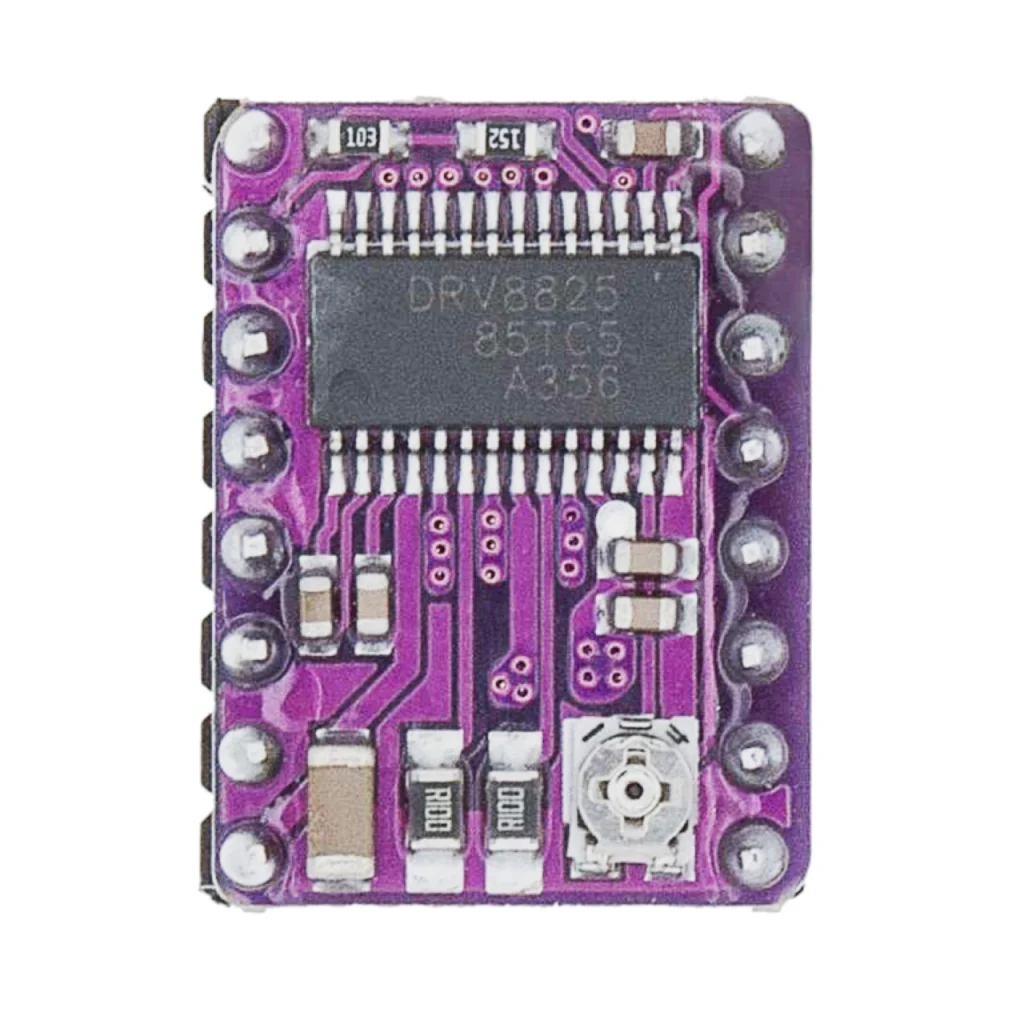 Guide
DRV8825 Pinout
The complete pin reference for the DRV8825 stepper motor driver: 16 pins, up to 1/32 microstepping, and the exact wiring you need to drive a motor safely.
Read more
Guide
DRV8825 Pinout
The complete pin reference for the DRV8825 stepper motor driver: 16 pins, up to 1/32 microstepping, and the exact wiring you need to drive a motor safely.
Read more
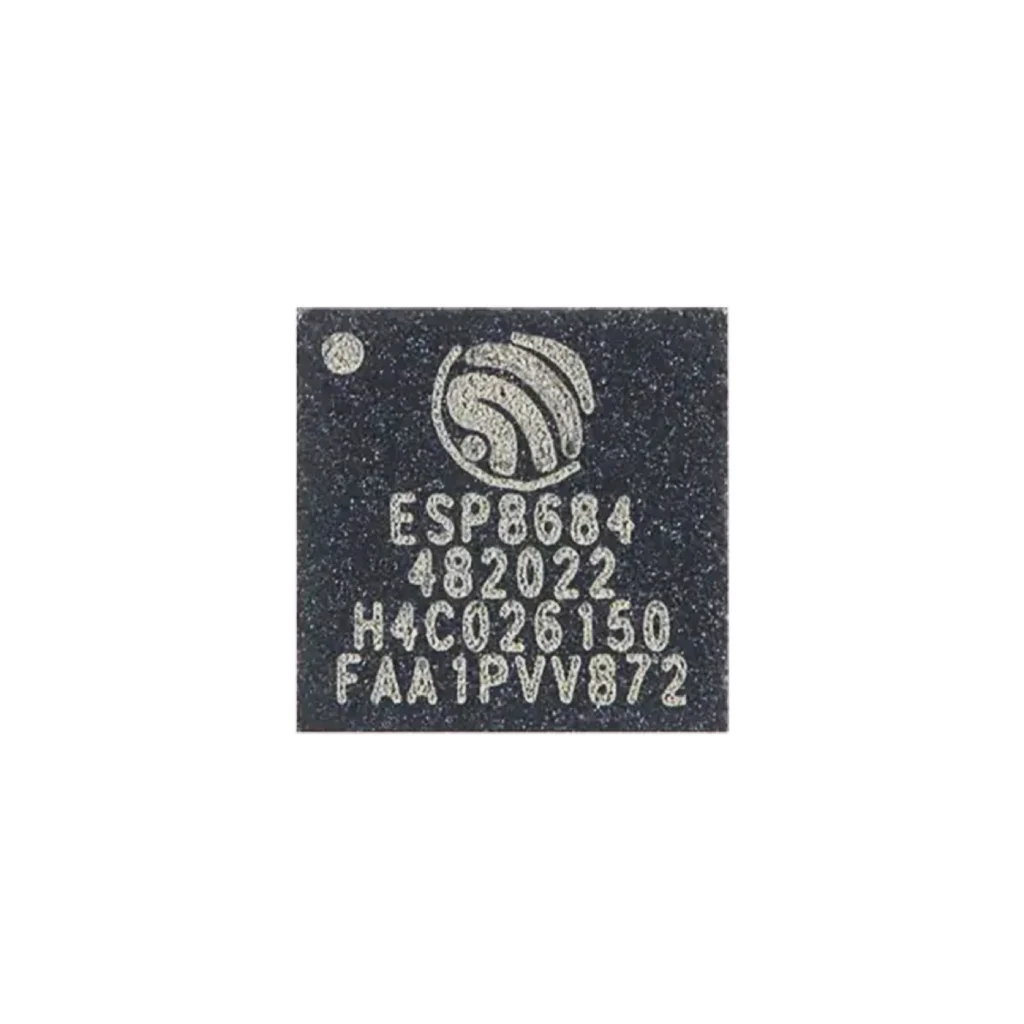 Guide
ESP32-C2 (ESPC2-02) Pinout
The complete pin reference for the ESPC2-02 module: Espressif’s smallest, lowest-cost Wi-Fi and Bluetooth chip, and the exact pins you can safely reuse.
Read more
Guide
ESP32-C2 (ESPC2-02) Pinout
The complete pin reference for the ESPC2-02 module: Espressif’s smallest, lowest-cost Wi-Fi and Bluetooth chip, and the exact pins you can safely reuse.
Read more
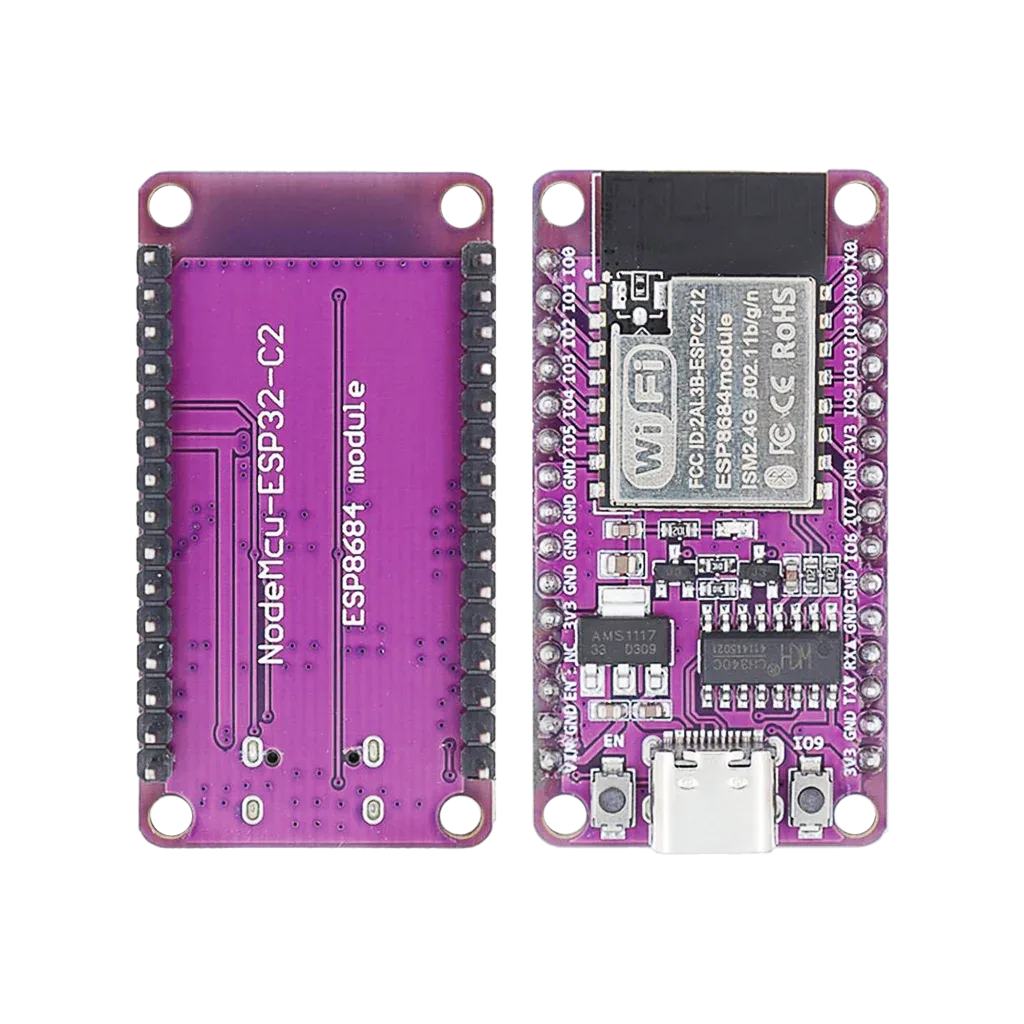 Reference
NodeMCU-ESP32-C2 Pinout
The pin reference for the NodeMCU-style ESP32-C2 development board: the ESP8684-WROOM-02 module, its exposed GPIOs, and how to flash it over USB-C.
Read more
Reference
NodeMCU-ESP32-C2 Pinout
The pin reference for the NodeMCU-style ESP32-C2 development board: the ESP8684-WROOM-02 module, its exposed GPIOs, and how to flash it over USB-C.
Read more
More guides
Keep building.
From ESP32 HomeKit accessories to Arduino and ATtiny reference guides, there’s more where this came from.
All guides