
HomeKit
ESP8266 HomeKit Reed Contact Sensor
A HomeKit contact sensor on an ESP8266 with a reed contact and a magnet, for a door, window, garage door or blinds. A test setup from 2019.
- ESP8266
- HomeKit
- 2 min read
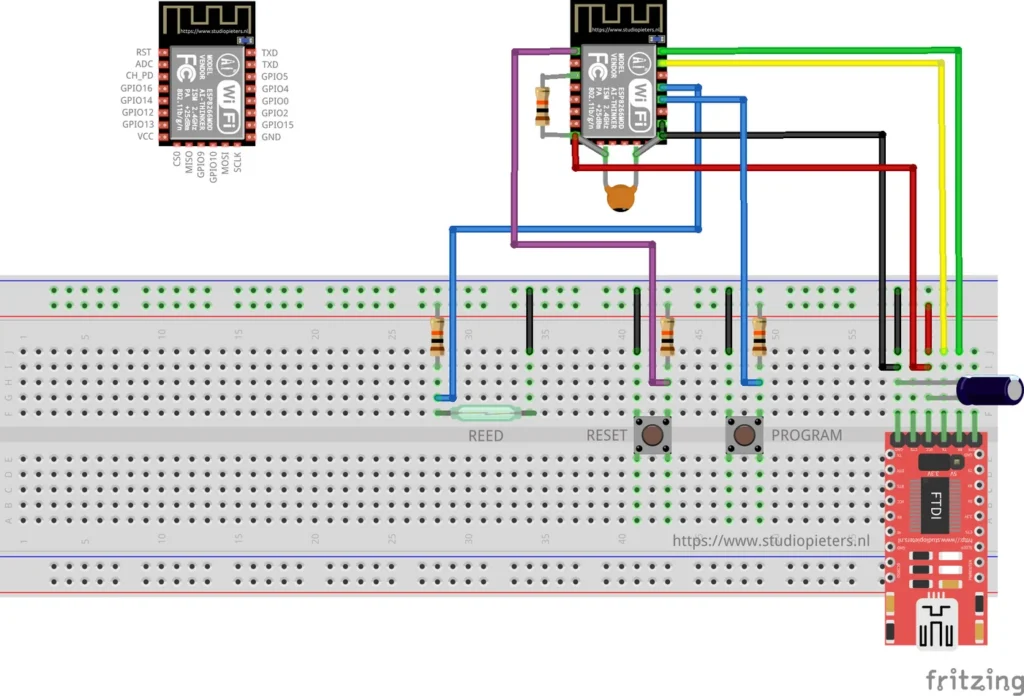
A contact sensor for HomeKit on an ESP8266, with a reed contact: a small glass switch that closes when a magnet comes near. Put the magnet on a door, a window or a garage door, and the Home app shows whether it is open or closed.
One firmware serves several uses. The repository lists a contact sensor, a door sensor, a window sensor, a garage sensor and a blinds sensor, all ticked as included. It is a test setup.
Hardware
| Component | Notes |
|---|---|
| ESP8266 module | An Ai-Thinker ESP8266 module of the ESP-12 type. See the ESP8266 pinout |
| Reed contact | Shown as REED in the diagram, with a pull-up resistor |
| 2 push buttons | RESET and PROGRAM |
| USB-serial (FTDI) adapter | For flashing and power in this test setup. Set it to 3.3 V logic |
| Electrolytic capacitor | As drawn, for a stable supply |
| Resistors and a small ceramic capacitor | As drawn |
The Fritzing diagram at the top of this page shows the whole build, with the pinout of the module in the corner. The repository has no firmware source, so the pin assignment is not listed in text: follow the diagram. Use an FTDI adapter set to 3.3 V, because a 5 V adapter can damage the module.
A newer version
In 2021 the same idea came back with a Hall sensor instead of a reed contact, in a 3D-printed housing. See the ESP8266 HomeKit Window Contact Sensor, and the door, blinds and general contact sensor versions linked from it.
Flash and install
The installation is the same as for the other ESP8266 HomeKit accessories on this site. The firmware runs on ESP-Open-RTOS with Life Cycle Manager 2, which sets up the WiFi and installs updates over the air. The full steps, from installing esptool to flashing, joining the LCM- WiFi network and pairing, are in ESP8266 HomeKit Blinds.
In the portal, use these values:
| Field | Value |
|---|---|
| OTA repository | AchimPieters/ESP8266-HomeKit-Contact-Sensor-2 |
| OTA binary file | main.bin |
When the installation is done, scan the QR code the device generates in the Home app to add it.
Firmware release
| Version | Date | Notes |
|---|---|---|
| 0.0.1 | 8 September 2019 | Initial release |
Good to know
- This is a test setup and not a finished product.
- The HomeKit Accessory Protocol specification the firmware follows is the non-commercial version, for accessories you build yourself and do not distribute or sell.
- The repository is under the MIT licence and holds the firmware release, not the source code.
Everything is in the ESP8266-HomeKit-Contact-Sensor-2 repository on GitHub.
Related
 HomeKit
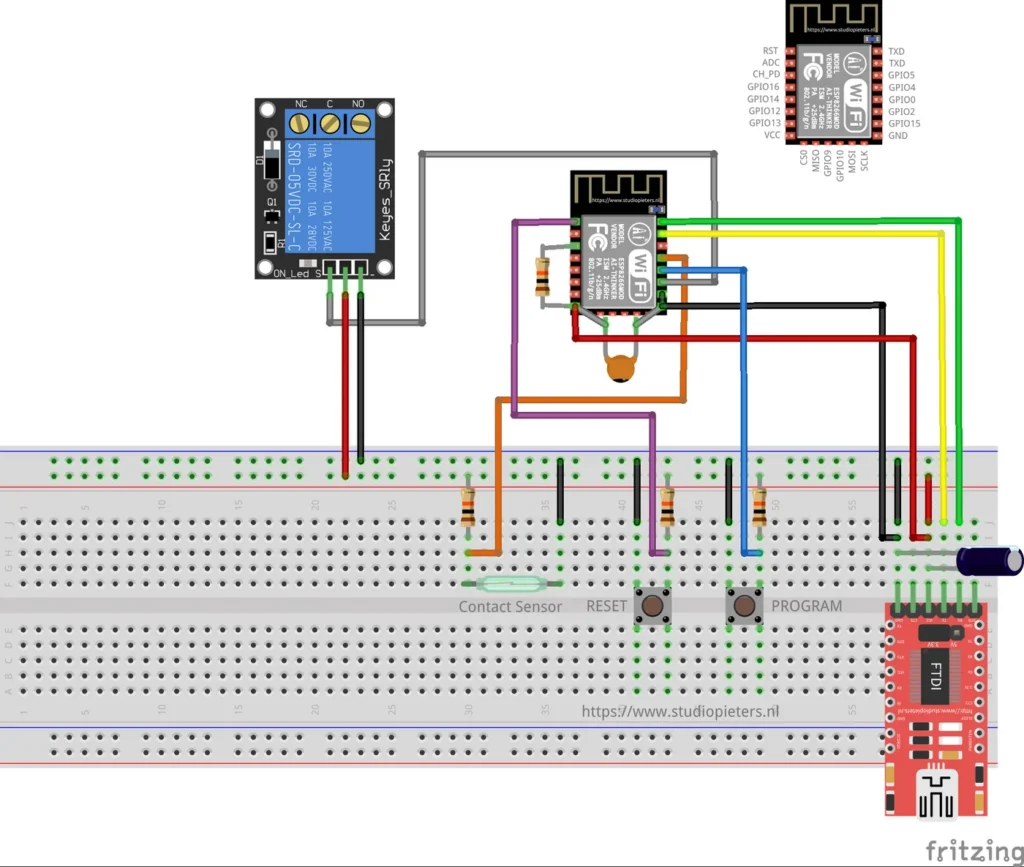
ESP8266 HomeKit Garage Door Opener
A HomeKit garage door opener on an ESP8266: a relay pulses the opener input and a reed sensor with a magnet on the door reports open or closed. A low-voltage test setup, built from source.
Read more
HomeKit
ESP8266 HomeKit Garage Door Opener
A HomeKit garage door opener on an ESP8266: a relay pulses the opener input and a reed sensor with a magnet on the door reports open or closed. A low-voltage test setup, built from source.
Read more
 HomeKit
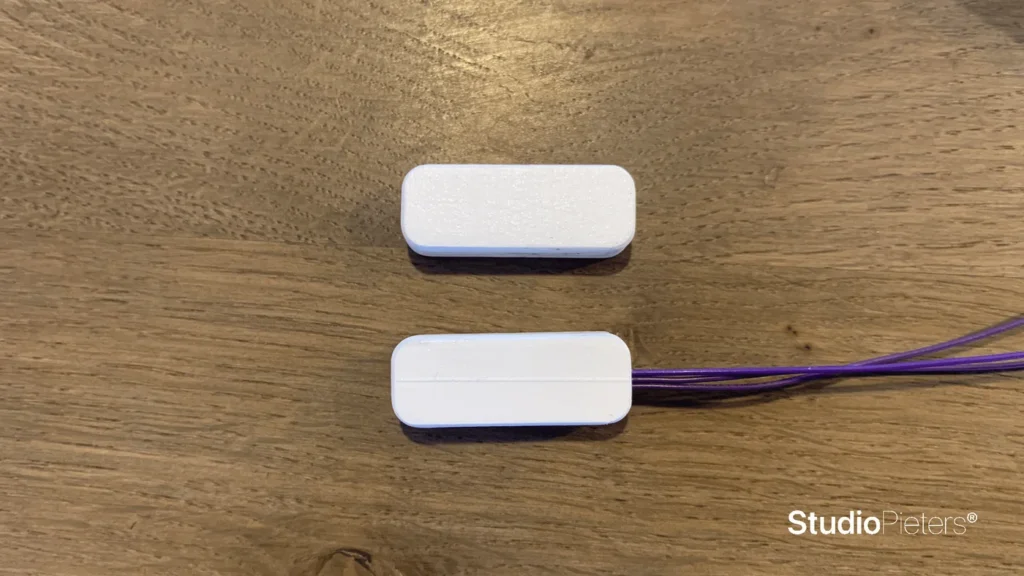
ESP8266 HomeKit Window Contact Sensor with a Hall Sensor
A HomeKit window contact sensor: an A3144 Hall sensor, a magnet, an ESP8266 and a 3D-printed housing that sticks to the frame. A test setup with the circuit explained from the datasheet.
Read more
HomeKit
ESP8266 HomeKit Window Contact Sensor with a Hall Sensor
A HomeKit window contact sensor: an A3144 Hall sensor, a magnet, an ESP8266 and a 3D-printed housing that sticks to the frame. A test setup with the circuit explained from the datasheet.
Read more
 HomeKit
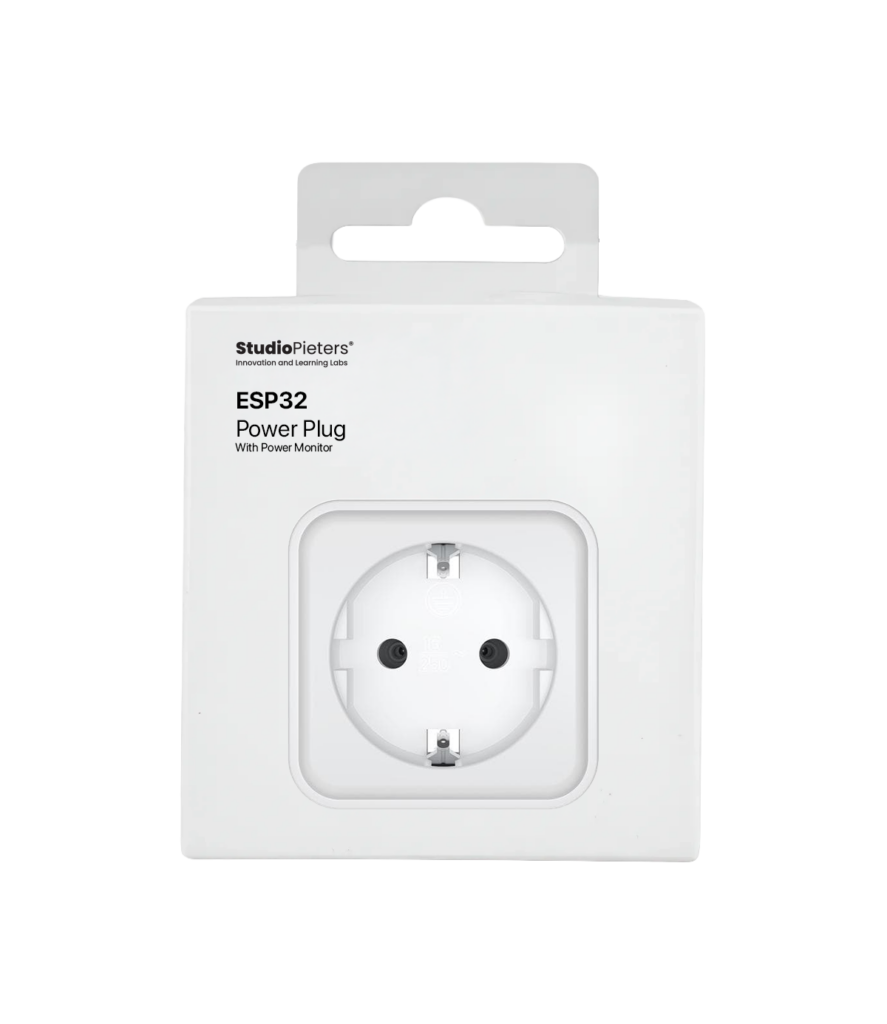
ESP32 Power Plug with Energy Meter
For many years, the Dutch retailer Action has sold affordable smart‑home devices under the LSC Smart Connect brand.
Read more
HomeKit
ESP32 Power Plug with Energy Meter
For many years, the Dutch retailer Action has sold affordable smart‑home devices under the LSC Smart Connect brand.
Read more
More HomeKit
Keep building.
Switches, sensors, plugs and blinds: more accessories that you build yourself and add to the Home app.
All HomeKit