
Guide
Raspberry Pi 4 Pinout
The complete 40-pin GPIO reference for the Raspberry Pi 4 Model B: 26 general-purpose pins, I2C, SPI, UART, PWM, and the exact pins you can safely reuse.
- Raspberry Pi
- Safety notes
- 3 min read
Overview
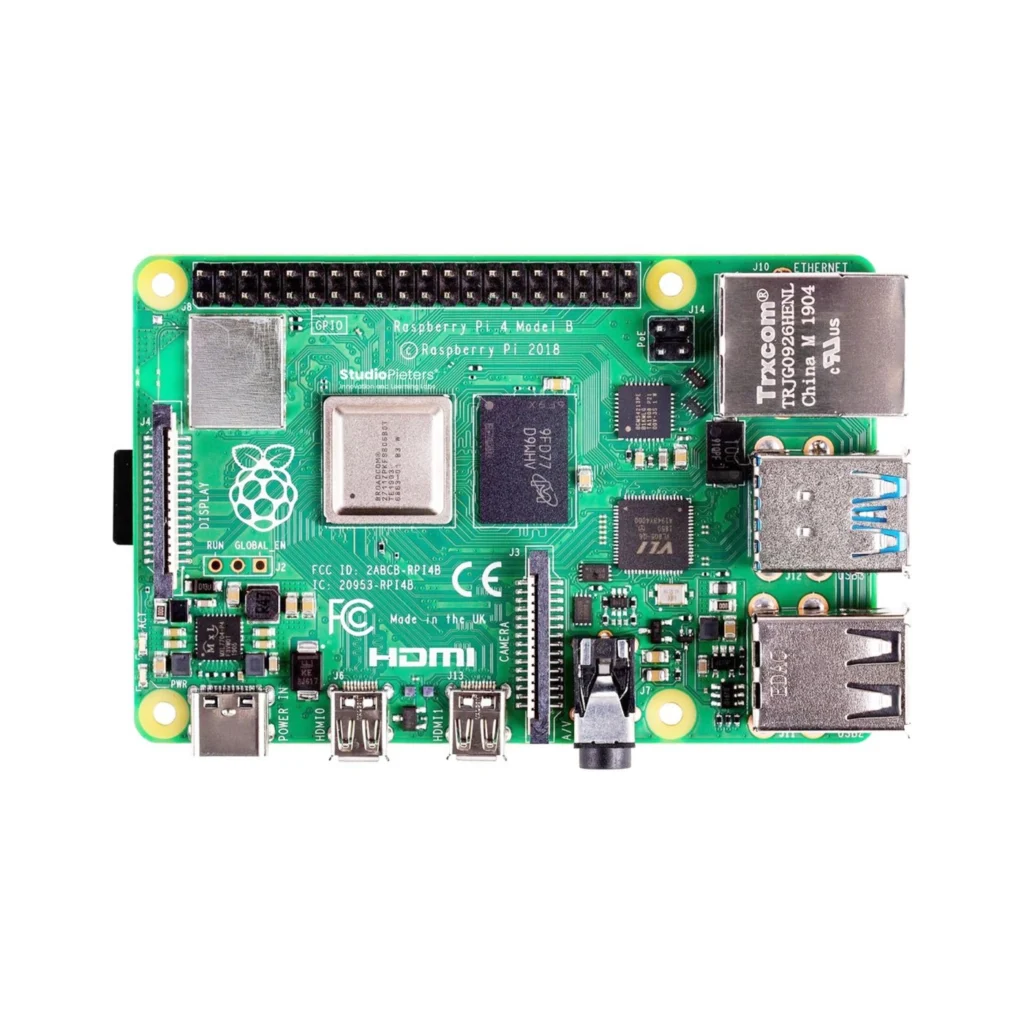
The Raspberry Pi 4 is a full single-board computer, not a microcontroller: it boots Linux from an SD card or USB drive, rather than running a single compiled program. Its 40-pin GPIO header still works a lot like the boards elsewhere in these guides, 3.3V logic, I2C, SPI, UART and PWM are all here, just controlled from Python (or any language) running on top of a full OS instead of bare-metal firmware.
Getting started
Unlike the microcontroller boards in these guides, there’s no sketch to compile and upload, you flash an operating system image to an SD card once, then the Pi boots into it like a regular computer.
Hello World: blink an LED
The microcontroller equivalent of “Hello World”: GPIO17 toggles once a second. Wire an LED (with a resistor) to GPIO17 (physical pin 11), then run this directly on the Pi, no separate upload step needed.
from gpiozero import LED
from time import sleep

led = LED(17)  # GPIO17, physical pin 11
while True:
    led.on()
    sleep(1)
    led.off()
    sleep(1)
Run with: python3 blink.py. gpiozero ships preinstalled on Raspberry Pi OS.
Specifications
Official specifications for the Raspberry Pi 4 Model B.
Compute
| SoC | Broadcom BCM2711 |
| CPU | Quad-core Cortex-A72, 1.5 GHz, 64-bit |
| RAM | 2, 4 or 8 GB LPDDR4 |
Connectivity
| Wi-Fi | Dual-band 802.11ac |
| Bluetooth | 5.0 |
| Ethernet | True Gigabit |
| USB | 2 × USB 3.0, 2 × USB 2.0 |
Physical
| GPIO logic level | 3.3V |
| Power input | USB-C, 5V/3A |
| Video out | 2 × micro-HDMI, up to 4K60 |

Pinout diagram
The full 40-pin GPIO header.

GPIO quick reference
Physical pin numbers count around the header, BCM numbers are what Python libraries expect by default, the two don’t match.
| Pin | BCM | Name | Function | Notes |
|---|---|---|---|---|
| 1 | — | 3.3V | Power | Constant 3.3V output |
| 2 | — | 5V | Power | Direct 5V from USB-C |
| 3 | 2 | SDA1 | I2C | Requires pull-up resistor |
| 4 | — | 5V | Power | Direct 5V from USB-C |
| 5 | 3 | SCL1 | I2C | Requires pull-up resistor |
| 6 | — | GND | Ground | — |
| 7 | 4 | GPIO4 | GPIO | General-purpose I/O |
| 8 | 14 | TXD0 | UART TX | Serial transmit |
| 9 | — | GND | Ground | — |
| 10 | 15 | RXD0 | UART RX | Serial receive |
| 11 | 17 | GPIO17 | GPIO | — |
| 12 | 18 | GPIO18 | GPIO, PWM | Hardware PWM |
| 13 | 27 | GPIO27 | GPIO | — |
| 14 | — | GND | Ground | — |
| 15 | 22 | GPIO22 | GPIO | — |
| 16 | 23 | GPIO23 | GPIO | — |
| 17 | — | 3.3V | Power | Constant 3.3V output |
| 18 | 24 | GPIO24 | GPIO | — |
| 19 | 10 | MOSI | SPI | SPI Master Out |
| 20 | — | GND | Ground | — |
| 21 | 9 | MISO | SPI | SPI Master In |
| 22 | 25 | GPIO25 | GPIO | — |
| 23 | 11 | SCLK | SPI | SPI Clock |
| 24 | 8 | CE0 | SPI | Chip select 0 |
| 25 | — | GND | Ground | — |
| 26 | 7 | CE1 | SPI | Chip select 1 |
| 27 | 0 | ID_SD | EEPROM I2C | Reserved for HATs |
| 28 | 1 | ID_SC | EEPROM I2C | Reserved for HATs |
| 29 | 5 | GPIO5 | GPIO | — |
| 30 | — | GND | Ground | — |
| 31 | 6 | GPIO6 | GPIO | — |
| 32 | 12 | GPIO12 | GPIO, PWM | Hardware PWM |
| 33 | 13 | GPIO13 | GPIO, PWM | Hardware PWM |
| 34 | — | GND | Ground | — |
| 35 | 19 | GPIO19 | GPIO, PWM, SPI | Hardware PWM |
| 36 | 16 | GPIO16 | GPIO | — |
| 37 | 26 | GPIO26 | GPIO | — |
| 38 | 20 | GPIO20 | GPIO | — |
| 39 | — | GND | Ground | — |
| 40 | 21 | GPIO21 | GPIO | — |
Serial console (UART)
Useful for debugging headless boots, or talking to another serial device directly. Enable it in raspi-config first, it’s off by default.
| Function | Pin | Description |
|---|---|---|
| TXD0 | GPIO14 (pin 8) | Pi → external device (output) |
| RXD0 | GPIO15 (pin 10) | External device → Pi (input) |
Safety notes
Before you wire anything up
- GPIOs are 3.3V logic and not 5V tolerant, connecting a 5V signal directly to any GPIO pin can permanently damage the Pi.
- Pins 27 and 28 (ID_SD/ID_SC) are reserved for HAT EEPROM detection, leave them alone unless you know exactly what you’re doing.
- Never hot-plug a HAT or wiring onto the GPIO header while the Pi is powered.
- Use a real 5V/3A USB-C supply, undersized power adapters cause random reboots under load, especially with USB peripherals attached.
Related
 Guide
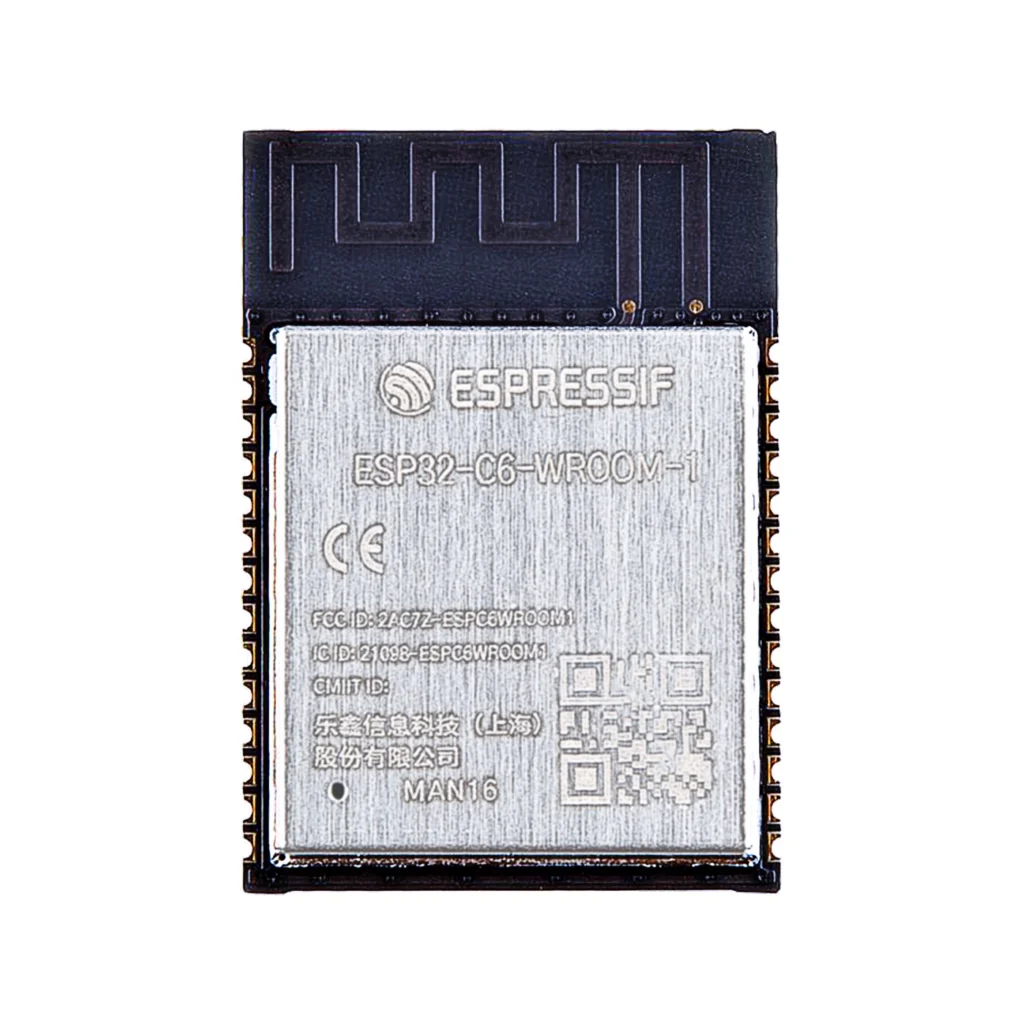
ESP32-C6-WROOM-1 Pinout
The complete pin reference for the ESP32-C6-WROOM-1 module: Wi-Fi 6, Bluetooth LE and 802.15.4 (Thread and Zigbee) on one chip, plus the exact pins you can safely reuse.
Read more
Guide
ESP32-C6-WROOM-1 Pinout
The complete pin reference for the ESP32-C6-WROOM-1 module: Wi-Fi 6, Bluetooth LE and 802.15.4 (Thread and Zigbee) on one chip, plus the exact pins you can safely reuse.
Read more
 Reference
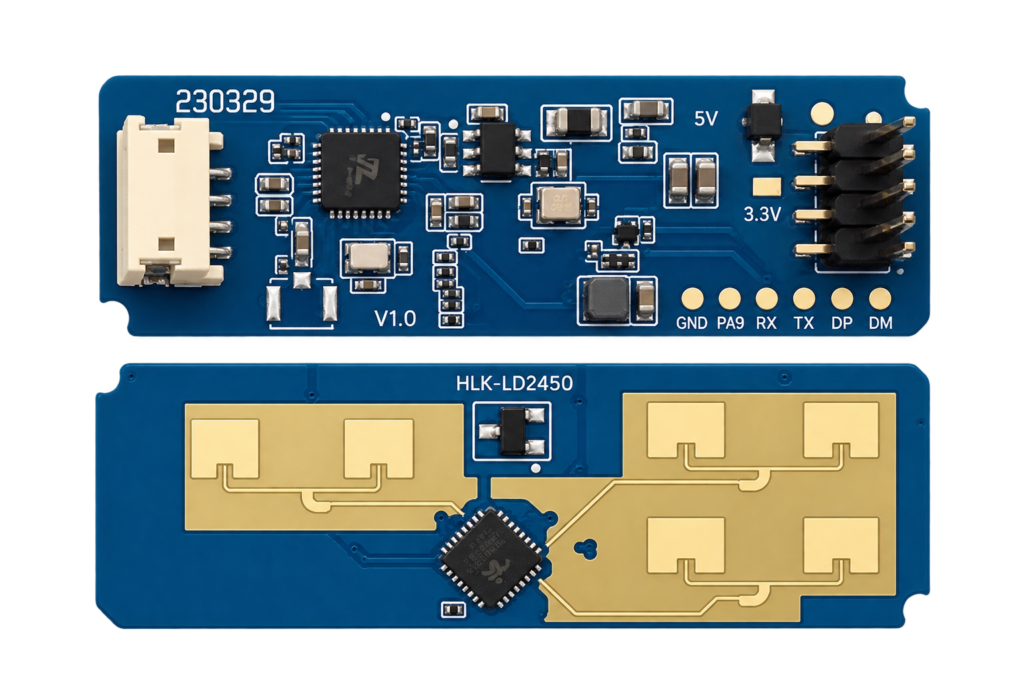
The Complete Guide to the HLK-LD2450 24GHz Multi-Target Tracking Radar Module
The LD2450 is Hi-Link's multi-target mmWave radar: where the already-published LD2410 only tells you someone is present, the LD2450 tracks up to three people at once with real X/Y position and speed. This guide covers its real UART protocol, wiring, and when you actually need position tracking over simple presence.
Read more
Reference
The Complete Guide to the HLK-LD2450 24GHz Multi-Target Tracking Radar Module
The LD2450 is Hi-Link's multi-target mmWave radar: where the already-published LD2410 only tells you someone is present, the LD2450 tracks up to three people at once with real X/Y position and speed. This guide covers its real UART protocol, wiring, and when you actually need position tracking over simple presence.
Read more
 Reference
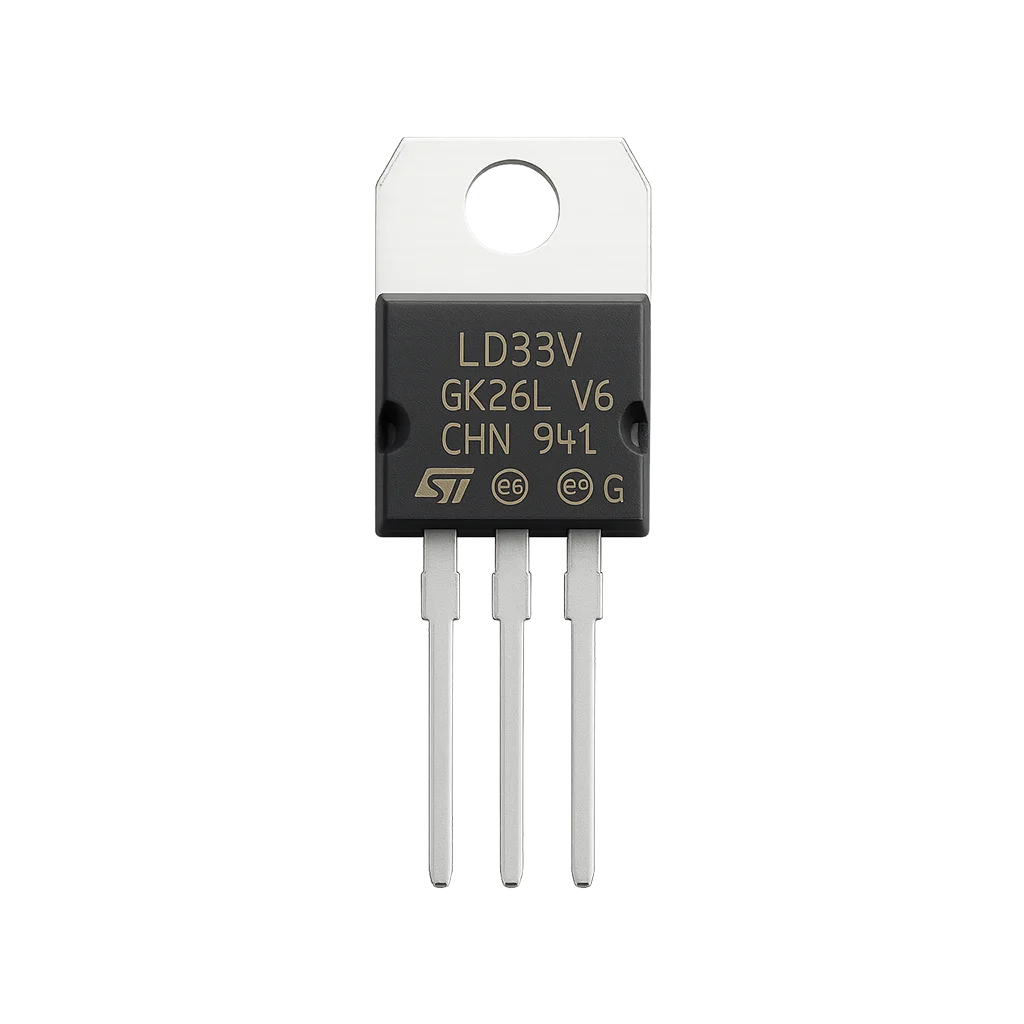
Everything You Need to Know About the LD33V
A fixed 3.3V linear regulator from the LD1117 family, the go-to way to power ESP modules, sensors and RF radios from a higher unregulated input. This guide covers dropout voltage, required capacitors, power dissipation, and how to avoid the overheating and brownout problems that come with powering an ESP32 from one.
Read more
Reference
Everything You Need to Know About the LD33V
A fixed 3.3V linear regulator from the LD1117 family, the go-to way to power ESP modules, sensors and RF radios from a higher unregulated input. This guide covers dropout voltage, required capacitors, power dissipation, and how to avoid the overheating and brownout problems that come with powering an ESP32 from one.
Read more
More guides
Keep building.
From ESP32 HomeKit accessories to Arduino and ATtiny reference guides, there’s more where this came from.
All guides