
Electronics
Building a MicroDuck, Part 1: The Plan
A small two-legged robot that walks with a model trained in simulation. In this series I build it step by step, explain every word along the way, and show what it costs and what goes wrong.
- Safety notes
- 5 min read
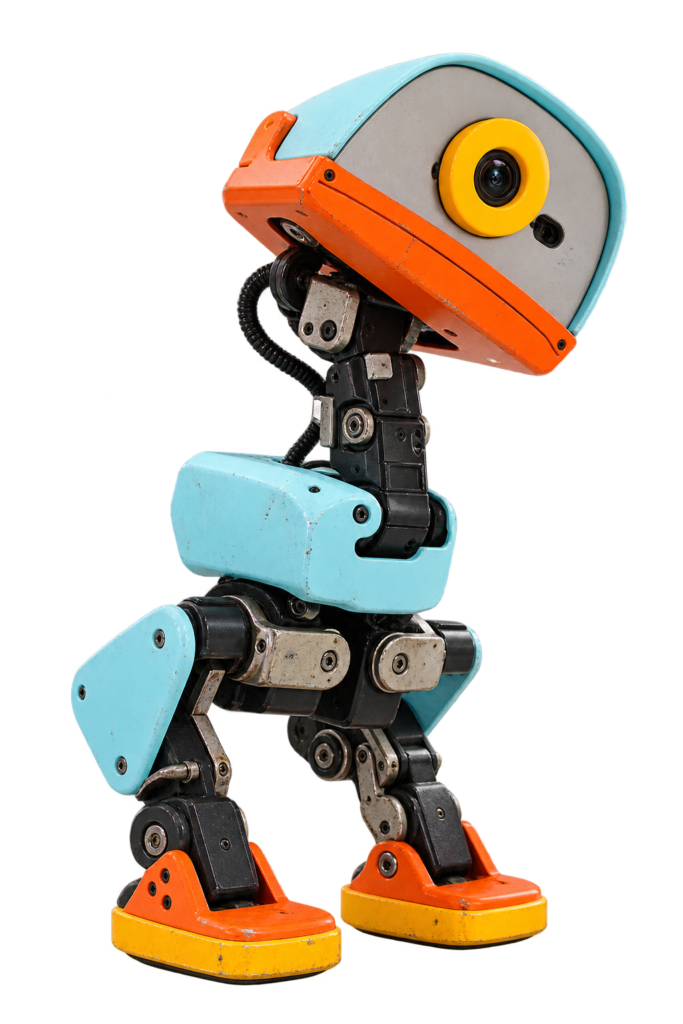
MicroDuck is a small biped robot: two legs, a neck and a head, and a walk that was learned in a computer simulation before it ever touched a real floor. OpenELAB wrote a build guide for it, and there is a matching build tutorial on GitHub. I’m going to build it, and you can follow along, one small step at a time.
No robotics background? No problem. You don’t need to know what a servo or an IMU is yet. I’ll explain every new word the first time it shows up, tell you what each step does and why, and show you how to check that it worked.
Where this stands
I haven’t ordered or built anything yet. This part is the plan, based on the two guides above. Where I don’t know something, I say so.
Who Is This Series For?
- Beginners. If you can follow a recipe, you can follow this series.
- Younger builders. Go for it, but do the soldering and the battery steps together with an adult.
- People who want to see the real thing. I’ll show the mistakes, the real costs and the parts that didn’t work the first time.
Safety comes first
Soldering irons and 3D printers get hot, and the robot runs on a rechargeable battery. I’ll put a safety note before every step where it matters. The guide itself says to hold the robot during its first run and never to test near the edge of a table.
How Every Part Works
- What you’ll do in this part, and what you need.
- Safety first, before any step that needs it.
- Numbered steps. For each one: what to do, what’s happening, and why.
- A check after each step: “Good result” and “Bad result”.
- If it didn’t work: the common problems and how to fix them.
- Words explained at the end of each part.
What Is MicroDuck?
MicroDuck has 14 servos in its legs, neck and head. The mechanical design has room for a 15th servo that moves a mouth, but the walking does not depend on it. A Raspberry Pi Zero 2 W is the brain. It reads a motion sensor and a gamepad, and runs a walking model stored in a file called walk.onnx.
The model was trained with reinforcement learning: a computer practises walking millions of times in a virtual world, gets a score for each try, and slowly gets better. The result is a “policy” that looks at what the robot senses and decides how every joint should move. The guide’s main advice is to run the supplied model first before thinking about training your own.
Which MicroDuck Is This?
There are two projects with almost the same name, and they are not the same robot.
| This series | Pollen Robotics | |
|---|---|---|
| What it is | A DIY build from the OpenELAB guide and the AI-FanGe tutorial. | The official robot from Pollen Robotics, sold finished. |
| Brain | Raspberry Pi Zero 2 W | Radxa Zero 3 |
| Servos | 14 Dynamixel XL330, optional 15th for the mouth | 15 servos on one shared bus |
| Motion sensor | A BNO08x module on I2C | A custom board on the servo bus |
| Software | AI-FanGe repository, MIT license | pollen-robotics/microduck, Apache-2.0 |
I read Pollen’s design documents. Their software only supports the Radxa board and their own motion-sensor board, and says the Raspberry Pi is dropped. So their software will not run on this build as it is. I use the software from the OpenELAB build guide instead, and I’ll keep Pollen’s simulator in mind for Part 9.
What Will It Cost?
| Item | Cost |
|---|---|
| Complete parts list | Not known yet. Neither guide gives prices. |
| 14 Dynamixel XL330-M288-T servos | The biggest cost. I’ll check current prices in Part 2. |
| Spare servo or two | My suggestion, not part of either guide. |
| 3D printer, soldering iron, gamepad | Not included. You need these on top. |
I would rather leave the total open than guess. Part 2 has the full shopping list, and I’ll fill in the prices there as I find them.
What I Want to Achieve
- A robot that stands and walks with the ready-made
walk.onnxmodel. - Driving it with a Bluetooth gamepad, without a laptop.
- If that works: add some character, and look at training my own walk.
What I Don’t Know Yet
- Where the print files come from. The tutorial says to print from a
cadfolder, but I can’t find that folder in the repository. OpenELAB shows a matched set of parts. I’ll find out in Part 2 before I order anything. - The exact battery. The tutorial says a ready-made 6 V rechargeable pack that can deliver enough peak current. It doesn’t name one.
- How the servos are configured without a U2D2. The tutorial lists a U2D2 as a setup tool, OpenELAB calls it optional.
- How well the walk works on my robot. A model fits one robot. If mine differs a little, it may fall over.
The Plan in Nine Parts
| Part | What happens |
|---|---|
| 1 | The plan (this part) |
| 2 | The hardware: ordering the parts |
| 3 | Printing the parts |
| 4 | Setting up the servos |
| 5 | Building the legs and body |
| 6 | Wiring and power |
| 7 | Flashing the Raspberry Pi and connecting it |
| 8 | The first steps |
| 9 | Gamepad, updates and what comes next |
Each part is published when the step is finished, so you’ll see my mistakes too, and the plan may change along the way.
Words Explained
- Biped: a robot that walks on two legs.
- Servo: a small motor that turns to an exact position and holds it.
- Dynamixel: a brand of servos that you chain together on one cable.
- Raspberry Pi: a tiny, cheap computer. This one is the robot’s brain.
- IMU: a motion sensor that measures tilt and movement.
- Reinforcement learning: teaching a computer by trial and error.
- Policy / ONNX: the trained walking skill, stored in a standard file format.
- Open source: the designs and code are public.
Conclusion: A Small Duck with a Big Idea
A robot that learned to walk in a simulator is within reach of a hobbyist, as long as I’m honest about what I don’t know yet. Next up: the shopping list.
Small duck, big steps. Happy hacking!
Unofficial fan project
MicroDuck is an open-source robot. The version in this series follows the OpenELAB build guide and the AI-FanGe build tutorial (MIT license), which credit the Rhoban microban and Pollen Robotics microduck projects for their mechanical design and ideas. This site is not affiliated with any of them.
Related
 Reference
The Ultimate Guide to the SHT Sensor Series
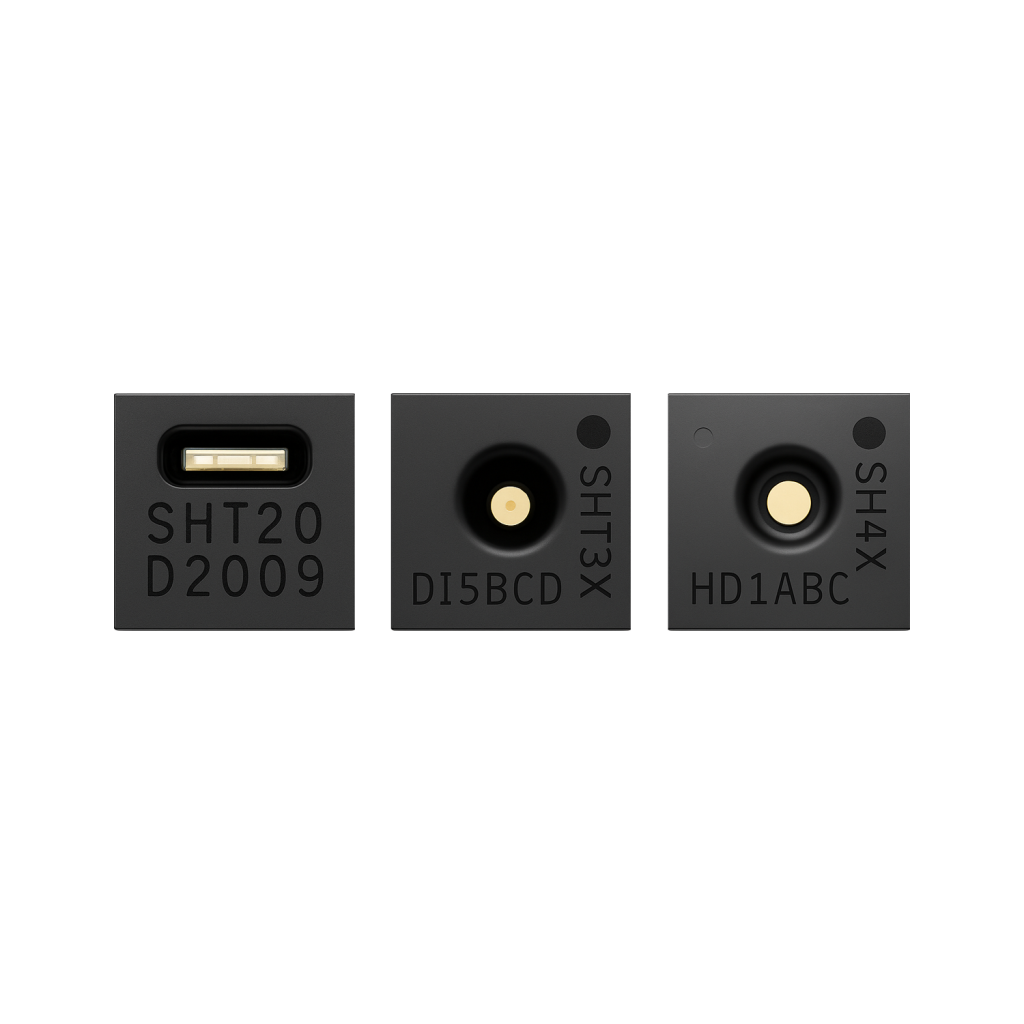
Sensirion's SHT2x/3x/4x family are factory-calibrated I2C temperature and humidity sensors with low drift and fast response. This guide compares the three series, covers wiring an SHT31 to an ESP32, and helps pick the right model for accuracy, power budget or outdoor use.
Read more
Reference
The Ultimate Guide to the SHT Sensor Series
Sensirion's SHT2x/3x/4x family are factory-calibrated I2C temperature and humidity sensors with low drift and fast response. This guide compares the three series, covers wiring an SHT31 to an ESP32, and helps pick the right model for accuracy, power budget or outdoor use.
Read more
 Opinion
Why You (Should or Shouldn’t) Buy a Smart Plug from Action
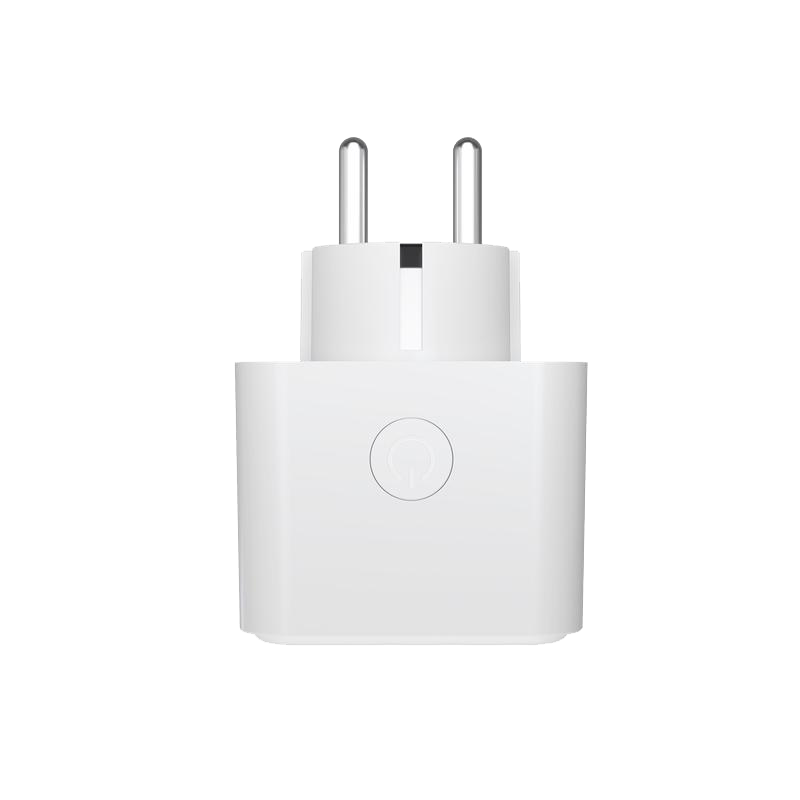
Budget smart plugs from Action and HEMA are cheap because they're all the same Tuya white-label hardware behind the scenes, and that convenience comes with your data routing through Tuya's servers. Here's what's actually inside one, and why reflashing it with your own firmware is the better deal.
Read more
Opinion
Why You (Should or Shouldn’t) Buy a Smart Plug from Action
Budget smart plugs from Action and HEMA are cheap because they're all the same Tuya white-label hardware behind the scenes, and that convenience comes with your data routing through Tuya's servers. Here's what's actually inside one, and why reflashing it with your own firmware is the better deal.
Read more
 Guide
Raspberry Pi 4 Pinout
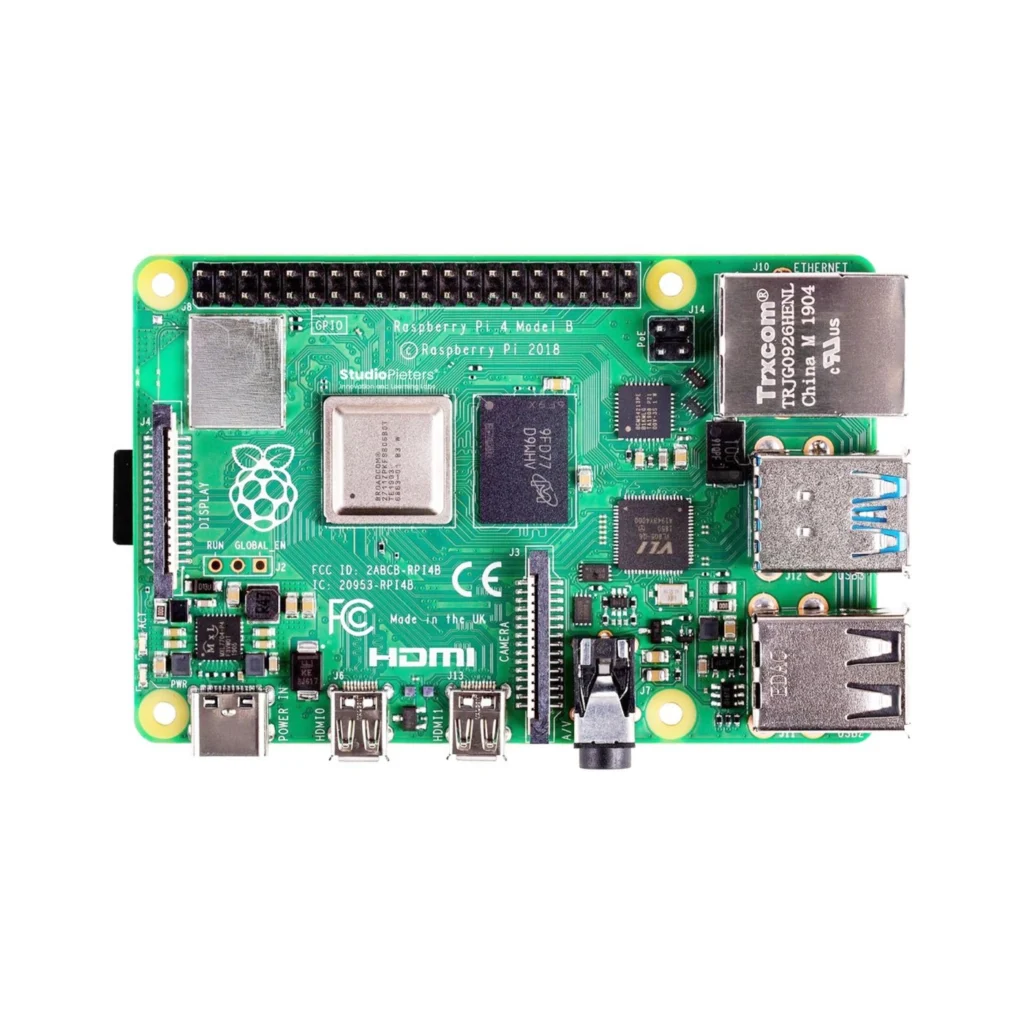
The complete 40-pin GPIO reference for the Raspberry Pi 4 Model B: 26 general-purpose pins, I2C, SPI, UART, PWM, and the exact pins you can safely reuse.
Read more
Guide
Raspberry Pi 4 Pinout
The complete 40-pin GPIO reference for the Raspberry Pi 4 Model B: 26 general-purpose pins, I2C, SPI, UART, PWM, and the exact pins you can safely reuse.
Read more
More guides
Keep building.
From ESP32 HomeKit accessories to Arduino and ATtiny reference guides, there’s more where this came from.
All guides