
Guide
ESP8266-01 Pinout
The complete pin reference for the ESP8266-01 breakout: just 8 pins, only 2 usable GPIOs, and no onboard USB, so wiring it up needs a bit more care than a dev board.
- ESP8266
- Safety notes
- 3 min read
Overview
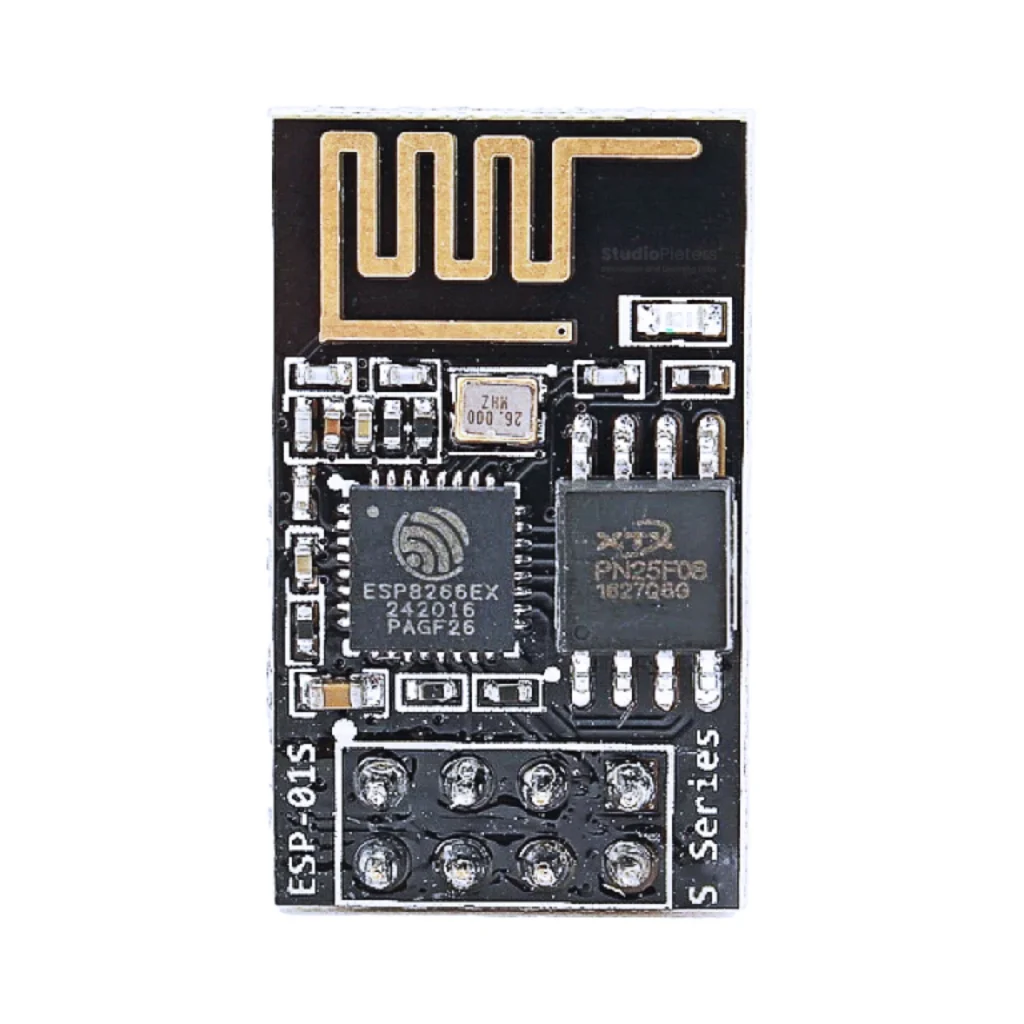
The ESP8266-01 is the smallest, cheapest way to add Wi-Fi to a project: an 8-pin module with just the chip, its antenna and flash. Unlike NodeMCU-style boards, there’s no onboard USB-to-serial chip or 3.3V regulator here, you supply both yourself, and only GPIO0 and GPIO2 are actually usable as general-purpose pins.

No Bluetooth badge here on purpose: the ESP8266 has no Bluetooth radio at all.
Getting started
You’ll need a USB-to-serial adapter set to 3.3V logic (a 5V adapter can damage this module), plus a way to pull GPIO0 low for flashing, most people just use a jumper wire and a breadboard.
Hello World: blink an LED
The microcontroller equivalent of “Hello World”: GPIO2 toggles once a second. Wire an LED (with a resistor) to GPIO2, one of only two general-purpose pins on this module.
#define LED_PIN 2

void setup() {
  pinMode(LED_PIN, OUTPUT);
}

void loop() {
  digitalWrite(LED_PIN, HIGH);
  delay(1000);
  digitalWrite(LED_PIN, LOW);
  delay(1000);
}
Select “Generic ESP8266 Module” first, see “Getting started” above.
Pinout diagram
All 8 pins on the ESP8266-01 module.

Dimensions
The bare ESP8266-01 module: PCB antenna at one end, 2×4-pin header at 2.54 mm pitch at the other.

Pin reference
| Pin | Label | Function | Notes |
|---|---|---|---|
| 1 | GND | Ground | — |
| 2 | TX | UART TX (GPIO1) | — |
| 3 | GPIO2 | Digital I/O, boot-mode related | Must be HIGH at reset |
| 4 | CH_PD | Chip enable (HIGH = on) | Tie HIGH to enable the chip |
| 5 | RST | Reset (LOW to reset) | Pull-up recommended (10kΩ) |
| 6 | GPIO0 | Digital I/O, boot-mode related | HIGH to run, LOW to flash |
| 7 | VCC | 3.3V power input | — |
| 8 | RX | UART RX (GPIO3) | — |
Boot modes
GPIO0 and GPIO2 together decide how the module starts up.
| GPIO0 | GPIO2 | Mode | Use |
|---|---|---|---|
| HIGH | HIGH | Run application | Normal operation |
| LOW | HIGH | Flashing mode | Programming via UART |
| HIGH | LOW | Invalid | Will not boot |
| LOW | LOW | Invalid | Will not boot |
Safety notes
Before you wire anything up
- This module runs at 3.3V logic, a 5V signal on any pin (including a 5V USB-to-serial adapter’s TX line) can damage it.
- GPIO0 and GPIO2 must both read HIGH at reset for normal operation, GPIO2 floating or pulled low will stop it from booting.
- Wi-Fi transmit bursts draw more current than most USB-to-serial adapters can supply on their 3.3V pin, use a separate regulator if you see random resets.
Related
 Reference
ESP32-S3 Zero / Super Mini Pinout
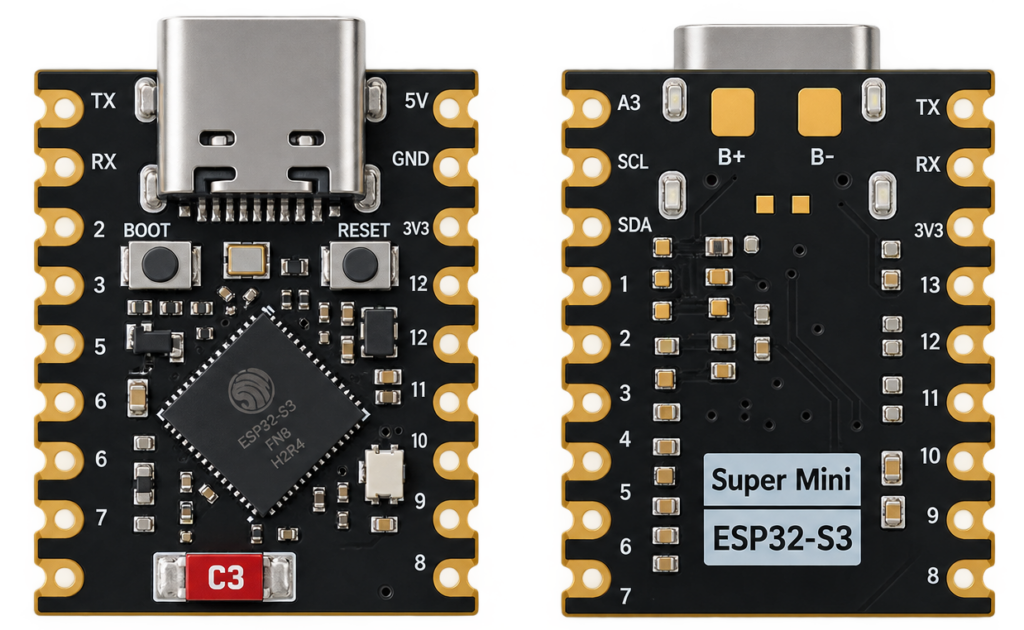
The real pin reference for the ESP32-S3-Zero-style board: a coin-sized ESP32-S3 devkit sold under names like "ESP32-S3 Zero" and "ESP32-S3 Super Mini" by Waveshare and several other sellers.
Read more
Reference
ESP32-S3 Zero / Super Mini Pinout
The real pin reference for the ESP32-S3-Zero-style board: a coin-sized ESP32-S3 devkit sold under names like "ESP32-S3 Zero" and "ESP32-S3 Super Mini" by Waveshare and several other sellers.
Read more
 Guide
ESP8685-WROOM-03 Pinout
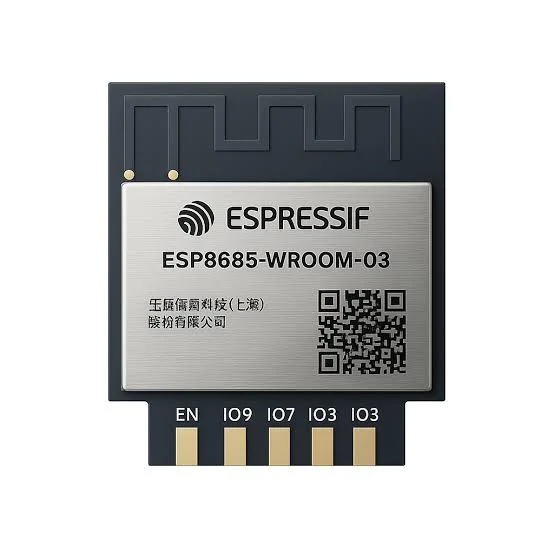
The complete pin reference for the ESP8685-WROOM-03 module: Espressif’s enhanced ESP32-C2-family chip in an 11-pin package, and the exact pins you can safely reuse.
Read more
Guide
ESP32-C5 Pinout
The complete pin reference for the ESP32-C5: the first RISC-V Espressif chip with dual-band Wi-Fi 6, plus the exact pins you can safely reuse.
Read more
Guide
ESP8685-WROOM-03 Pinout
The complete pin reference for the ESP8685-WROOM-03 module: Espressif’s enhanced ESP32-C2-family chip in an 11-pin package, and the exact pins you can safely reuse.
Read more
Guide
ESP32-C5 Pinout
The complete pin reference for the ESP32-C5: the first RISC-V Espressif chip with dual-band Wi-Fi 6, plus the exact pins you can safely reuse.
Read more
More guides
Keep building.
From ESP32 HomeKit accessories to Arduino and ATtiny reference guides, there’s more where this came from.
All guides