
HomeKit
LSC Smart Plug Versions 1 and 2 with an ESP8266
The LSC Smart Connect power plug as a HomeKit outlet: version 1 runs the firmware as it is, version 2 needs its module replaced with an ESP-02S.
- ESP8266
- HomeKit
- Safety notes
- 4 min read
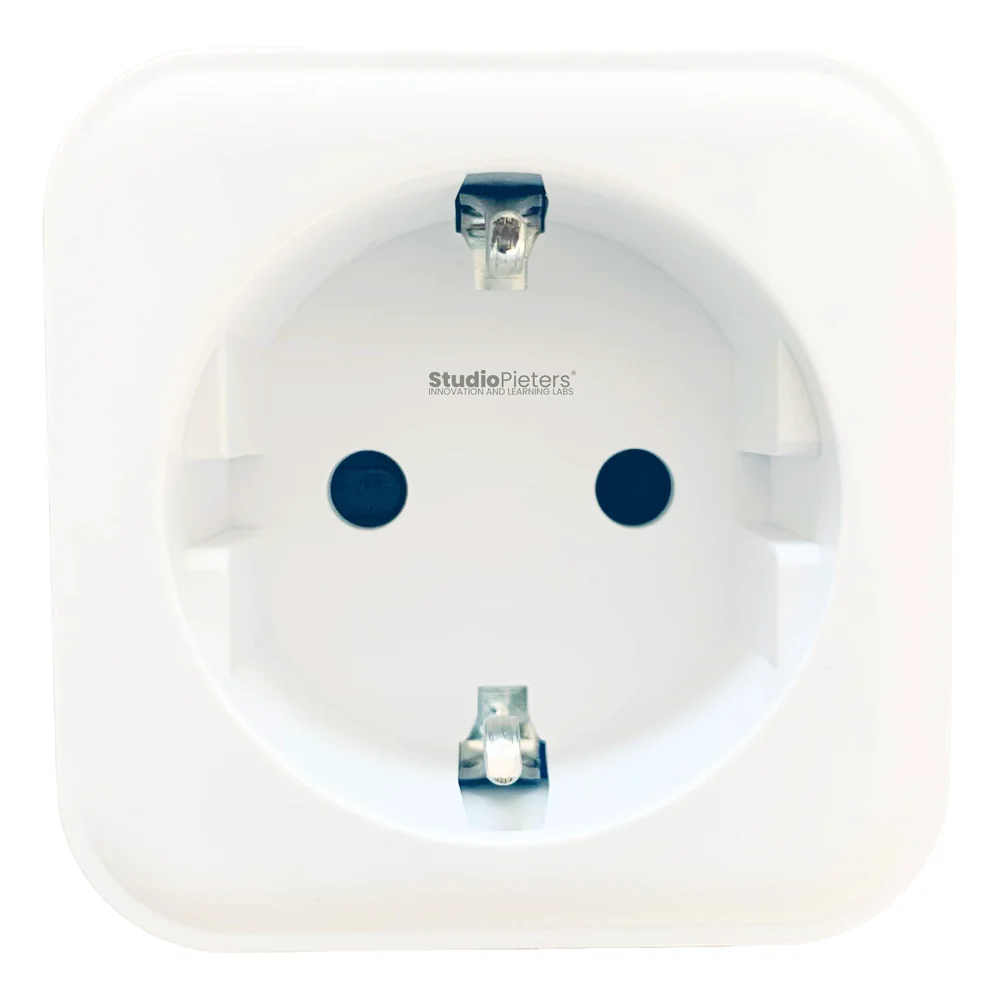
The LSC Smart Connect Smart Power Plug is a cheap WiFi plug that normally talks to a cloud app. With your own firmware it becomes an Apple HomeKit outlet that you switch from the Home app or with Siri, and no data leaves your home.
This article covers the first two revisions, called version 1 and version 2, which are built on an ESP8266 module. For the later ESP32 work on the same plug, including how to open it and how to replace the chip step by step, see the ESP32 Smart Connect Plug.
High voltage
The plug connects to 230 V. Unplug it before you open it, never work on it while it is connected, and only take on the soldering if you have some experience with it. The plug is built to be a socket that anyone can use, so make sure it is completely reassembled and closed before it goes back into a wall socket.
The two versions
| Version 1 | Version 2 | |
|---|---|---|
| Version numbers | 970761 | 970762, 970764 and 970766 |
| Article number | 2578685 | 2578685 |
| Original module | A TYWE2S compatible module | A CB2S module, which is not compatible |
| Module swap | Not needed, the original module works | The module has to be replaced with an ESP-02S |
| Repository | lsc-smart-plug-v1, with firmware and source | lsc-smart-plug-v2, with a README only |
Replacing the module takes a soldering iron and some soldering skill. An ESP-02S can replace other modules of this kind too, such as the CB2S, FL_M99_V1, TYWE2S, TYZS6, TW-02, WR2, WB2, WBR2, WR2E, WB2S, WA2 and XT-BL02. The version and article numbers are as printed in the repositories, and other articles on this site may use different revision labels for the same plug.
What it does
| Feature | Details |
|---|---|
| HomeKit outlet | One outlet, “Smart plug”, with the chip ID added to its name |
| Button | A single press toggles the relay and tells HomeKit. A double or triple press does nothing |
| Long press | Hold the button for 4 seconds: the red LED flashes three times, the WiFi and HomeKit settings are reset, and the plug restarts |
| Red LED | Shows the boot, identify and update status. Identify flashes it in three groups of two |
| Updates | Over the air, through an OTA trigger characteristic |
| No cloud | Control stays on your own network |
Once it is in the Home app, the plug does what a smart plug is for: switch a lamp or an appliance on and off from anywhere in range, on a schedule or after a set time. Plug in a lamp and let it turn on and off at set times to make it look like someone is home, have the coffee machine start before you get up, or switch off devices that use power on standby.
Pins
| Function | ESP8266 pin |
|---|---|
| Relay | GPIO12 |
| Button | GPIO14 |
| Red LED | GPIO4 |
These pins come from the firmware source of version 1, in the scr folder of its repository. The relay is switched active-high. See the ESP8266 pinout for the module.
Flash and install
The installation is the same as for the other ESP8266 HomeKit accessories on this site. The firmware runs on ESP-Open-RTOS with Life Cycle Manager 2, which sets up the WiFi and installs updates over the air. The full steps, from installing esptool to flashing, joining the LCM- WiFi network and pairing, are in ESP8266 HomeKit Blinds.
In the portal, use these values for version 1:
| Field | Value |
|---|---|
| OTA repository | AchimPieters/lsc-smart-plug-v1 |
| OTA binary file | main.bin |
When the installation is done, scan the QR code the device generates in the Home app to add it. The repository for version 2 has no release yet.
Firmware releases of version 1
| Version | Date |
|---|---|
| 0.0.4 | 16 April 2023 |
| 0.0.3 | 15 April 2023 |
| 0.0.2 | 15 April 2023 |
| 0.0.1 | 15 April 2023 |
Each release has a main.bin and a signature file, main.bin.sig.
Why do this
A cloud plug depends on a company’s servers and app. With open firmware you can see what the plug does, and nothing is recorded anywhere. You decide what happens, and not a large company that collects data and passes it on. For more on that, read Why You (Should or Shouldn’t) Buy a Smart Plug from Action.
Good to know
- The HomeKit Accessory Protocol specification the firmware follows is the non-commercial version, for accessories you build yourself and do not distribute or sell.
- Both repositories are under the MIT licence. The HomeKit setup code is set in the firmware source, so change it to your own.
Version 1 is in the lsc-smart-plug-v1 repository and version 2 in the lsc-smart-plug-v2 repository on GitHub.
Related
 HomeKit
ESP8266 HomeKit Garage Door Opener
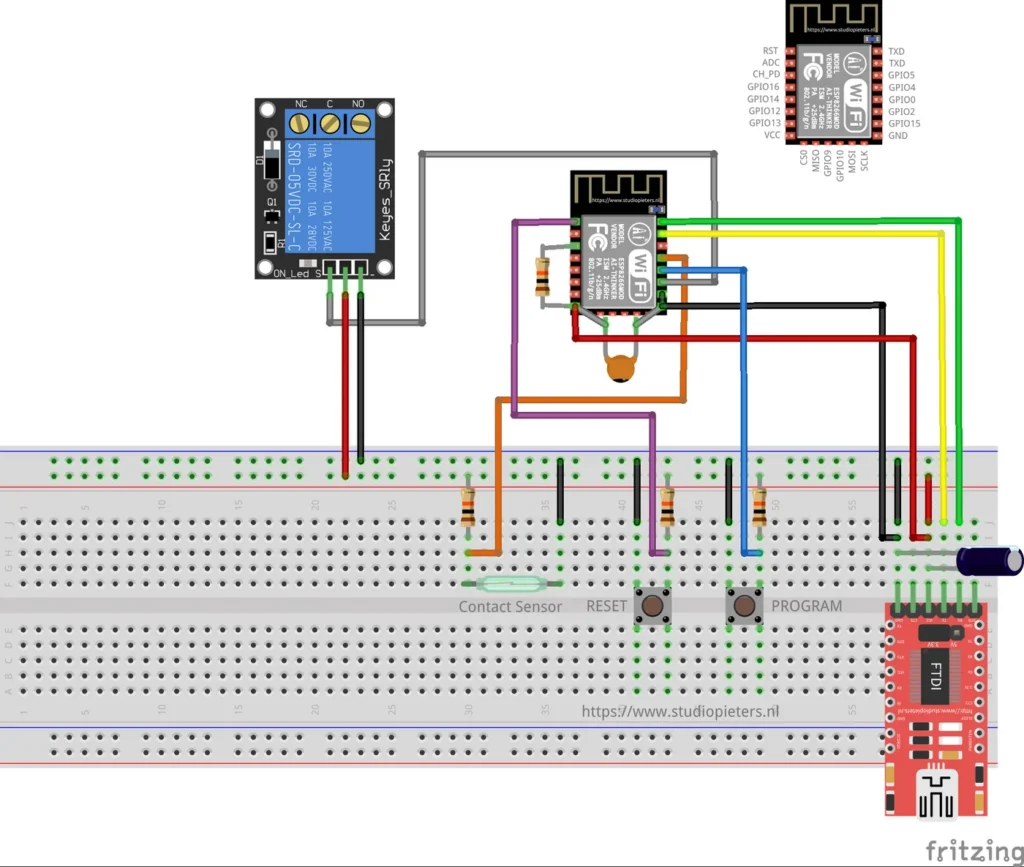
A HomeKit garage door opener on an ESP8266: a relay pulses the opener input and a reed sensor with a magnet on the door reports open or closed. A low-voltage test setup, built from source.
Read more
HomeKit
ESP8266 HomeKit Garage Door Opener
A HomeKit garage door opener on an ESP8266: a relay pulses the opener input and a reed sensor with a magnet on the door reports open or closed. A low-voltage test setup, built from source.
Read more
 HomeKit
LSC Smart Plug with an ESP8285 as a HomeKit Outlet
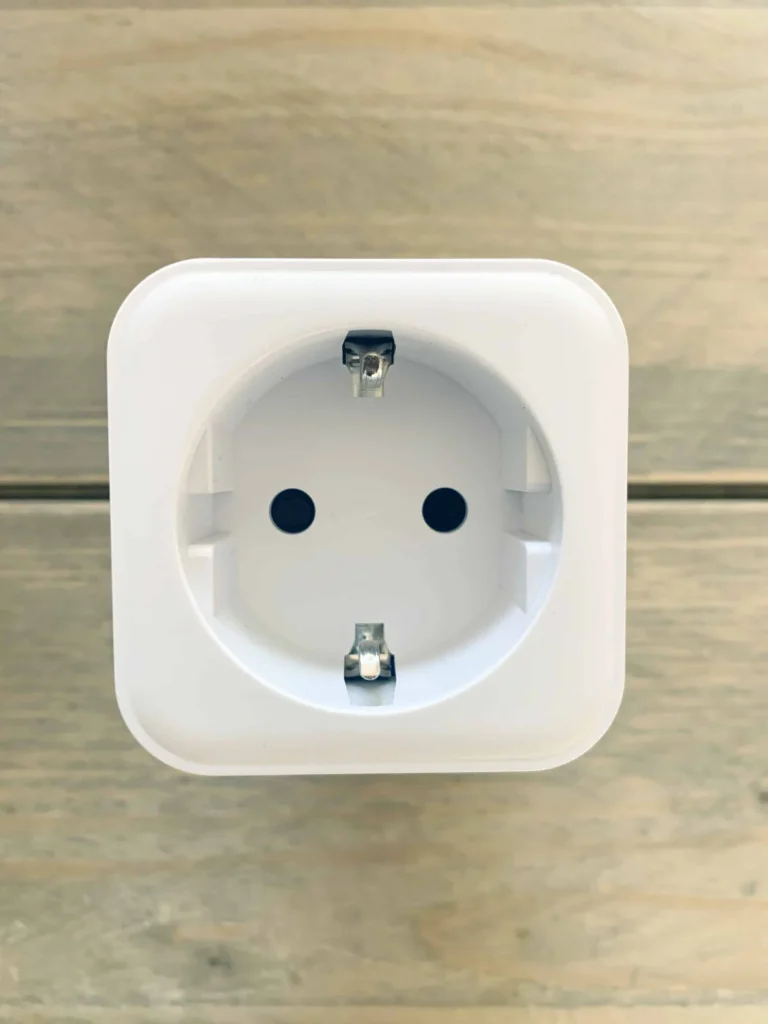
The LSC Smart Connect plug from Action, flashed through its TYWE2S module with an FTDI adapter, as an Apple HomeKit outlet with over-the-air updates.
Read more
HomeKit
LSC Smart Plug with an ESP8285 as a HomeKit Outlet
The LSC Smart Connect plug from Action, flashed through its TYWE2S module with an FTDI adapter, as an Apple HomeKit outlet with over-the-air updates.
Read more
 HomeKit
ESP8266 HomeKit NeoPixel Light Strip EX with Effects
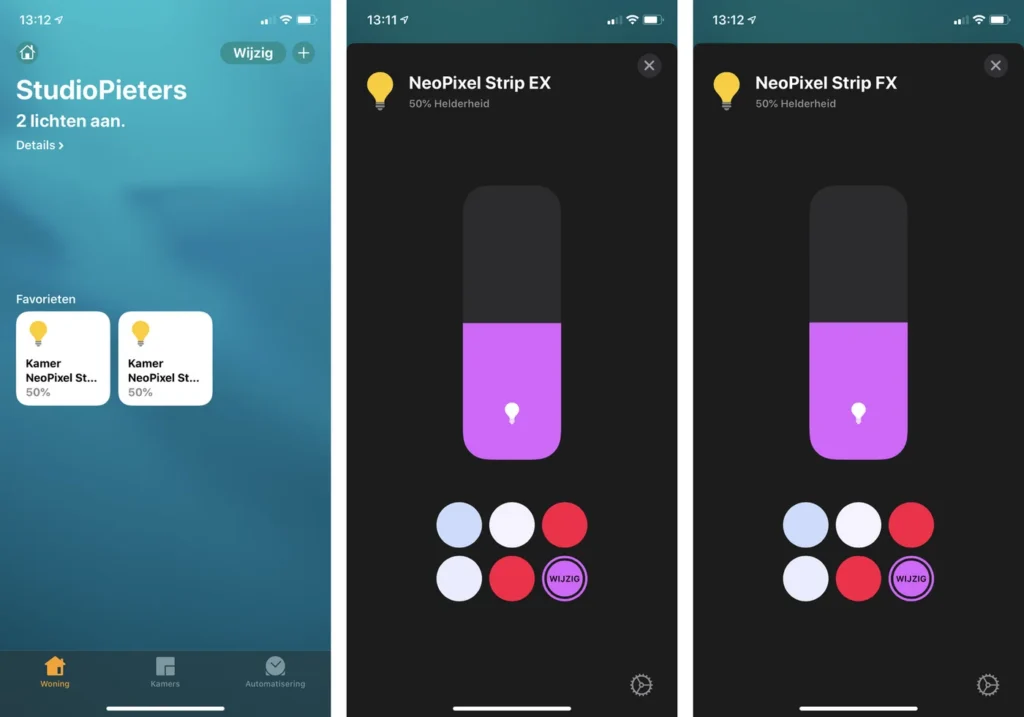
The extended NeoPixel strip for the Home app: an EX light and an FX light with more effects, with firmware for a strip of 72 or 144 LEDs.
Read more
HomeKit
ESP8266 HomeKit NeoPixel Light Strip EX with Effects
The extended NeoPixel strip for the Home app: an EX light and an FX light with more effects, with firmware for a strip of 72 or 144 LEDs.
Read more
More HomeKit
Keep building.
Switches, sensors, plugs and blinds: more accessories that you build yourself and add to the Home app.
All HomeKit