
Some projects just keep coming back. My original Philips Hue Bridge Wall Mount has been one of the most downloaded designs on my site for years, and honestly… I totally get why. It’s one of those “small fix, big improvement” kind of projects. But this time, it was time for an update.
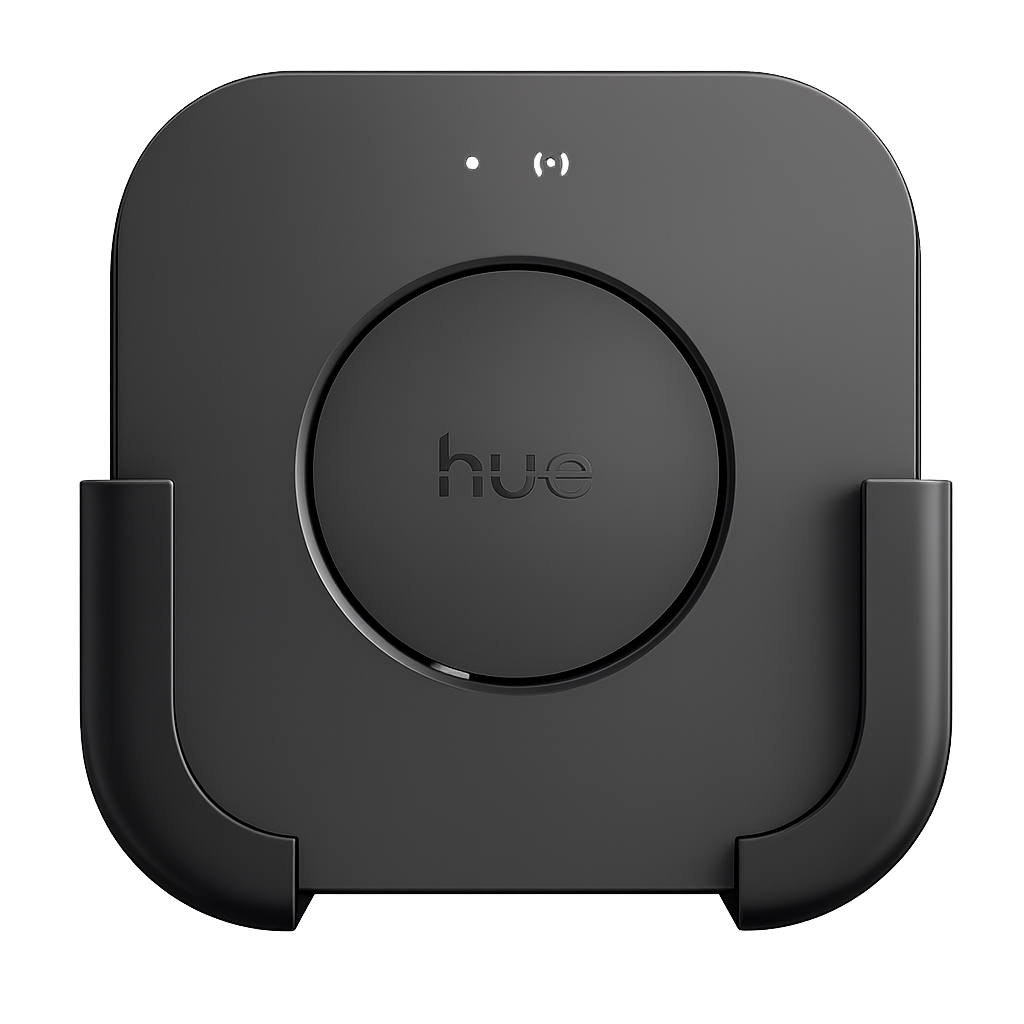
A New Upgrade: Hue Bridge Pro
For my birthday, I received a Philips Hue Bridge Pro as a gift. Pretty awesome, because the bridge is still the heart of my smart lighting setup.
However, the moment I unboxed it, I noticed something right away:
The Hue Bridge Pro is just slightly bigger than my old Hue Bridge.
And that tiny difference was enough to make my original wall mount not fit properly anymore. It was just a bit too tight — not the clean, easy slide-in fit I wanted.
So of course… you can probably guess what happened next:
Time to design a new mount.
Why Redesign It?
Sure, I could’ve forced it, sanded it down, or tried to “make it work”… but that’s not really my style. If I build something, I want it to be:
- a perfect fit
- secure without stress or pressure
- easy to mount
- and clean-looking, like it belongs there
So instead of compromising, I decided to make a brand new version of the wall mount — designed specifically for the Hue Bridge Pro.
Designed in Autodesk Fusion 360
Just like the original mount, I created the new one in Autodesk Fusion 360. It’s still my favorite tool for functional 3D printing projects.
I re-measured everything and adjusted the model so the Hue Bridge Pro:
- slides in smoothly and snugly
- stays securely in place
- keeps all ports and cables accessible
- and still has plenty of ventilation
The design is basically a natural “V2”: same idea, updated dimensions, and still minimal and practical.
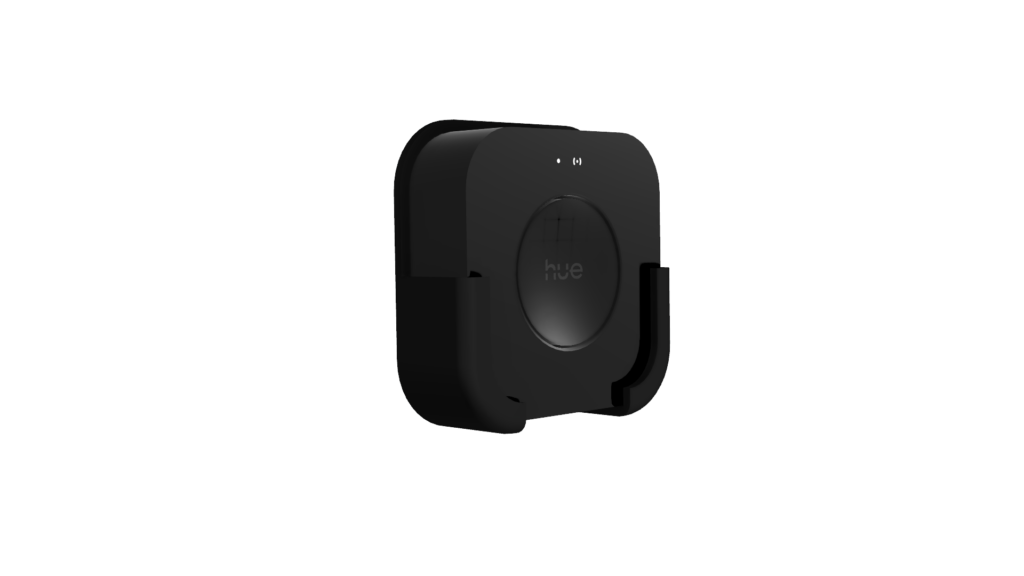
The Result: Same Clean Setup, Now Pro-Proof
The new mount does exactly what I hoped:
- no more bridge sliding around
- no messy cables
- and everything mounted neatly where it should be
And the best part: it’s just as easy to print as the original. No supports, no weird settings — just a simple, functional print that makes the setup cleaner.
Download & Print
Want to give your Hue Bridge a proper place too?
You can download the 3D model for free and print it yourself.