
Electronics
Switch a Relay or a Led from Homebridge with an ESP-01
An ESP-01 web server that sets GPIO2 high or low, the basic building block for switching lights and relays from Homebridge.
- Homebridge
- Archived
- 1 min read
Archived project
The GitHub repository for this project is archived: it is read-only and no longer updated. What follows describes the project as it was, so check for a newer alternative before you build it.
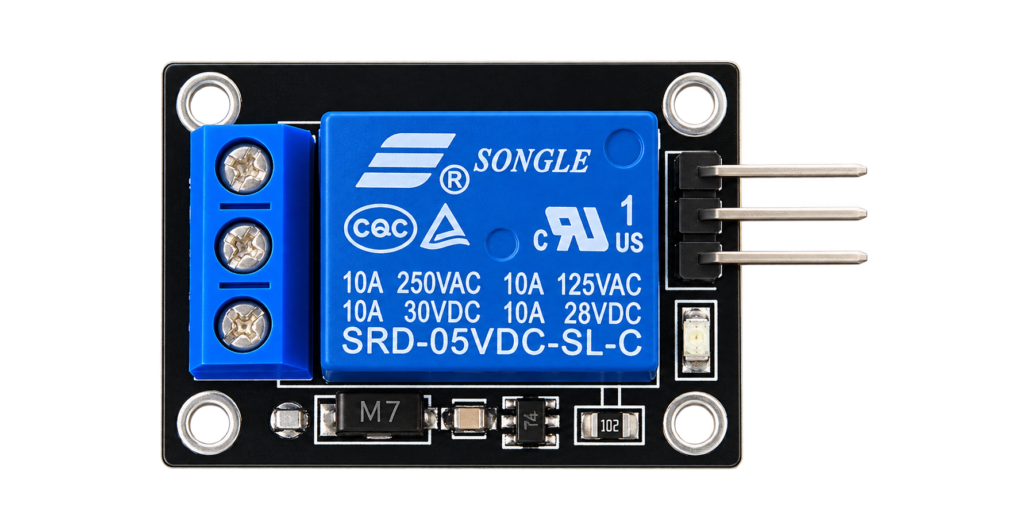
The basic building block of the Homebridge years: an ESP-01 with a web server that switches a pin on and off. Put a relay or a led on the pin and Homebridge can switch it from the Home app.
Homebridge is a program that runs on a computer such as a Raspberry Pi, and makes devices that do not support HomeKit show up in the Apple Home app. This project dates from the Homebridge years, before the native HomeKit firmware of this site. For how the site builds HomeKit devices today, see HomeKit or Matter for your ESP32.
How it works
The ESP-01 joins your WiFi and listens on port 80. GPIO2 is the output:
| Request | What it does |
|---|---|
/gpio/1 | Sets GPIO2 high |
/gpio/0 | Sets GPIO2 low |
| Anything else | Is answered as an invalid request |
Every valid request is answered with a page that says GPIO is now high or GPIO is now low.
The three diagrams
The repository has three diagrams:
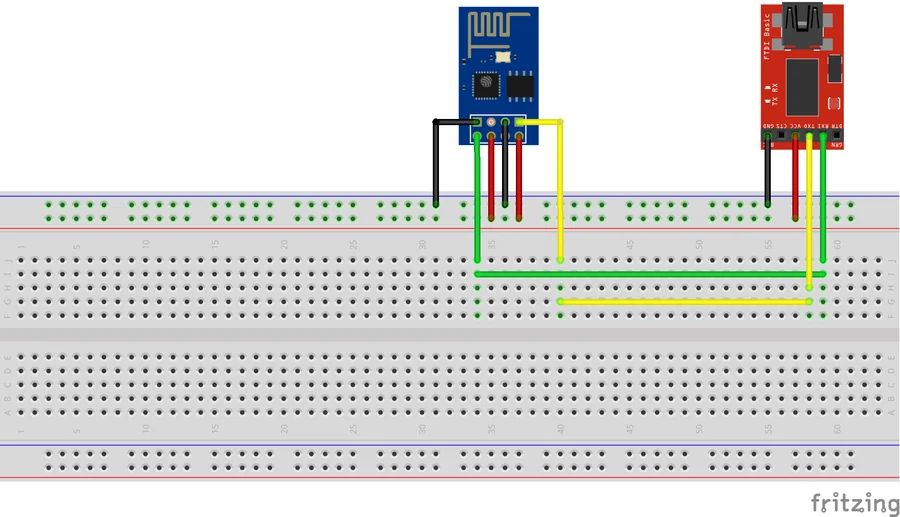
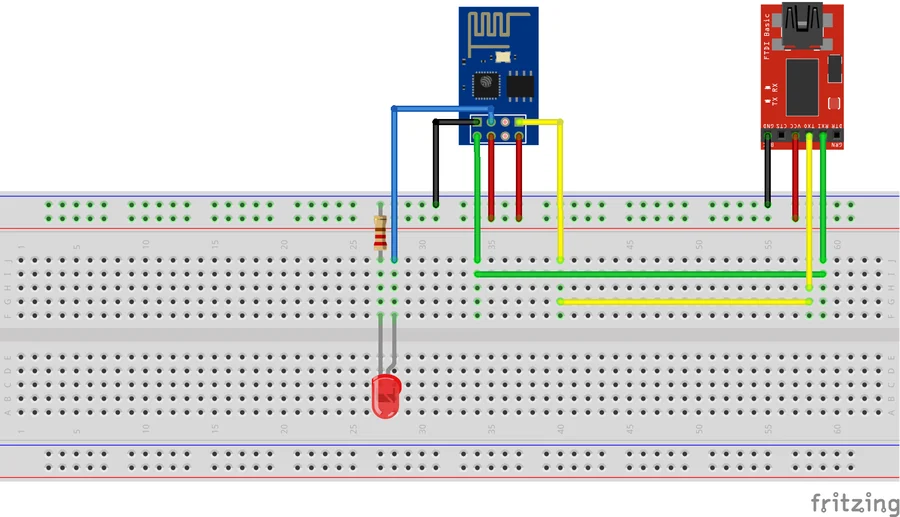
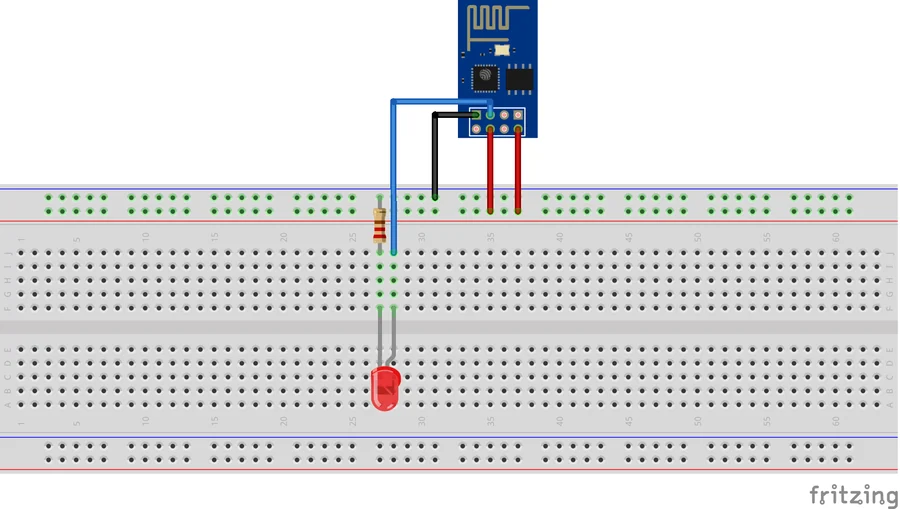
They show the module with the adapter for programming, the module with the adapter and a led, and the module with only the led.
Good to know
- The sketch is version 3.2.3. It is under the GNU General Public License, so this article describes it and does not copy the code.
- The repository has the Fritzing files for the diagrams as well.
- The repository is under the GPL-3.0 licence.
- Apple, HomeKit and Homebridge are trademarks of their owners. This project is not made or approved by them.
The project is in the Apple-Homebridge-Relays-Lights repository on GitHub.
Related
 3D printing
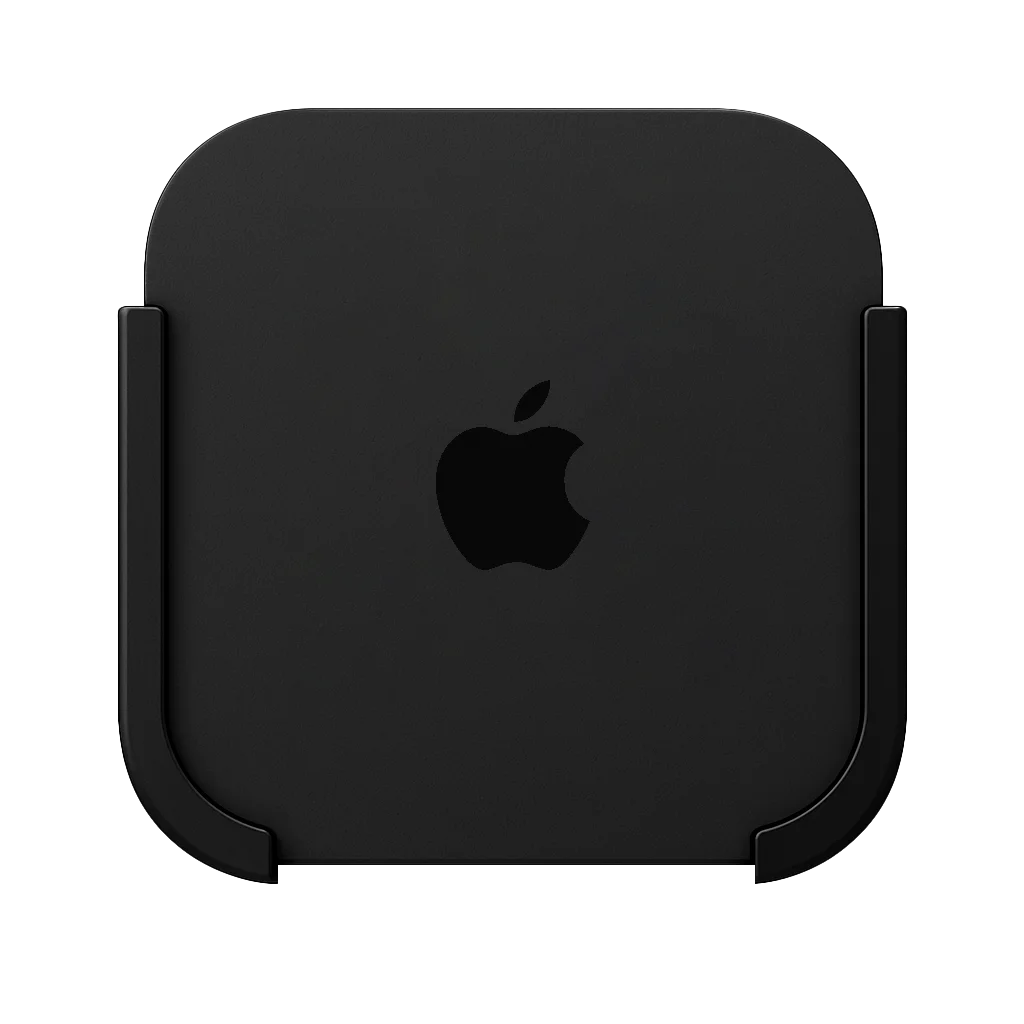
Apple TV Wall Mount
Some projects are born out of necessity. The Apple TV is a sleek and compact streaming device, but once again, Apple didn’t think about how you actually place it in your setup.
Read more
3D printing
Apple TV Wall Mount
Some projects are born out of necessity. The Apple TV is a sleek and compact streaming device, but once again, Apple didn’t think about how you actually place it in your setup.
Read more
 Software
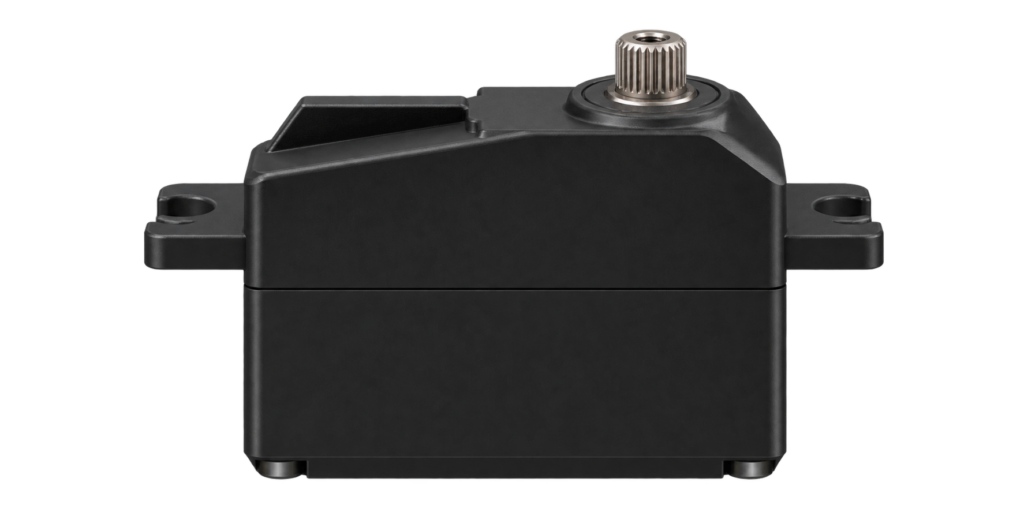
RTOS Servo Library for ESP8266
A small library to turn a hobby servo to an angle on an ESP8266, with a 50 Hz PWM output and a default pin of GPIO13.
Read more
Software
RTOS Servo Library for ESP8266
A small library to turn a hobby servo to an angle on an ESP8266, with a 50 Hz PWM output and a default pin of GPIO13.
Read more
 3D printing
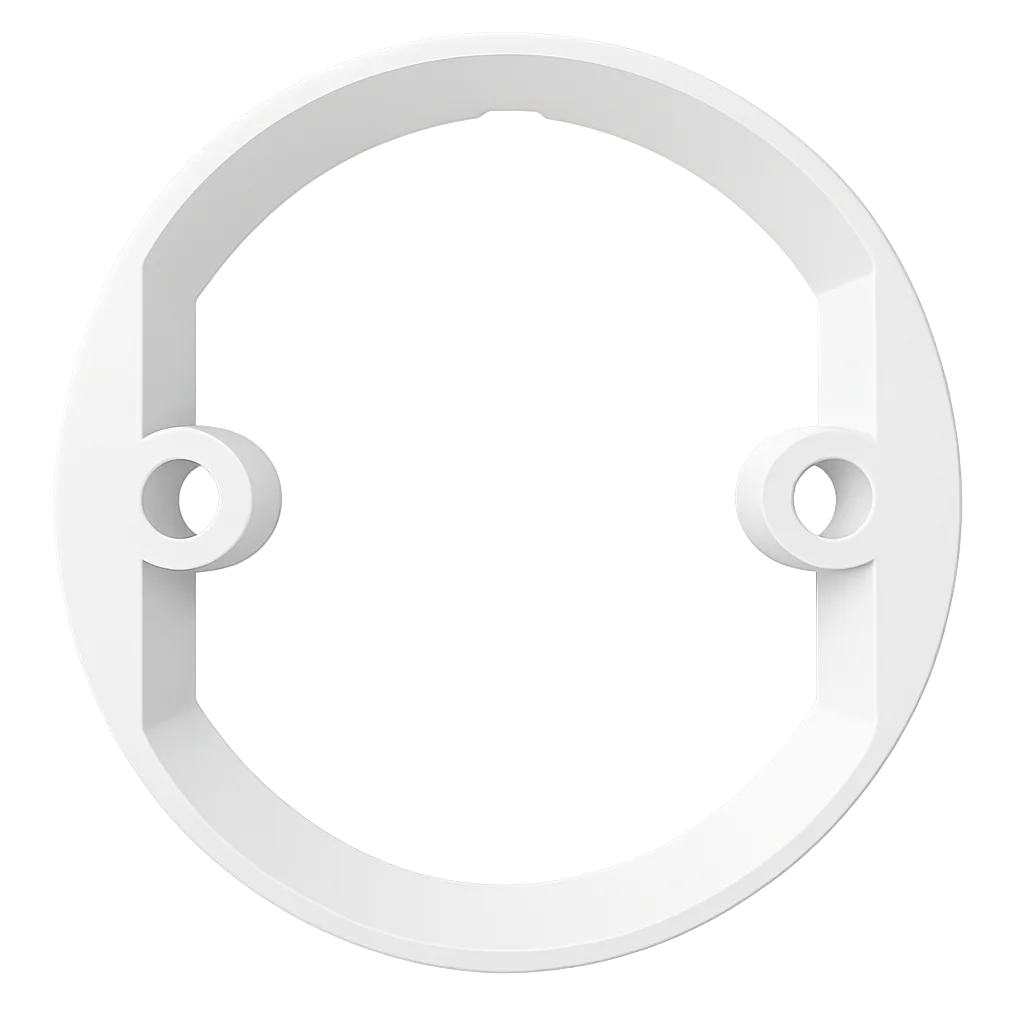
Nest Protect Ceiling Mounting Ring
Sometimes the biggest challenges come from the smallest details. The Nest Protect (2nd Generation) is a beautiful piece of hardware, a combined smoke and CO alarm, that comes in two versions: battery powered and 220V wired.
Read more
3D printing
Nest Protect Ceiling Mounting Ring
Sometimes the biggest challenges come from the smallest details. The Nest Protect (2nd Generation) is a beautiful piece of hardware, a combined smoke and CO alarm, that comes in two versions: battery powered and 220V wired.
Read more
More projects
Keep building.
Electronics, 3D printing and CNC builds, documented from the first idea to the last screw.
All projects