
HomeKit
LSC Smart Plug with an ESP8285 as a HomeKit Outlet
The LSC Smart Connect plug from Action, flashed through its TYWE2S module with an FTDI adapter, as an Apple HomeKit outlet with over-the-air updates.
- ESP8285
- HomeKit
- Safety notes
- 4 min read
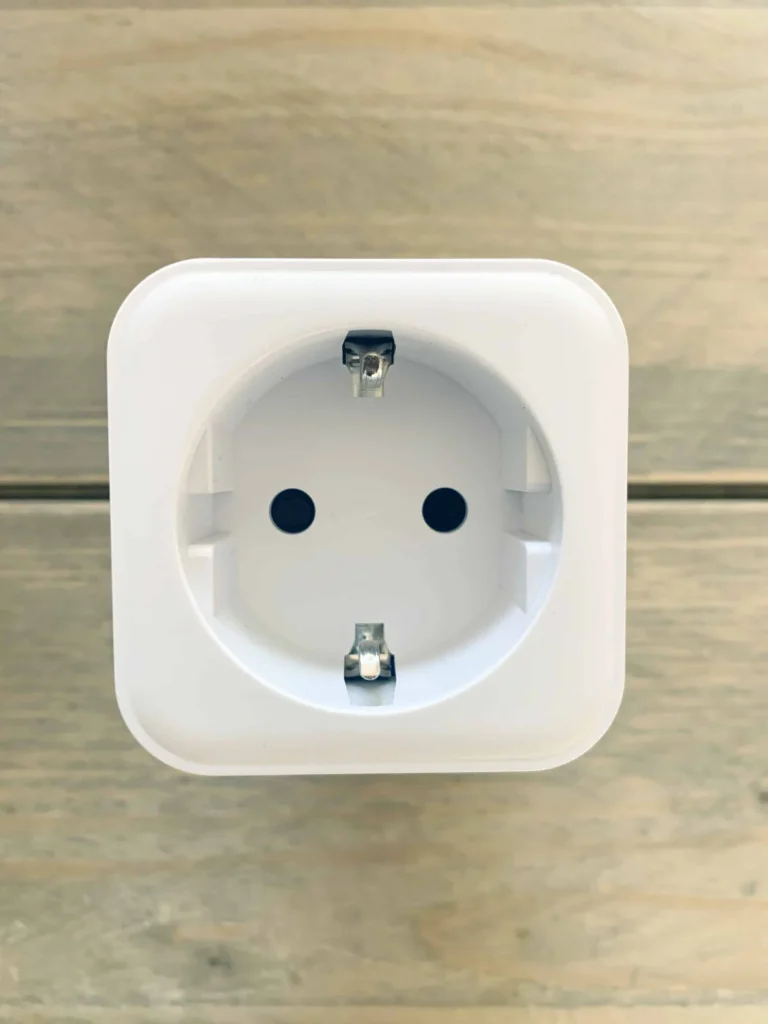
The LSC Smart Connect Smart Power Plug is a white WiFi plug that is easy to get at Action, and it normally works through a cloud app. This project replaces the original firmware with your own, so the plug shows up in Apple Home as an outlet, and you switch it from the Home app or with Siri without any cloud in between.
It is one of the first plug projects of this site, started in June 2020. Later versions of the plug are in LSC Smart Plug Versions 1 and 2 and the ESP32 Smart Connect Plug.
High voltage
The plug connects to 230 V. Unplug it before you open it and never work on it while it is in a wall socket. Flash it with only the FTDI adapter connected, never with the mains connected at the same time. Solder only if you have some experience, and close the plug completely before it goes back into a wall socket.
The plug
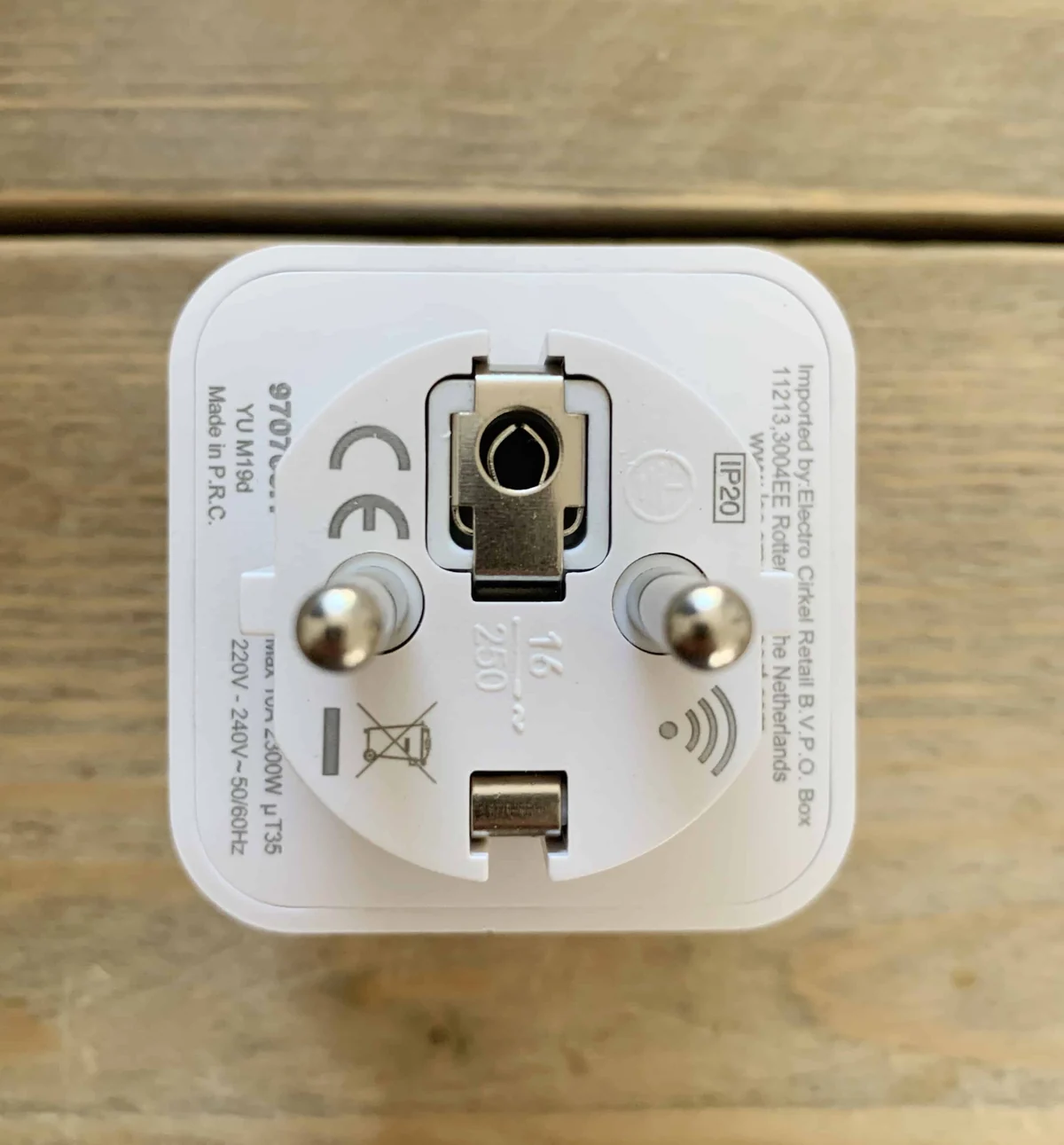
The label on the back shows 220 to 240 V at 50/60 Hz, protection class IP20 and the model code YU M19d. It is meant for indoor use.
Inside is a green board with a blue relay, a small power supply with a yellow transformer, and a blue WiFi module. The module is marked BM8 102, the markings of a TYWE2S, and esptool identifies the chip as an ESP8285 with embedded flash, which is an ESP8266 with the flash memory built in.

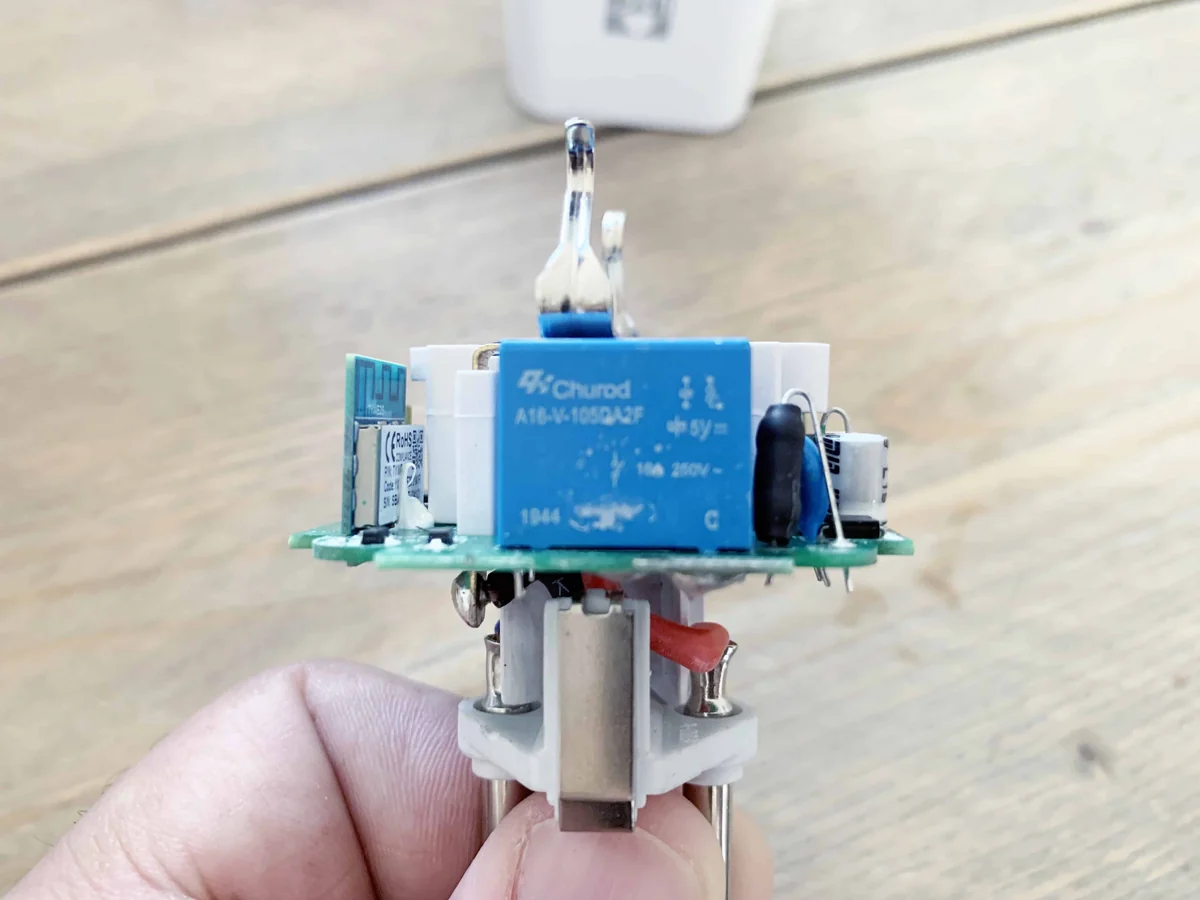
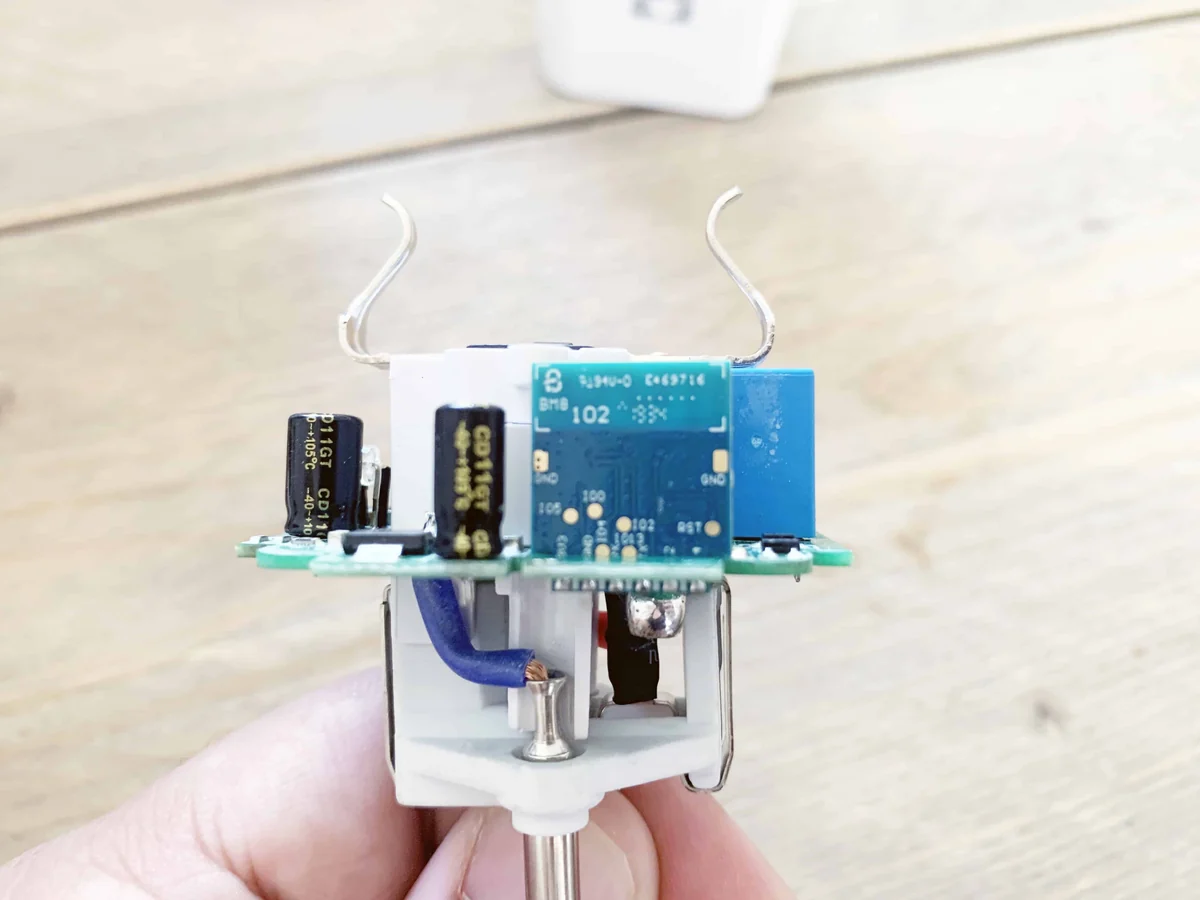
Action has sold this plug in more than one hardware revision. Look at the module on your own board before you flash: this article describes the plug in the photos, with a TYWE2S module.
What it does
| Feature | Details |
|---|---|
| HomeKit outlet | One outlet with a power switch |
| Switching | On and off only, no power measurement |
| Updates | Over the air, with an Update Firmware switch in the accessory |
| No cloud | Control stays on your own network |

The Home app shows a note that the accessory is not certified. That is normal for a device you build yourself. Once the plug is in the app you can switch a lamp or appliance from anywhere in range, on a schedule or after a set time.
Connect the FTDI adapter
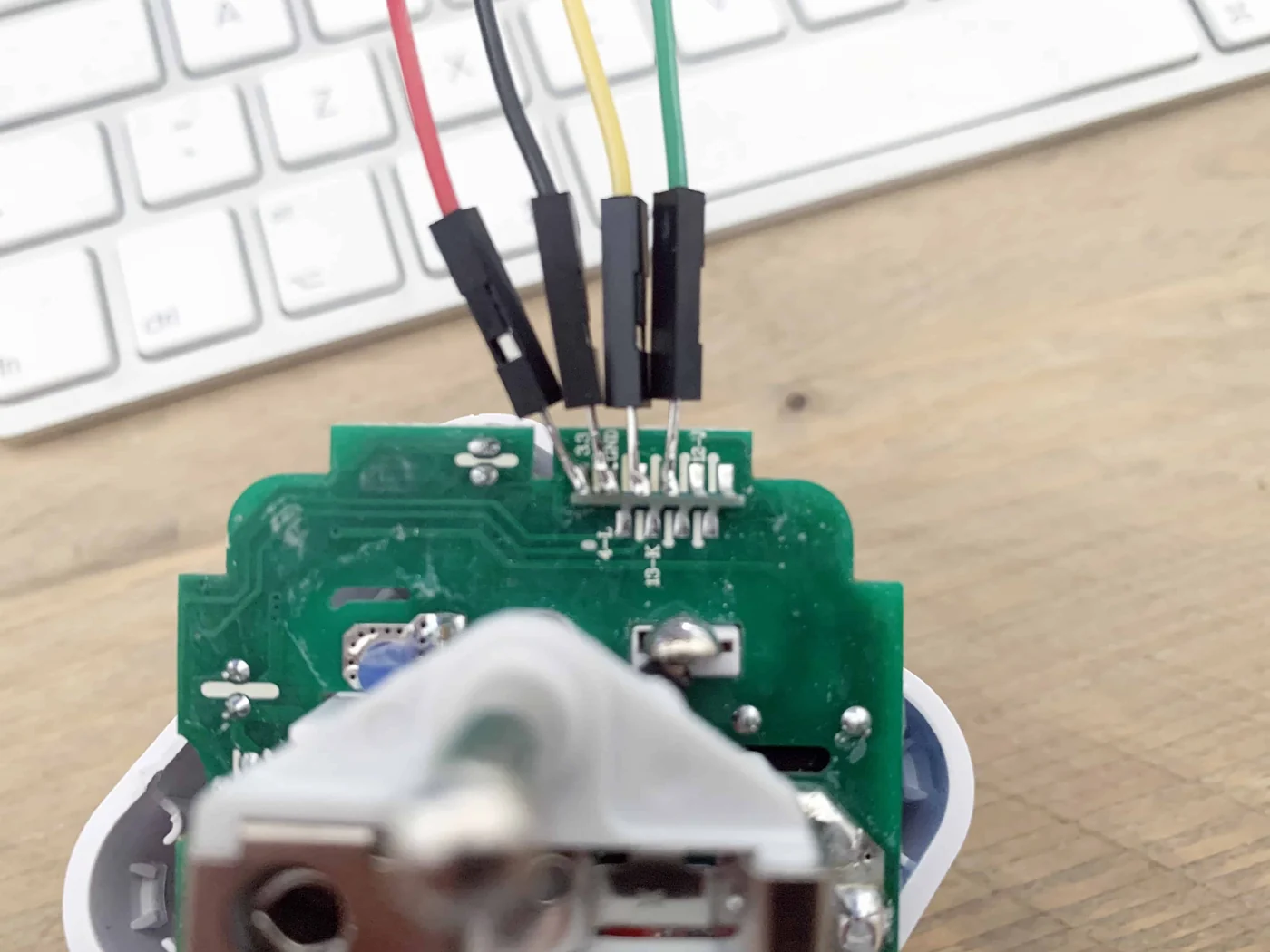
Flashing goes over the serial pins of the module with an FTDI adapter set to 3.3 V. The photos show wires soldered to the pads. Connect the module like this:
| TYWE2S pad | FTDI adapter |
|---|---|
| 3V3 | VCC (jumper on 3.3 V) |
| GND | GND |
| RX | TXD |
| TX | RXD |
| IO0 | GND, only while flashing |
RX and TX cross over: the RX pad of the module goes to the transmit pin of the adapter. Connecting IO0 to GND puts the module in flash mode. Do not use the 5 V setting of the adapter, the module runs on 3.3 V.

Flash and install
Flash the bootloader files with esptool, with IO0 connected to GND:
esptool.py -p /dev/cu.usbserial-XXXX --baud 115200 write_flash -fs 1MB -fm dout -ff 40m 0x0 rboot.bin 0x1000 blank_config.bin 0x2000 otaboot.binReplace the port with the one of your adapter. esptool reports the chip as an ESP8285, writes the three files and resets the module. The files are the ones of Life Cycle Manager 2, which sets up the WiFi and installs the firmware over the air. Remove the wire from IO0 to GND, then join the LCM- WiFi network that the plug creates. The full steps, from installing esptool to pairing, are in ESP8266 HomeKit Blinds.
In the portal, use these values:
| Field | Value |
|---|---|
| OTA repository | AchimPieters/ESP8285-Power-Plug |
| OTA binary file | main.bin |
When the installation is done, scan the QR code the device generates in the Home app to add the plug.
Firmware releases
| Version | Date | Stage |
|---|---|---|
| 0.0.1 | 3 June 2020 | Pre-alpha |
| 0.0.6 | 3 June 2020 | Alpha |
| 0.0.8 | 18 June 2020 | Beta |
| 1.0.0 | 18 June 2020 | Release candidate |
| 2.0.0 | 19 June 2020 | Release to manufacturing |
| 3.7.0 | 17 January 2021 | Latest release |
Every release has a main.bin of about 434 KB and a signature file, main.bin.sig. The table shows a selection of the versions. All releases are on the releases page of the repository.
Good to know
- The HomeKit Accessory Protocol specification the firmware follows is the non-commercial version, for accessories you build yourself and do not distribute or sell.
- The repository is under the MIT licence. It holds the releases and the photos, without source code.
- Why open firmware is better than the cloud app is in Why You (Should or Shouldn’t) Buy a Smart Plug from Action.
The project is in the ESP8285-Power-Plug repository on GitHub.
Related
 HomeKit
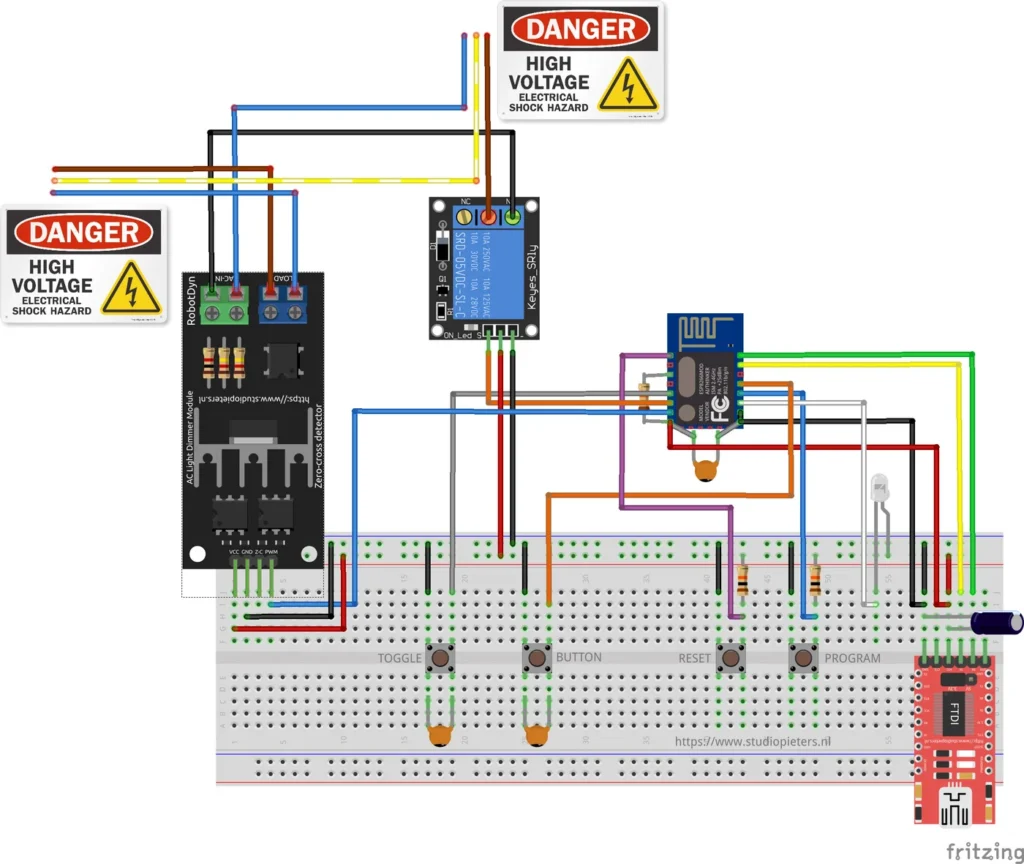
ESP8266 HomeKit Light Dimmer with a TRIAC Module
A test setup that dims a mains lamp with an ESP8266 and a RobotDyn TRIAC dimmer module, and why it was hard to use in practice.
Read more
HomeKit
ESP8266 HomeKit Light Dimmer with a TRIAC Module
A test setup that dims a mains lamp with an ESP8266 and a RobotDyn TRIAC dimmer module, and why it was hard to use in practice.
Read more
 HomeKit
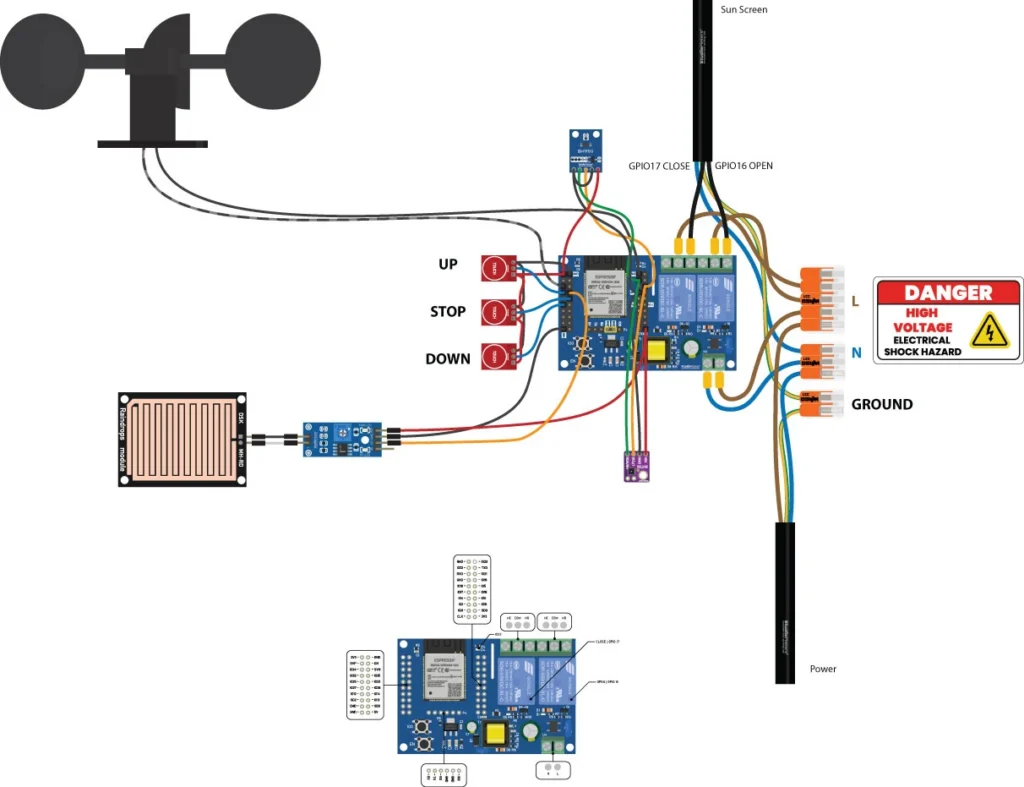
ESP32 HomeKit Sunshade with Calibration and Weather Protection
A HomeKit Window Covering accessory for the ESP32 that replaces an up, down and stop switch, with touch buttons, calibration, power-loss recovery and optional wind, rain and light protection.
Read more
HomeKit
ESP32 HomeKit Sunshade with Calibration and Weather Protection
A HomeKit Window Covering accessory for the ESP32 that replaces an up, down and stop switch, with touch buttons, calibration, power-loss recovery and optional wind, rain and light protection.
Read more
 HomeKit
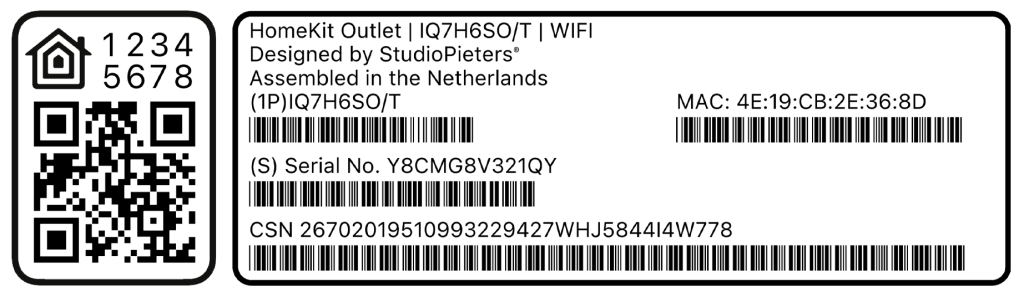
Guide to ESP32 HomeKit QR Codes
An elegant tool to generate a full HomeKit pairing label, complete with a scannable QR code, setup code, MAC address and barcoded serials, so provisioning an ESP32 HomeKit accessory looks as polished as a real Apple-certified product.
Read more
HomeKit
Guide to ESP32 HomeKit QR Codes
An elegant tool to generate a full HomeKit pairing label, complete with a scannable QR code, setup code, MAC address and barcoded serials, so provisioning an ESP32 HomeKit accessory looks as polished as a real Apple-certified product.
Read more
More HomeKit
Keep building.
Switches, sensors, plugs and blinds: more accessories that you build yourself and add to the Home app.
All HomeKit